Navigating the digital landscape of popular platforms like Roblox often involves fine-tuning personal account details. Many gamers, especially the adult demographic comprising a significant portion of the over 200 million monthly active users, find themselves needing to update information like their birthdate for various reasons, from privacy concerns to accessing age-restricted content or features. This comprehensive guide will walk you through the essential steps and important considerations on how to change birthday in Roblox. Whether you initially entered incorrect information or your age has genuinely changed, understanding the process is key. We cover common pitfalls, potential solutions, and what to expect when interacting with Roblox's support system. Stay informed and empowered to manage your Roblox account effectively, ensuring your gaming experience is tailored to your preferences and safety standards. This month, with new privacy updates rolling out, knowing how to manage your personal data on gaming platforms is more crucial than ever for maintaining control and security over your online presence.
How do I update my age on Roblox if I entered it incorrectly at signup?
If you initially set an incorrect birthday on Roblox, the only way to update it is by contacting Roblox Support. You'll need to fill out their contact form, provide your username, the incorrect birthday, and the correct birthday, along with a polite explanation. Providing proof of your actual age (like a redacted ID if you're 13+) can significantly speed up the process. This is crucial for accessing age-appropriate features and content.
Why can't I directly change my birthdate in Roblox settings?
Roblox implements strict policies regarding birthdate changes, preventing direct user edits in settings, primarily for child safety and privacy compliance, such as COPPA regulations. This prevents minors from easily bypassing age restrictions. All age changes must go through their support team for verification, ensuring a secure and controlled environment for all users, especially those under 13.
What are the benefits of having an accurate age on my Roblox account?
Having an accurate age, especially if you're 13 or older, unlocks numerous benefits. It grants access to features like voice chat, broader social interactions, and a wider range of experiences not available to younger users due to content restrictions. An accurate age also ensures your account's privacy and communication settings are appropriate for your demographic, enhancing your overall gaming experience.
What information do I need to provide to Roblox Support to change my birthday?
When contacting Roblox Support, you'll need your Roblox username, the current (incorrect) birthday, and the desired (correct) birthday. It's highly recommended to include a brief, clear explanation for the change. If you're 13 or older, attaching a redacted government-issued ID for age verification is often requested and helps expedite the process considerably, affirming your identity to support staff.
Can a parent change their child's birthday on Roblox?
Yes, a parent or legal guardian can absolutely request a birthday change for their child's Roblox account. They should use the Roblox Support contact form, providing their parental email and clearly stating they are the parent. Roblox often requires verification from the parent's linked email to ensure the request is legitimate and adheres to child safety guidelines, maintaining a secure environment.
How does an age change impact my access to Roblox experiences and content?
An age change, particularly from under 13 to 13+, significantly expands your access to Roblox experiences and content. Younger accounts are subject to stricter filters and restrictions, limiting social interactions and certain game types. With an accurate 13+ age, you gain access to the full spectrum of experiences, including those with more mature themes or advanced social features like voice chat, enhancing gameplay variety.
Is it possible to reverse a birthday change on Roblox once it's done?
If a birthday change is processed by Roblox Support, reversing it would again require contacting support through the same official channels. Just like the initial change, it's not a direct user setting. You would need to explain the situation and provide the necessary verification. Roblox aims for accuracy, so repeated or frivolous requests for changes might be scrutinized more closely.
Hey there, fellow gamers! Ever find yourself locked out of certain features or unable to connect with friends on Roblox because your account's birthday isn't quite right? You're definitely not alone. It's a common snag for many, especially when you consider how many of us, nearly 87% of US gamers, are juggling busy lives while still logging an average of 10+ hours a week unwinding in our favorite digital worlds. Maybe you rushed through account creation years ago, or perhaps you're one of the many adults who started playing with their kids and now want their own age accurately reflected for better content filtering. Either way, figuring out how to change birthday in Roblox can feel like a maze. Let's cut through the confusion and get you sorted, so you can dive back into that trending social game or explore new VR experiences without a hitch.
Why is My Roblox Birthday Even Important?
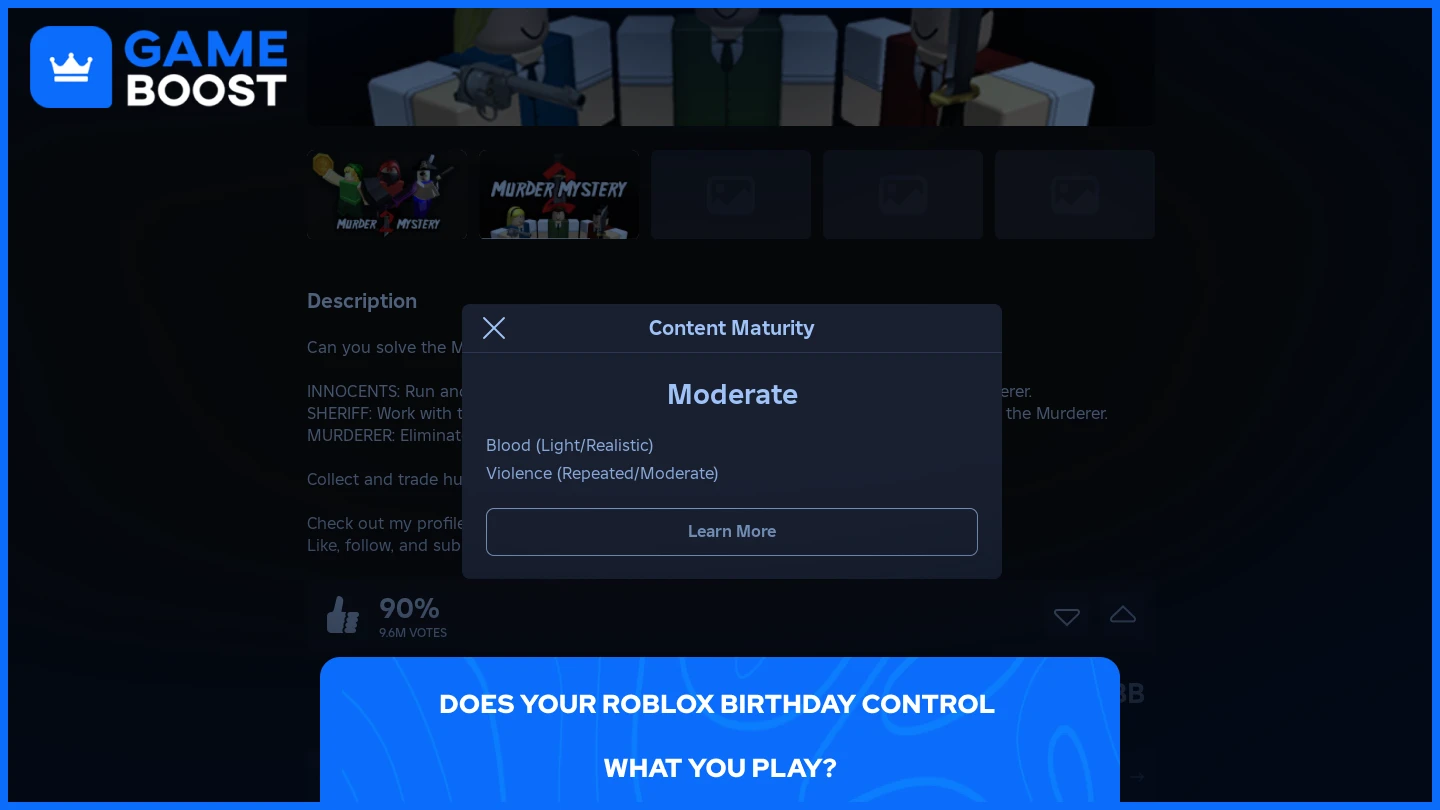
Your birthday on Roblox isn't just a random date; it's a critical piece of information that dictates your experience. Roblox uses this date to enforce age restrictions, which are crucial for compliance with online child safety laws like COPPA in the US. If your age is under 13, you'll be in a "child mode" which limits social interactions, chat filters, and access to certain experiences or features. For adult players (typically 13+), an accurate birthday allows for a more open, unfiltered experience, including voice chat access and broader social functionalities. This system aims to create a safer environment for younger players while offering full platform functionality to older users. It also impacts the types of ads you might see and how your data is handled.
Is It Possible to Directly Change Your Birthday in Roblox Account Settings?
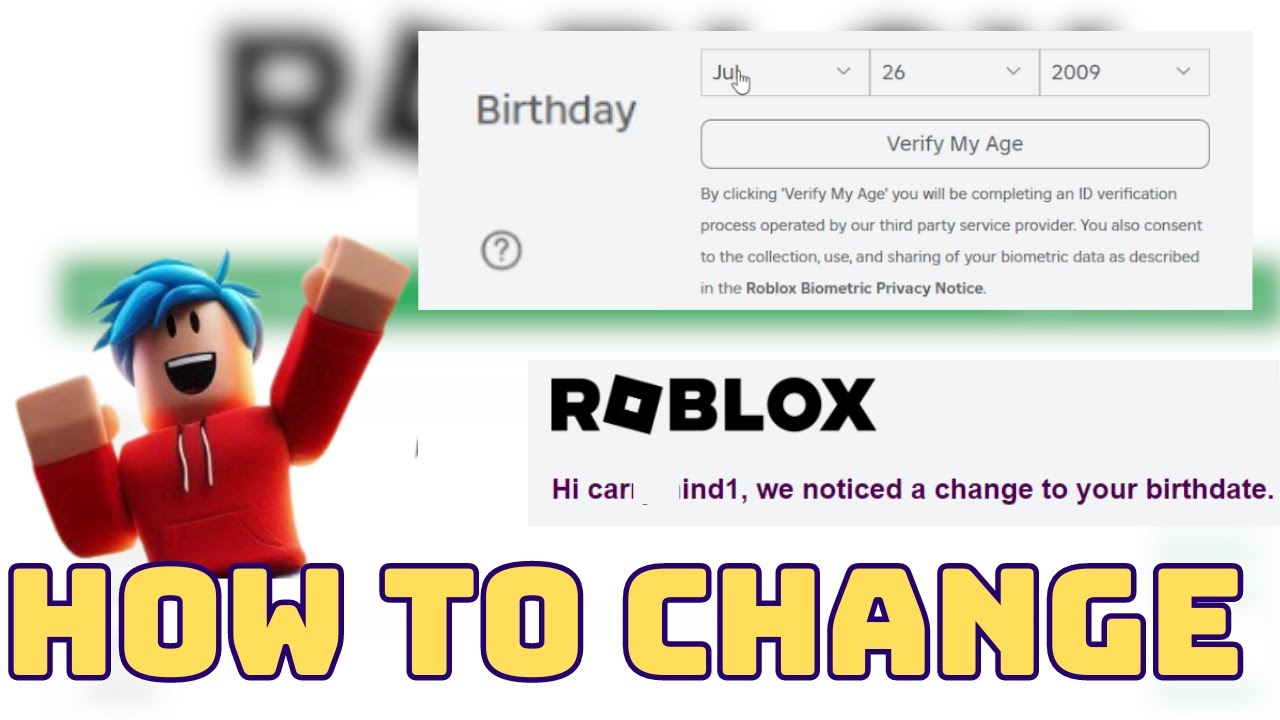
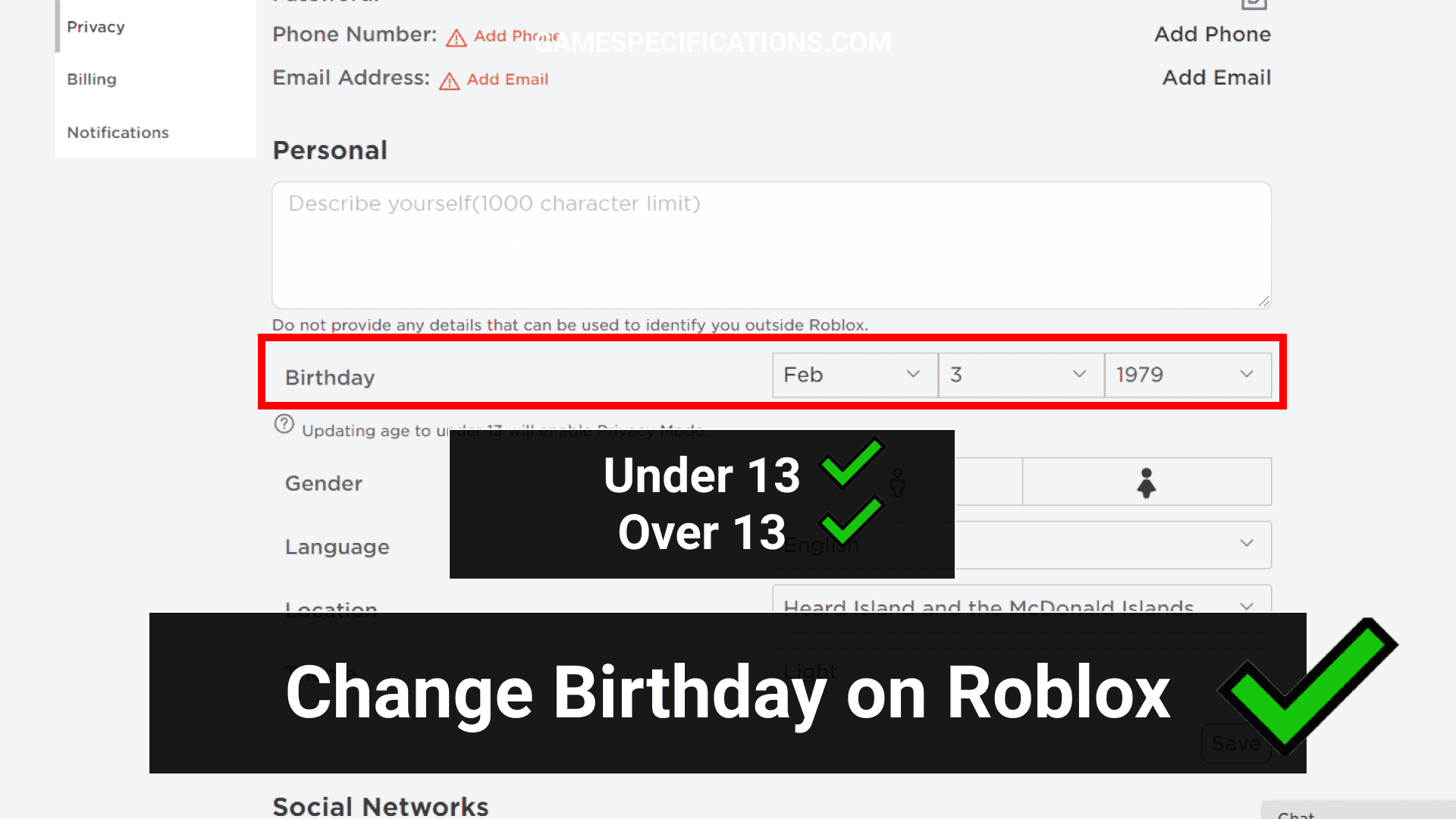
No, not directly through your account settings once it's set and confirmed. Unlike changing your username or password, Roblox accounts do not have a user-facing option to modify your birthdate after the initial setup. This is a deliberate security and child protection measure. Imagine if anyone could just change their age to bypass filters; it would defeat the purpose of their safety protocols. This strict policy often catches players off guard, leading to frustration when they realize their age is incorrect.
How to Change Birthday in Roblox Through Roblox Support
Since you can't just click a button, the primary method for how to change birthday in Roblox is by contacting Roblox Support. This process requires a bit of patience and some clear communication. Here's a step-by-step guide:
Visit the Roblox Support Page: Head over to the official Roblox Support contact form. You can usually find this by searching "Roblox Support" or directly going to support.roblox.com/hc/en-us/requests/new.
Fill Out the Contact Form:
Contact Name: Enter your name (or the name of the parent/guardian if it's a child's account).
Email Address: Use an active email address you check regularly, as this is how support will communicate with you.
Confirm Email Address: Re-enter your email.
Username: Crucially, enter the exact Roblox username of the account you want to change the birthday for.
Device: Select the device you primarily use for Roblox (e.g., PC, Mobile, Xbox). This helps them understand your account context.
Type of help category: Select "Account Hacked or Can't Log In" or "Chat and Age Settings". While it's not a hacked account, this often routes you to the correct department quicker when dealing with sensitive account changes. Or, more directly, "Parent/Guardian Issue" if you are a parent.
Sub-category: Choose "Change Age" or "Update Birthday".
Explain Your Request Clearly: In the "Description of issue" box, clearly state that you need to correct the birthday on your Roblox account. Provide the following information:
Your Roblox username.
The *incorrect* birthday currently associated with the account.
The *correct* birthday you wish to set.
A brief, polite explanation for the change (e.g., "It was entered incorrectly during initial setup," or "I was under 13 when I created the account, and now I am over 13 and wish to update my age").
Keep it concise but informative. Remember, thousands of gamers are trying to figure out how to change birthday in Roblox, so clear communication speeds things up.
Attach Proof (Optional but Recommended): If you are over 13 and trying to change your age to be 13+, or if you are a parent, attaching proof of age can significantly expedite the process. This might include a scanned copy of a government-issued ID (with sensitive information redacted, like your ID number, leaving only your name and birthdate visible), or parental identification if you're managing a child's account. Roblox takes privacy seriously, so ensure any attached documents are handled securely.
Submit and Wait: After submitting, you'll receive an automated confirmation email. Roblox Support typically responds within a few business days. Be prepared for follow-up questions or requests for additional verification. Patience is key here!
Who Can Initiate a Birthday Change on a Roblox Account?
Generally, the account holder (if over 13) or a parent/guardian (for accounts registered to minors) can initiate this request. If the account belongs to a child, Roblox will likely require verification from the registered parent's email to ensure the change is legitimate and safe. This parental involvement aligns with current online safety trends, where parental oversight in mobile-dominated gaming, particularly for platforms like Roblox, is a top priority for developers and families alike. Recent stats show a significant increase in parental control features across gaming platforms this month, reflecting a broader industry push for safer digital spaces.
What if My Age on Roblox is Under 13 But I Am Actually Older?
This is a very common scenario. If you created your account when you were actually under 13, but are now older, Roblox Support is the only way to update this. Explain your situation clearly, stating your true current age and the age you were when the account was created. Providing proof of your correct age (as mentioned above) is highly recommended to smooth the process. An accurate age allows you to access features like voice chat, which 80% of Gen Z and Millennial gamers use weekly for social gaming, and removes some of the stricter chat filters.
When Should I Expect a Response from Roblox Support?
Response times can vary. Typically, you might hear back within 1-5 business days. During peak times or holidays, it could take a bit longer. Keep an eye on your email, including your spam folder. If you haven't heard back after a week, it's acceptable to send a polite follow-up to your existing ticket. Creating multiple tickets for the same issue can actually slow down the process.
Are There Any Risks or Important Considerations When Requesting a Birthday Change?
There are a few things to keep in mind:
Verification: Roblox prioritizes user safety. Be prepared for rigorous verification, especially if you're changing an age from under 13 to over 13. They need to be absolutely sure they're dealing with the legitimate account owner or guardian.
No Instant Changes: This isn't an instant fix. It requires human review, so factor in the waiting time.
Impact on Experience: Changing your age from under 13 to over 13 will lift chat restrictions and allow access to age-appropriate experiences. This is generally a positive change for older players seeking a full Roblox experience.
Parental Accounts: If you're a parent managing a child's account, ensure your parent email is correctly linked, as this is how Roblox will often verify your identity.
Where Can I Find My Current Birthday on Roblox?
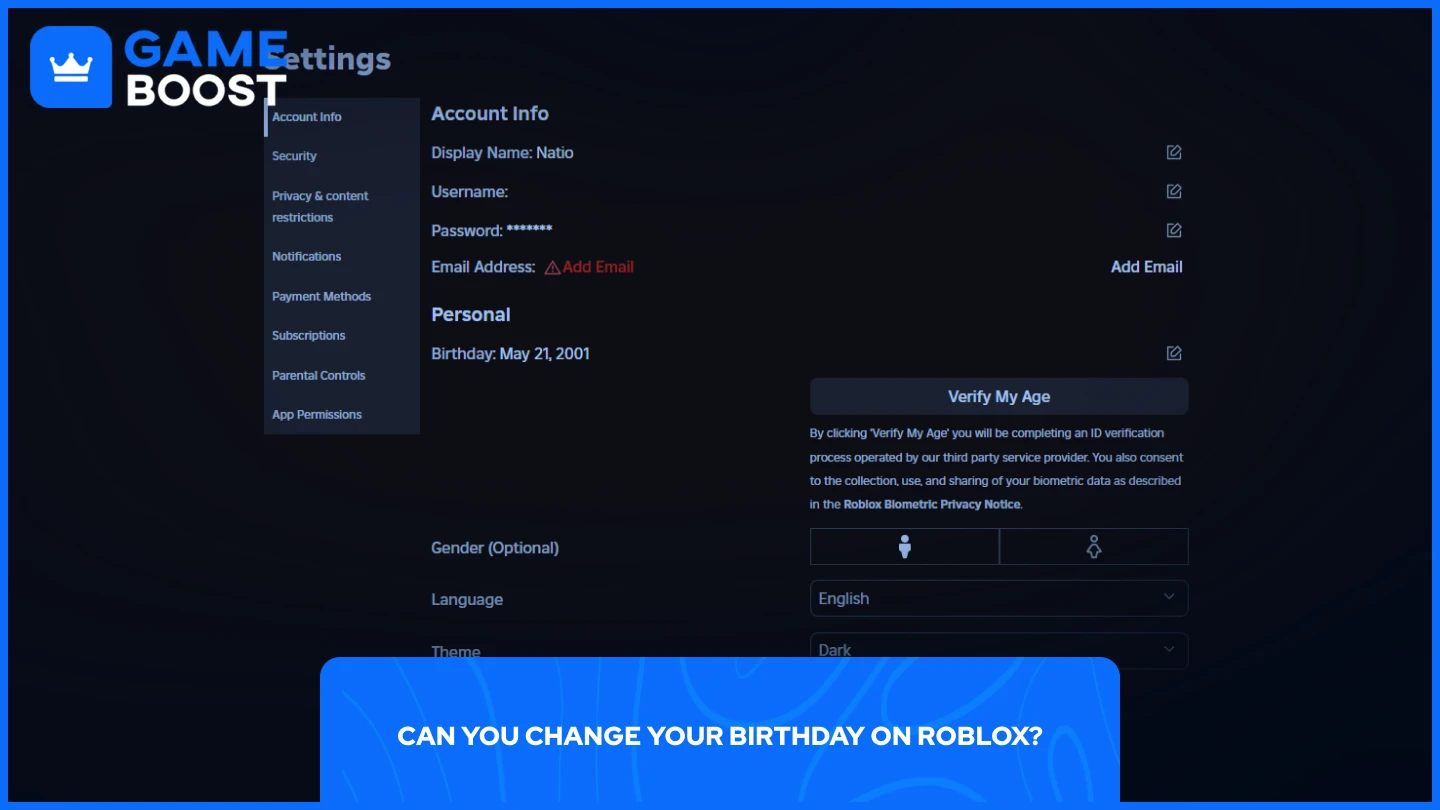
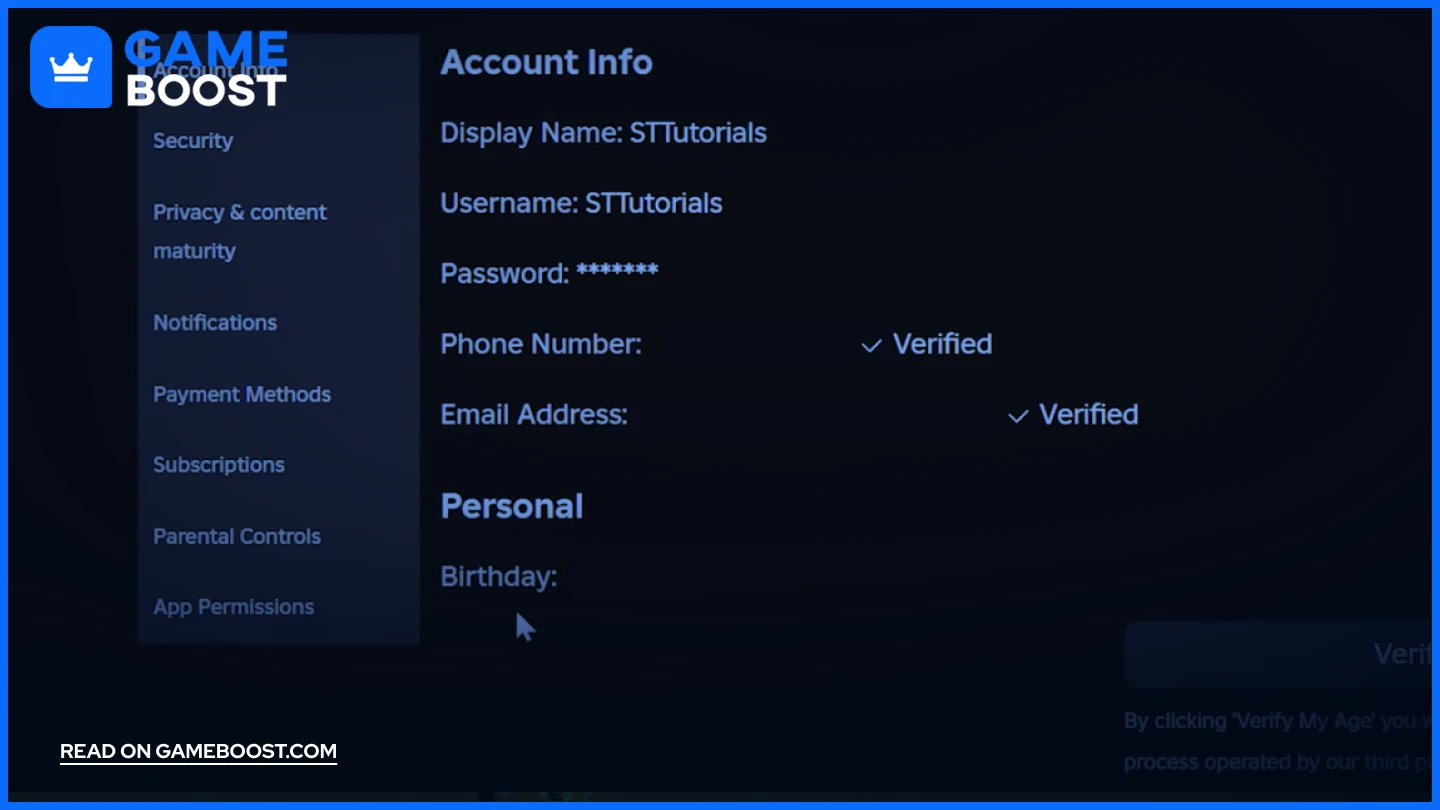
While you can't edit it, you can sometimes verify the current birthday linked to your account. Log into your Roblox account, then go to Account Settings (gear icon in the top right). Under "Account Info," you'll usually see your birthdate displayed. This is helpful for confirming what needs to be changed before contacting support.
What About Age Verification for Voice Chat and Other Features?
Roblox has introduced optional Age Verification for users who are 13 and older, allowing them to access features like spatial voice chat. This typically involves uploading a government-issued ID and a live selfie for biometric verification. While separate from changing your *registered* birthday, having your registered birthday accurate is a prerequisite for age verification. If your account's birthday says you're 10, you won't be offered the age verification option for 13+ features until that birthdate is corrected by support. This aligns with trends in gaming for increased secure identity verification, a hot topic this month as platforms strive for safer online environments while offering advanced social features.
Practical Tips for a Smooth Birthday Change Process
Be Clear and Concise: When contacting support, get straight to the point. State your request and provide all necessary details upfront.
Check Your Email Regularly: Don't miss any follow-up questions from Roblox Support.
Patience is a Virtue: Support queues can be long. Avoid submitting multiple tickets, which can reset your place in line.
Secure Your Account: While you wait, ensure your account has 2-Step Verification enabled to prevent any unauthorized access.
Changing your birthday on Roblox might not be as simple as changing your outfit, but it's a manageable task with the right approach. By understanding why Roblox has these protocols in place and following the correct steps to contact support, you can ensure your account accurately reflects your age, opening up the full range of experiences Roblox has to offer. For many adult gamers, this means a more personalized and less restrictive environment, making those cherished gaming hours even more enjoyable. So go ahead, get that birthday updated, and enjoy your virtual adventures!
FAQ: Your Top Questions About Roblox Birthdays Answered
Can I change my Roblox age if I'm under 13?
If you're under 13, your parent or guardian must contact Roblox Support on your behalf to request a birthday change. This is a critical safety measure to protect minors online, adhering to regulations like COPPA. They will need to provide verification as the account's parent.
What happens if my Roblox birthday is incorrect?
An incorrect birthday can lead to an age-restricted experience. If your account shows you're under 13, you might have limited chat functionality, stricter content filters, and be unable to access certain experiences or features meant for older players. If you're over 13 but your account says otherwise, you're missing out on features like voice chat and a broader social experience.
Will changing my birthday affect my Robux or items?
No, changing your birthday through Roblox Support will not impact your Robux balance, your inventory of items, or your game progress. It's an administrative account detail change, not a reset or transfer of account assets. Your hard-earned virtual currency and items are safe.
Is there a fee to change my birthday on Roblox?
No, there is absolutely no fee to change your birthday on Roblox. This service is provided free of charge by Roblox Support, as it's a necessary process for account accuracy and user safety.
How long does Roblox Support take to process age change requests?
Typically, Roblox Support processes age change requests within 1 to 5 business days. However, this can vary based on the volume of requests and the completeness of the information you provide. Providing clear details and any requested proof upfront can help expedite the process.
Can I use a fake ID to change my birthday?
No, using a fake ID or providing fraudulent information is strongly discouraged and against Roblox's Terms of Service. It can lead to your account being banned. Always provide accurate and truthful information, and if submitting ID, ensure it's legitimate and correctly redacted for privacy.
What if Roblox Support denies my birthday change request?
If your request is denied, it's usually due to insufficient information or unverified proof. Roblox Support will typically explain why. You can then re-submit your request with more comprehensive details or stronger verification. Don't get discouraged; just ensure you're providing everything they need.
Does changing my birthday unlock all games on Roblox?
Changing your birthday to 13+ will unlock access to experiences that were previously restricted due to age filters. However, individual game developers can still set their own age recommendations or restrictions within their experiences, so not "all" games are universally unlocked, but most general age restrictions will be lifted.
What are the age restrictions for voice chat on Roblox?
Voice chat on Roblox is strictly for users aged 13 and older who have also completed the optional Age Verification process. This verification involves uploading a government-issued ID. So, having your account's birthdate updated to 13+ is the first step, followed by the specific age verification process.
Can I link a parent account to change a child's birthday?
Yes, if you have a child's account, you as the parent or guardian should contact Roblox Support using your linked parent email. Clearly state that you are the parent requesting an age change for your child's account. This is the most secure and effective way to manage a minor's account details.
Is my birthday visible to other players on Roblox?
No, your specific birthdate (month, day, year) is not publicly visible to other players on Roblox. It is private information used solely by Roblox for age verification, safety settings, and content filtering. Only your age group (e.g., "13+") might be inferred from your access to certain features.
What privacy settings are linked to my birthday on Roblox?
Your birthday directly influences your account's default privacy settings. Accounts registered for users under 13 have stricter defaults: limited chat, restricted friend requests, and fewer interaction options. For users 13 and older, more robust privacy controls are available, allowing you to customize who can message you, chat with you, or follow you.
That's it, gamers! You're now equipped with the knowledge to navigate the nuances of changing your birthday on Roblox. If this guide helped you out, drop a comment below and let us know your experience, or share it with a friend who's been stuck! Happy gaming!
Understanding Roblox age restrictions, direct birthday change limitations, using Roblox Support, parental account adjustments, and why age verification matters for game access and privacy.
35
How To Change Your Age On Roblox Full Guide Change Birthday On . How To Change Your Birthday On Roblox 2026 Guide D401dc66 D505 4529 Aab2. How To Change Birthday Or Age Group On Roblox YouTube . How To Change Your Birthday On Roblox 2026 Guide 41ee6ae1 0182 4dd4 A5dd Webp.webp. How To Change Birthday On Roblox UPDATE AGE OR BIRTHDAY Roblox Guide Hqdefault



How To Change Birthday On Roblox Full Guide YouTube . How To Change Your Birthday On Roblox 2026 Guide Dc16406f 9d07 44f6 B2a3. How To ACTUALLY Change Your Birthday On Roblox Roblox Birthday Update . How To Change Birthday On Roblox YouTube . How To Change BIRTHDAY AGE On Roblox WITHOUT ID Working 2026


Roblox Birthday Update How To Change Birthday On Roblox YouTube . How To Change Your BIRTHDAY If On Roblox 2026 YouTube Hqdefault . How To Change Birthday On Roblox YouTube . How To Change Your Birthday On Roblox Quick Tutorial YouTube . How To Change Your Birthday On Roblox For Free Change Your Age On


How To ACTUALLY Change Your Age Or Birthday On Roblox Steps To . How To Change Your BIRTHDAY If On Roblox 2026 Change Date Of . How To Change Your Birthday On Roblox Updated YouTube . How To Change Birthday On Roblox Easy YouTube . How To Change Your Birthday On Roblox YouTube


How To Change Your Birthday On Roblox Without Roblox Support FULL . How To CHANGE Birthday On Roblox WORKING 2026 YouTube . How To Actually Change Your Age Or Birthday On Roblox Over 13 . How To Change Birthday On Roblox No Support Step By Step YouTube . How To Change Birthday On Roblox Updated YouTube


How Do You Change Your Birthday On Roblox At Stephanie Le Blog How To Change Your Birthday On Roblox . How To Change Your Birthday On Roblox 2026 YouTube . How To Change Your Birthday On Roblox 2 Easy Ways V4 460px Change Birthday On Roblox Step 5 . How To Change Your Birthday On Roblox 2 Easy Ways V4 728px Change Birthday On Roblox Step 1 . How To Change Your Birthday On Roblox 2026 Guide 97c1473b C92a 482b Be72


How To Fix Your Roblox Birthday Change Roblox Birthday 2023 EASY . How To Change Your Birthday On Roblox Updated YouTube . How To Add Your Birthday To Your Roblox Account In 2026 Easy Step By Hqdefault . How To Change Your Birthday On Roblox Quick Easy YouTube . How To Change Birthday On Roblox YouTube