Learn exactly how to add game to roblox group with our comprehensive guide designed for creators and developers. Moving your experiences to a group allows for better revenue management, team collaboration, and a professional brand presence on the platform. Whether you are using the Roblox Creator Dashboard or the classic website settings, we cover every detail from permissions to publishing. Discover why top developers prefer group games for scaling their projects and how to navigate the common hurdles like ownership transfers and Team Create settings. This guide is updated for the latest Roblox UI changes to ensure you stay ahead in the game development world. Understand the nuances of permission levels to ensure your team has the right access without compromising security. We explore everything from initial setup to final monetization strategies for your group assets.
Most Asked Questions about how to add game to roblox group with answered Tips and Tricks
How do I publish a game to a Roblox group?
To publish a game to a group you must open your project in Roblox Studio and select File followed by Publish to Roblox As. In the window that appears look for the dropdown menu at the top left and select your group name. Choose an existing game slot or create a new one to finalize the process. This ensures all revenue and ownership are correctly assigned to the group entity rather than your personal profile.
Why can I not see my group in the publishing list?
If your group is missing from the list you likely do not have the Create and edit group games permission assigned to your role. Ask the group owner to navigate to the group configuration page and update your rank permissions. Once this is toggled on you will need to restart Roblox Studio for the changes to take effect and show the group in your dropdown menu.
Can I transfer a personal game to a group directly?
There is no direct transfer button but you can easily move it by saving the game to your computer as a .rbxl file. Open that local file in Roblox Studio and use the Publish to Roblox As feature to select your group. This creates a copy of your game under the group ownership which allows for team collaboration and shared group revenue management features.
How do I enable friends to edit my group game?
You must turn on the Team Create feature which is found under the View tab in Roblox Studio. Once enabled you can manage collaborators via the Game Settings menu in the permissions section. You can add specific users or allow entire group ranks to have editing access which is perfect for larger development teams working on complex projects together.
Where does the money go for group game passes?
All Robux earned from group games and their associated game passes go directly into the group vault instead of your personal balance. You can view these funds by going to the group configuration page and selecting the Revenue tab. From there you can choose to keep the funds in the group or distribute them to members via one-time or recurring payouts.
Humanized Summarize: How to Add Game to Roblox Group
Adding a game to a Roblox group is a game-changer for anyone looking to grow from a solo creator into a professional studio. It essentially moves your project into a shared space where you can manage a team, split earnings automatically, and build a brand that people recognize. Think of it like moving your workshop from your garage into a professional studio building where everyone has their own key and the profits are shared fairly. It keeps things organized and secure while giving you access to powerful tools like Team Create for live collaboration.
I personally find that using groups takes a lot of the stress out of the business side of game development. Instead of worrying about manual payments or who has the latest version of a script, the group handles the heavy lifting for you. It is a simple process of saving your work and publishing it to the right slot, but the long-term benefits for your community and your peace of mind are huge. Once you get the hang of the permissions, you will never want to go back to solo publishing again because the scalability is just too good to pass up. It really is the best way to turn a fun hobby into something much bigger and more rewarding.
You have been working on your dream project for weeks and finally feel ready to share it with the world. One question often pops up for rising developers: how to add game to roblox group to ensure my team gets paid? I remember the first time I tried to move a personal project to a group. It felt like I was navigating a maze of old menus and new dashboard updates. Today we are going to clear the fog and get your game published properly. Transitioning to a group is a major milestone for any serious developer looking to scale. It moves your game from a solo hobby to a collaborative business venture with shared resources. Groups allow for professional branding and easier management of community members who want to support your creative vision.
The Core Benefits of Group Game Ownership
Why should you even bother with group games instead of keeping everything on your personal profile for now? Group games offer a unique way to manage revenue splits automatically without manual monthly math for your contributors. You can assign specific roles like builder or scripter with tailored access to the game files in Studio. This security layer prevents unauthorized people from stealing your hard-earned code or 3D assets while you sleep. Most successful games on the platform utilize groups to build a recognizable studio name that players trust instantly. It also helps with marketing because the group acts as a central hub for all your future sequels.
How to Publish Directly from Roblox Studio
Open your game file in Roblox Studio and navigate to the top left corner to find the file menu. Click on the option that says publish to roblox as to bring up the main publishing window screen. Instead of choosing your own name in the creator dropdown, select the specific group from the list provided. Give your game a catchy name and a descriptive summary that will grab the attention of potential players. Make sure you have the permissions to create games in that group or the option will not appear. Once you hit publish the game will officially reside in the group creations tab for everyone to see. This method is the fastest way to get your content live and linked to your organizational profile.
Managing Permissions and Team Create
After your game is live you need to ensure your friends can actually help you work on the project. Head over to the Roblox Creator Dashboard and select your group to see the list of existing games. Click on the game settings and look for the permissions tab to manage who can edit the experience. You must enable team create inside Roblox Studio if you want multiple people working on scripts at once. This live collaboration feature allows your team to see changes in real time which speeds up development cycles. Always remember to save frequently and communicate with your team to avoid overwriting each other important work. Security is vital so only give edit permissions to people you truly trust with your game source code.
Beginner / Core Concepts
1. **Q:** How do I find the group publishing option in Roblox Studio?
**A:** I totally get why this is the first hurdle because the menus changed recently. When you go to File and then Publish to Roblox As, there is a tiny dropdown menu at the top of the popup. This menu defaults to your username but you can click it to see every group you own or have dev permissions in. Just select the right group and you are golden. It is a simple step but missing it keeps the game on your profile forever. You have got this!
2. **Q:** Can I move a game I already made to a group?
**A:** This is a classic question that many developers ask after they have already started a big project. You cannot technically just click a move button but you can save the file to your computer first. Then you open that file and use the publish to roblox as feature to put it into the group. It is like moving to a new house by packing your boxes and unpacking them somewhere else. It takes a few extra minutes but works perfectly every time. Give it a shot today!
3. **Q:** Why is my group not showing up in the creator list?
**A:** This one used to trip me up too when I was first starting out with groups. Usually this happens because your rank in the group does not have the create and edit group games permission. You need to ask the group owner to check the roles and ensure your rank has that box checked. If you are the owner make sure you are logged into the right account in Studio. Once the permission is fixed the group will pop up instantly. You are doing great so far!
4. **Q:** Is there a fee to add a game to a group?
**A:** I have some great news for you because creating games in a group is totally free of charge. You do need to spend 100 Robux to create the group itself if you have not done that yet. But once the group exists you can add as many games as you want without spending more. It is a fantastic way to organize your projects without breaking the bank at all. Go ahead and start building your empire now!
Intermediate / Practical & Production
5. **Q:** How do I set up revenue sharing for my group game team?
**A:** Managing money is where things get serious and groups make this incredibly easy for everyone involved. You go to the group configuration page and look for the revenue tab then select the payouts option. You can set recurring percentages for your team members so they get paid every time the group earns. It is a set it and forget it system that keeps your developers happy and motivated to work. Just make sure the group has enough funds in its bank to cover the distribution. You will love how automated it feels!
6. **Q:** What is the best way to let my friends edit the game with me?
**A:** Team Create is your best friend when it comes to collaborative building on the Roblox platform today. You turn it on by going to the View tab in Studio and clicking the Team Create button. From there you invite your group members by their username or their group rank for easier management. This allows you to see their avatars flying around the workspace while they build or script live. It makes development feel like a fun social hangout instead of a lonely chore. Try it tomorrow and let me know how it goes!
7. **Q:** Can I change the game owner back to myself later?
**A:** This is a bit of a tricky situation because ownership is generally permanent once a game is published. You can always download the place file and publish it back to your personal profile if you need. However the group will still keep its version of the game unless you archive it or delete it. Most people stick with groups because the benefits for branding and growth are much higher than personal profiles. Think carefully about where you want your long term home to be. You have got this figured out!
8. **Q:** How do I update a group game that is already live?
**A:** Updating is just as simple as the first time you published the game to the group slot. You just open the group version of the place in Studio and make your awesome new changes. When you are done you hit the publish to roblox button and it overwrites the live version. Your players will see the updates the next time they join a new server in your game. It is a seamless process that keeps your content fresh and exciting for fans. Keep up the great work!
9. **Q:** How do I add game passes to a group game specifically?
**A:** Creating game passes for groups happens through the Creator Dashboard under the associated items tab for that game. Make sure you are viewing the group game and not a personal one before you start creating. All the Robux earned from these passes will go directly into the group funds for your project. This is how you build up that bank for payouts or advertising your game to others. It is the lifeblood of your game economy so treat it well. You are becoming a pro at this!
10. **Q:** Why do I see a permission error when trying to save to group?
**A:** This error usually means your session in Roblox Studio has timed out or your rank changed. I usually recommend logging out of Studio and logging back in to refresh all your group permissions. Sometimes the platform just needs a little nudge to realize you actually have the rights to save. If it persists check that the group has not reached its maximum game limit though that is rare. A quick restart usually fixes most of these weird little bugs. You will be back to building in no time!
Advanced / Research & Frontier
11. **Q:** How do I handle cross-game data stores within the same group?
**A:** This is a high-level move that allows you to share player stats across multiple different group experiences. You have to use the same Scope and DataStore name across your games to link them properly together. This is perfect for making a multi-game universe where items or levels carry over for your dedicated fans. It requires some careful scripting to ensure data does not get corrupted during the transition phases. It is a powerful way to keep players engaged across your entire group catalog. You are definitely ready for this challenge!
12. **Q:** Can I use Group API to automate game management tasks?
**A:** Absolutely you can use external tools to interact with the Roblox Group API for advanced automation features. Developers use this to sync ranks with Discord or even automate certain payout structures based on performance. It requires knowledge of web requests and some external hosting to keep the scripts running 24/7. This is how the big studios manage thousands of members without losing their minds every single day. It is a big step up but totally worth the effort for scaling. Explore the documentation and see what you can build!
13. **Q:** How do I protect group assets from being copied by rogue members?
**A:** This is a valid concern that keeps many lead developers up at night during big project launches. Use the package system in Studio to lock down certain scripts or assets so they cannot be easily modified. You should also audit your group roles frequently to ensure only the most trusted people have edit access. Keep your core logic on the server side so players cannot see it via local scripts or exploits. Security is a constant battle but being proactive is your best defense. You have got the skills to stay safe!
14. **Q:** What happens to games if I transfer group ownership to someone else?
**A:** When you transfer a group the new owner gains control over every game and asset inside that group. This is often how professional game sales happen between different developers or studios on the platform today. You lose your administrative rights unless the new owner decides to keep you in a high-ranking role. Make sure you have a legal agreement or a lot of trust before handing over the keys. It is a major transition that changes everything about how the group is run. Think it through carefully before you click that button!
15. **Q:** How do I optimize group game discovery via the Roblox algorithm?
**A:** Discovery is all about engagement metrics like play time and how often people return to your group. Encourage players to join the group for special in-game rewards like icons or extra starting cash. The more people who are in your group the more the algorithm sees your game as a community hub. Consistent updates and responding to feedback in the group wall also help boost your visibility significantly. It is a long game but building a loyal community is the best way to win. You are on the right track!
Quick Human-Friendly Cheat-Sheet for This Topic
- Always check your rank permissions before opening Studio to save time.
- Use Publish to Roblox As to move personal files into a group slot.
- Enable Team Create under the View tab for real-time collaboration with friends.
- Set up automated payouts in the Revenue tab to keep your team happy.
- Download backup files of your game frequently just in case something goes wrong.
- Create game passes through the Creator Dashboard to start earning group funds.
- Invite players to join your group for better long-term engagement and discovery.
Step by step publishing from Roblox Studio to group slots. Managing permissions in the Creator Dashboard. Enabling Team Create for collaborative group building. Understanding group revenue and automated payouts. Difference between personal and group game ownership.
35


How To Add Games To Roblox Group Full Guide YouTube . How To Add A Game To A Group In Roblox 2026 YouTube . How To Create A Group On Roblox 2026 Make Roblox Group YouTube . How To Add Game To Your Roblox Group Step By Step YouTube . How To Add A Game To Your Group Roblox 2025 YouTube


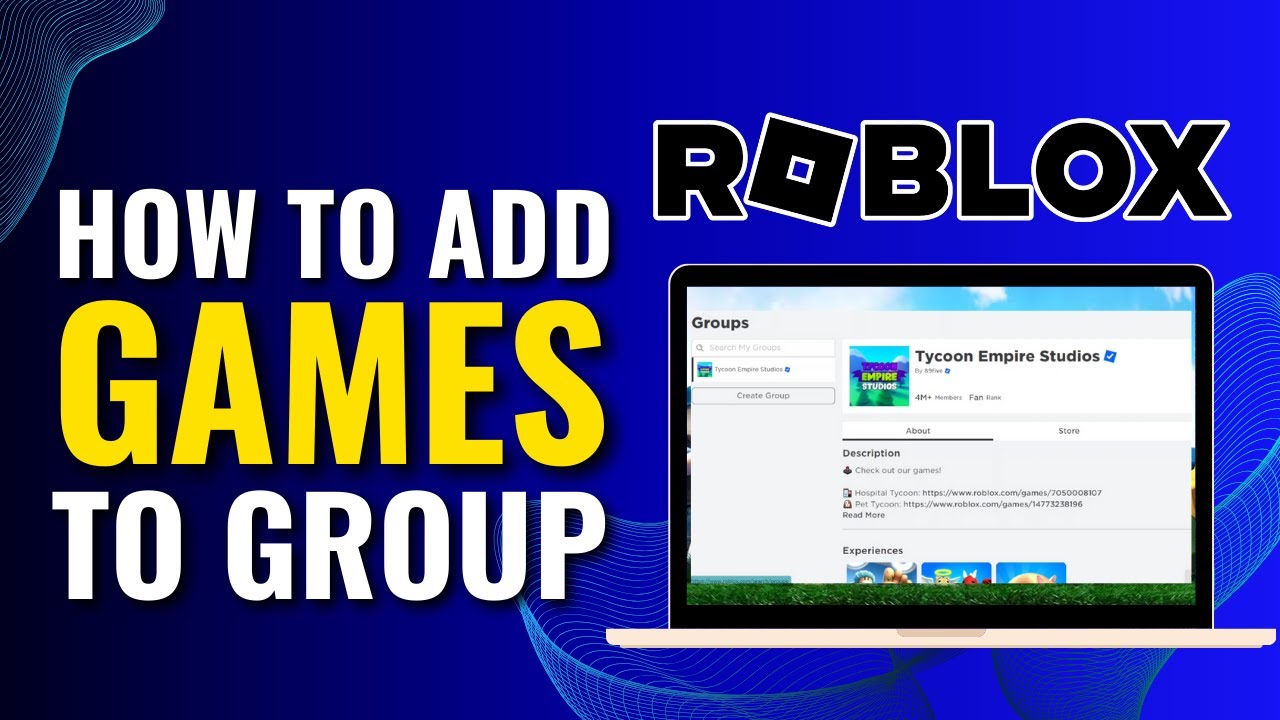
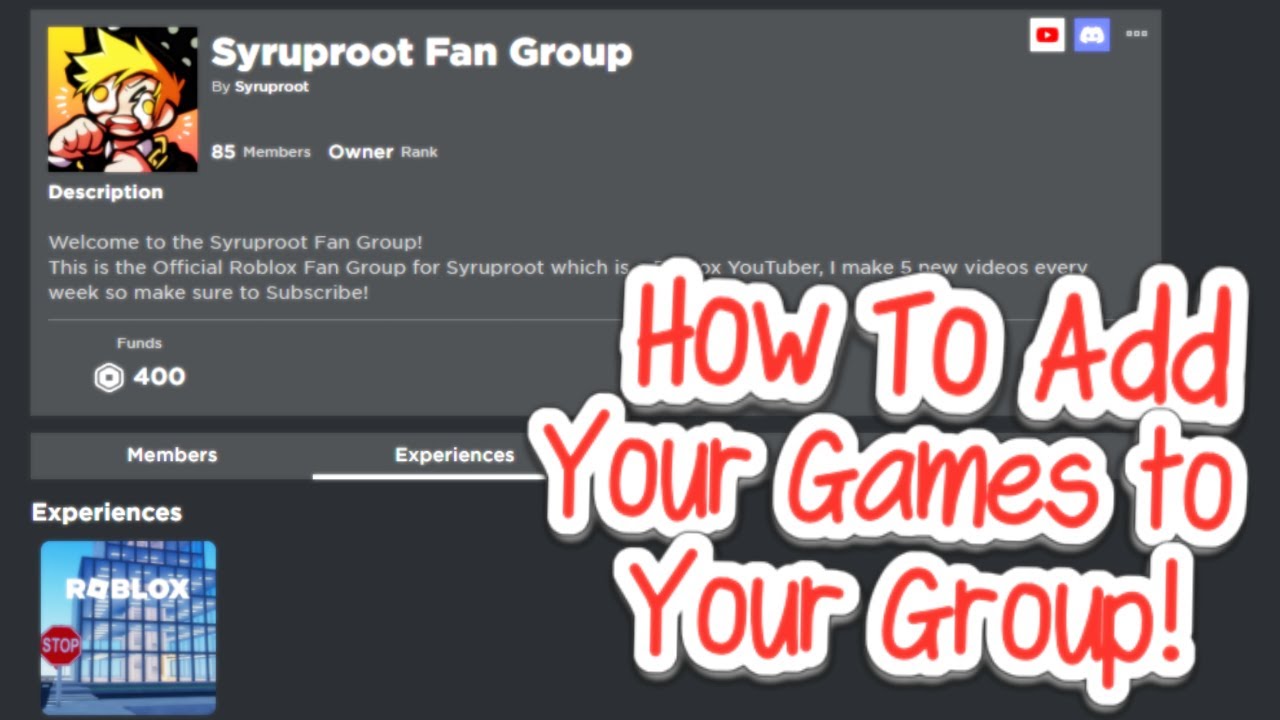

How To ADD A GAME To Your Roblox Group 2022 YouTube . How To Add Games To Your Roblox Group Full Guide YouTube . How To Add Games To Your Roblox Group 2024 YouTube . How To Add Games On Your Roblox Group 2025 YouTube . How To Add Games To Your Roblox Group YouTube


How To Make A Group On Roblox 9 Steps With Pictures Groups Teams . How To Add A Game To Your Group On Roblox Full Guide 2023 YouTube . How To Create A Group On Roblox 2026 Make Group On Roblox YouTube . How To Add Games To Your Roblox 2026 Roblox Tutorial YouTube . How To Make A Group On Roblox 9 Steps With Pictures Groups Teams 2 690x421

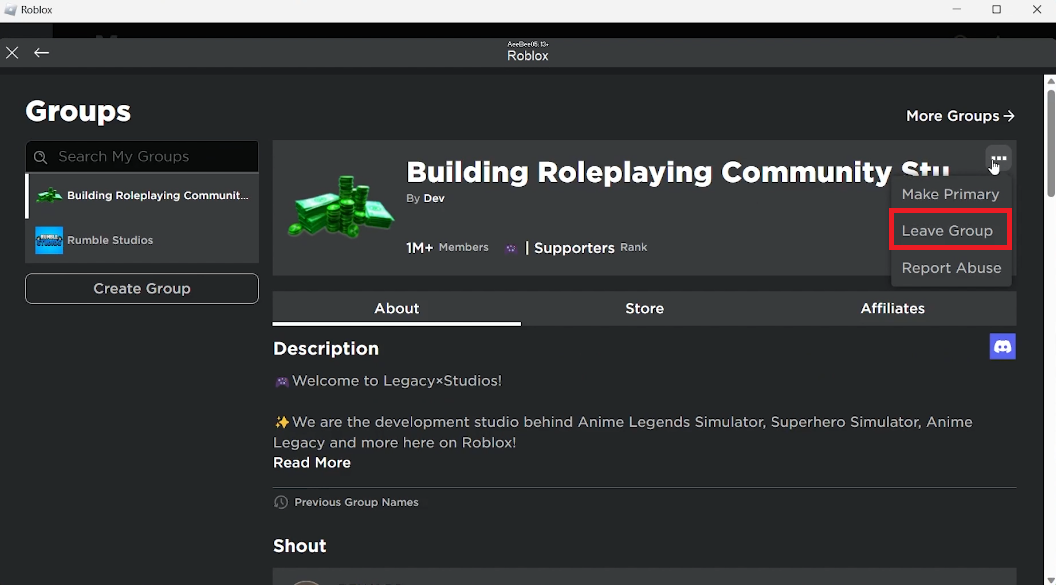


How To Add Games To Your Roblox Group 2024 YouTube . Joining Roblox Groups Your Easy Guide 3 Leave Group. How To Add A Game To Your Group On Roblox 2023 Guide YouTube . How To Join A Roblox Group 2026 YouTube . How To Publish A Game On Roblox In 2026 Roblox YouTube

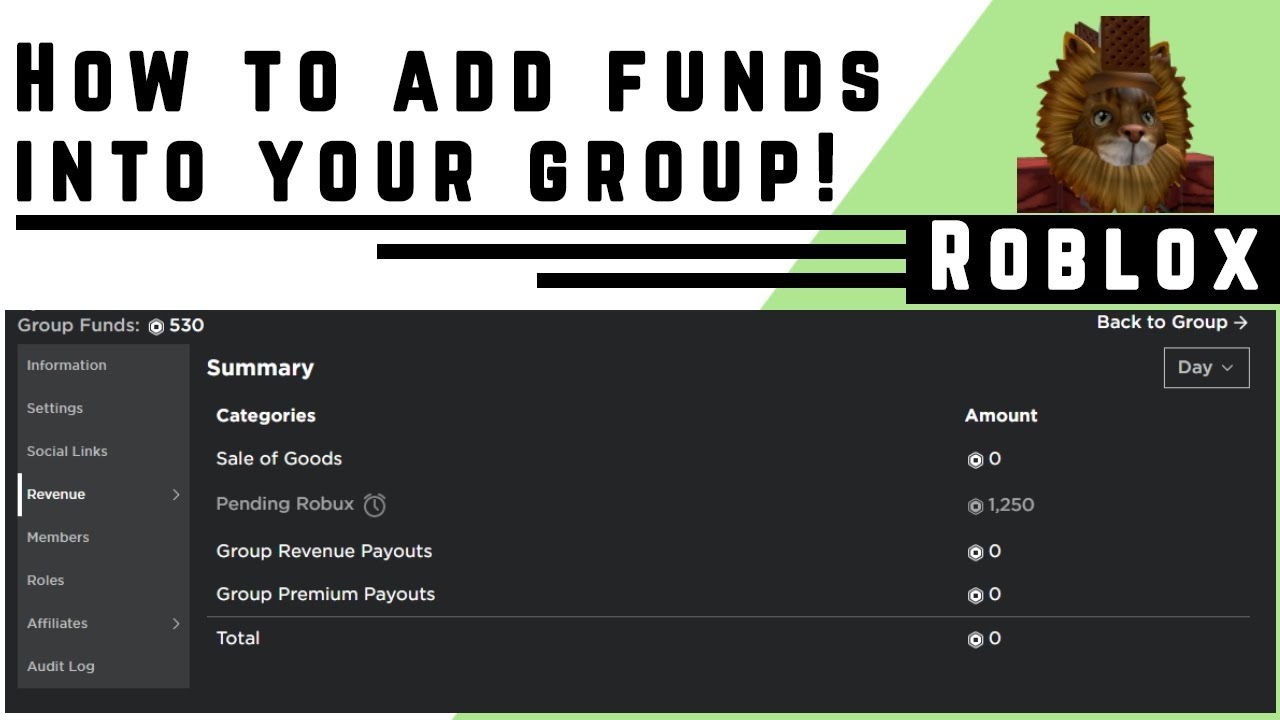


How To Join A Group In Roblox 2026 YouTube . How To Put Items In Your Roblox Group At Erik Corbett Blog . How To Join A Group In Roblox Full Guide YouTube . How To Add People Roblox Easily Your 2026 Guide How To Add Friends On. How To Add Friends To A Group On Roblox Updated YouTube




How To Add People Roblox Easily Your 2026 Guide . How Much Does It Cost To Make A Roblox Group 2026 How To Make A Group On Roblox For Free . How To Add People Roblox Easily Your 2026 Guide Add Friend Roblox Xbox . How Do I Add My Roblox Game To My Group Game Design Support . How Much Does It Cost To Make A Roblox Group 2026 1200x1769


How To Make A Group On Roblox 9 Steps With Pictures Groups Teams . How To Join A Roblox Group Step By Step Guide V G7fxzo. How To Create A Group On Roblox Make A Roblox Group YouTube . How To Join Roblox Players Seamlessly A 2026 Guide Roblox Press Image 1 . How To Add People Roblox Easily Your 2026 Guide Add Friends Roblox