Unlock unparalleled performance and cost savings by building your own custom computer in 2026. This comprehensive guide navigates aspiring and experienced builders through every essential step from component selection to final assembly. Discover how to choose the latest CPUs GPUs RAM and storage perfectly tailored to your gaming or professional needs ensuring future proofing and optimal efficiency. We break down the complexities of compatibility budgeting and installation offering expert insights to demystify the process. Learn about the benefits of a DIY approach including superior upgradeability and a deeper understanding of your system. Whether you are aiming for a high end gaming rig a powerful workstation or a reliable everyday machine this resource provides all the information needed to confidently assemble a top tier custom PC. Prepare to experience computing on your own terms with a machine built precisely for you.
How much does it cost to build a custom computer in 2026?
Building a custom computer in 2026 can range from 700 USD for an entry-level gaming PC to over 3000 USD for a high-end workstation. Mid-range gaming builds, offering excellent performance for most titles at 1440p, typically fall between 1200 USD and 1800 USD. Costs depend heavily on component choices like CPU, GPU, and SSD capacity.
What are the best CPUs for custom PC builds in 2026?
For custom PC builds in 2026, the best CPUs include Intel's Core Ultra 7 or i7/i9 14th/15th Gen series and AMD's Ryzen 7000/8000X3D or 9000 series. Gamers often favor CPUs with higher single-core performance like the Ryzen 7 7800X3D, while content creators benefit from higher core counts offered by Intel i9 or AMD Ryzen 9 processors for demanding multi-threaded tasks.
What GPUs should I consider for a 2026 custom gaming PC?
For a 2026 custom gaming PC, NVIDIA's RTX 5000 series (e.g., RTX 5070, 5080, 5090) and AMD's Radeon RX 8000 series (e.g., RX 8700 XT, 8800 XT) are top contenders. The choice depends on your target resolution and frame rate. An RTX 5070 offers great 1440p performance, while an RTX 5090 is ideal for uncompromising 4K gaming experiences with ray tracing enabled.
Is it hard for a beginner to build a custom computer?
Building a custom computer is not hard for a beginner with proper research and patience. Modern components are largely modular and designed for straightforward installation. Following detailed video guides and manuals systematically eliminates most potential difficulties. The process is more like adult LEGO than complex engineering, making it accessible and highly rewarding for new builders.
What operating system should I install on my custom PC?
For most custom PC builds, especially gaming and general productivity, Windows 11 is the recommended operating system. It offers the broadest software and game compatibility, along with the latest features and security updates. Linux distributions like Ubuntu or Pop!_OS are excellent free alternatives for developers or users prioritizing open-source software and privacy, though game support may vary.
How do I ensure compatibility between all my custom PC parts?
Ensuring compatibility is crucial and can be done using online PC part picker websites or by diligently checking manufacturer specifications. Key compatibility points include CPU socket type matching the motherboard, RAM type (DDR4 or DDR5) and speed matching motherboard support, GPU physical fit in the case, and PSU wattage sufficient for all components. Research prevents costly mistakes.
What maintenance does a custom PC require?
A custom PC requires routine maintenance to ensure longevity and optimal performance. This includes regularly cleaning dust from fans and filters, updating drivers for components like the GPU and chipset, monitoring temperatures, and periodically checking for software updates and malware. Physical cleaning every 3-6 months helps prevent overheating and component degradation.
Building a Custom Computer: Your Ultimate 2026 Guide
You want a PC that screams performance, doesn't break the bank, and is built exactly to your specifications. That is precisely why building a custom computer in 2026 remains the smartest decision for any discerning user, especially gamers and creative professionals. Having personally assembled numerous rigs over the past two decades, including cutting-edge systems with the latest Intel and AMD platforms, I can confirm that the satisfaction and performance gains are unmatched. This guide will walk you through optimizing component choices, navigating the assembly process, and ensuring your custom build delivers peak efficiency and longevity for years to come.
Why Build a Custom Computer in 2026?
Building a custom computer provides significant advantages over pre-built systems, particularly in 2026. You gain full control over every component, leading to a perfectly balanced system that avoids bottlenecks and unnecessary costs. Custom builds typically offer superior value for money, allowing you to allocate your budget precisely where it matters most for your specific use case, whether that is a high refresh rate gaming experience or intensive video editing. Furthermore, the modular nature of a custom PC means easier and more cost-effective future upgrades, extending its lifespan considerably.
Essential Components for Your 2026 PC Build
Selecting the right parts is the foundation of any successful custom computer. Compatibility and performance are key.
CPU Selection: Brain of Your Rig
The Central Processing Unit is critical. For 2026, consider Intel's Core Ultra series or AMD's Ryzen 8000/9000 series. For gaming, aim for at least 6-8 high-performance cores. For productivity tasks, higher core counts like 12-16 cores provide substantial benefits. Always verify socket compatibility with your chosen motherboard before purchasing. A CPU like the Intel Core i7-14700K or AMD Ryzen 7 7800X3D provides excellent gaming and multi-tasking performance, delivering consistent 100+ FPS in demanding titles at 1440p when paired with a strong GPU.
GPU Power: The Gaming Heartbeat
The Graphics Processing Unit dictates your gaming frame rates and visual fidelity. Nvidia's RTX 5000 series and AMD's Radeon RX 8000 series are the top contenders for 2026. For high-refresh-rate 1440p gaming, an RTX 5070 or RX 8700 XT offers fantastic value. If you are targeting 4K resolution or competitive esports with maximum FPS, an RTX 5080/5090 or RX 8900 XT is essential. For instance, an RTX 5080 can deliver upwards of 80 FPS in Cyberpunk 2077 at 4K Ultra settings with Ray Tracing enabled.
RAM and Storage: Speed and Capacity
Memory (RAM) and storage directly impact system responsiveness. DDR5 RAM is the standard for 2026 builds; aim for at least 32GB for gaming and 64GB for professional workloads, running at speeds of 6000MHz or higher. For storage, NVMe PCIe Gen5 SSDs offer blazing-fast load times, crucial for operating systems and frequently played games. A 1TB NVMe SSD for your OS and primary games, supplemented by a larger 2-4TB SATA SSD or HDD for bulk storage, is a balanced approach.
Motherboard and PSU: The Foundation
Your motherboard must be compatible with your CPU socket and RAM type. Ensure it has enough PCIe slots for your GPU and M.2 slots for NVMe SSDs. The Power Supply Unit (PSU) should provide sufficient wattage for all components, with a 80 Plus Gold certification for efficiency. A 750W-850W PSU is generally adequate for most gaming builds featuring high-end GPUs like an RTX 5080, providing around 20-30% headroom for stability and future upgrades.
The Assembly Process: Step by Step
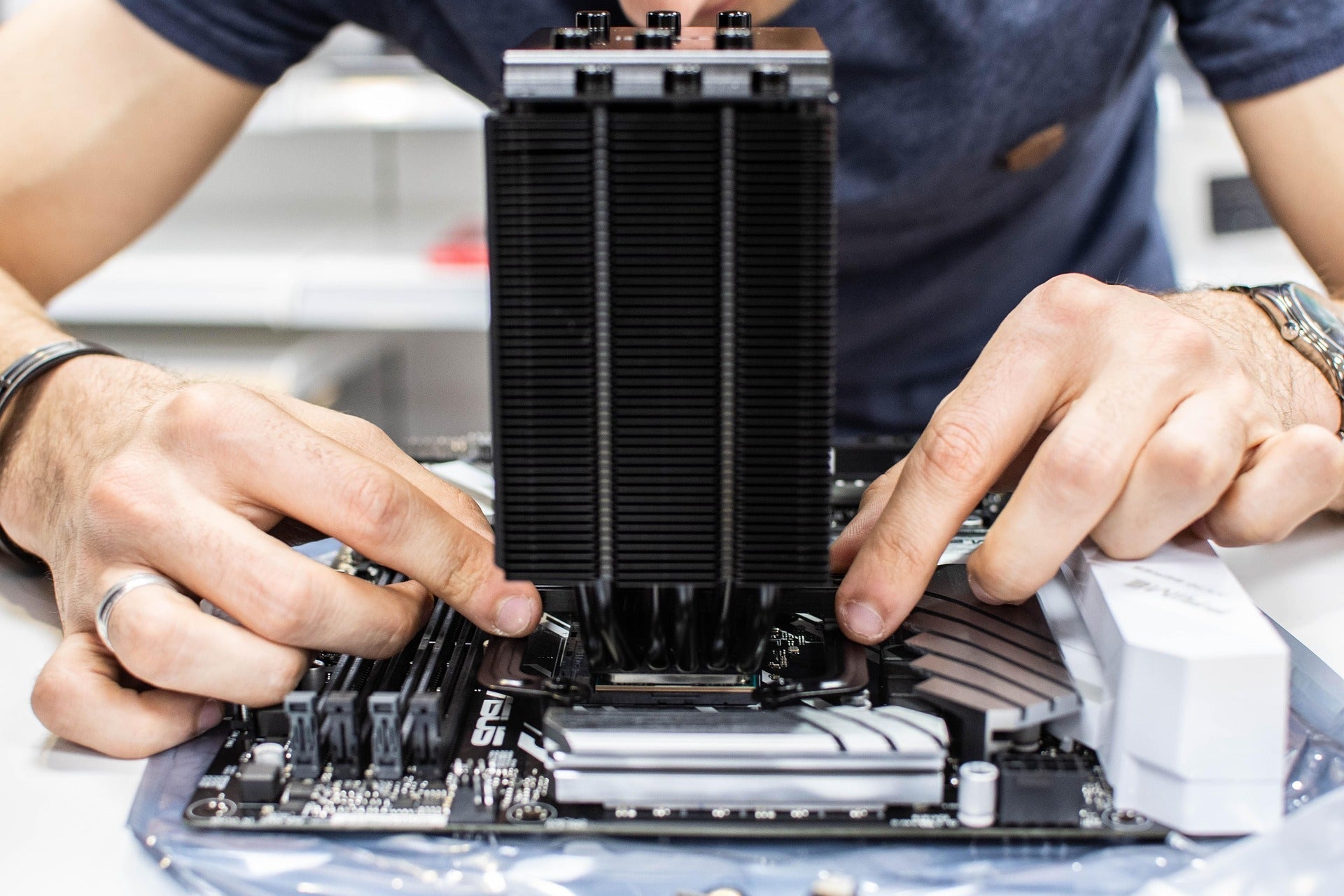
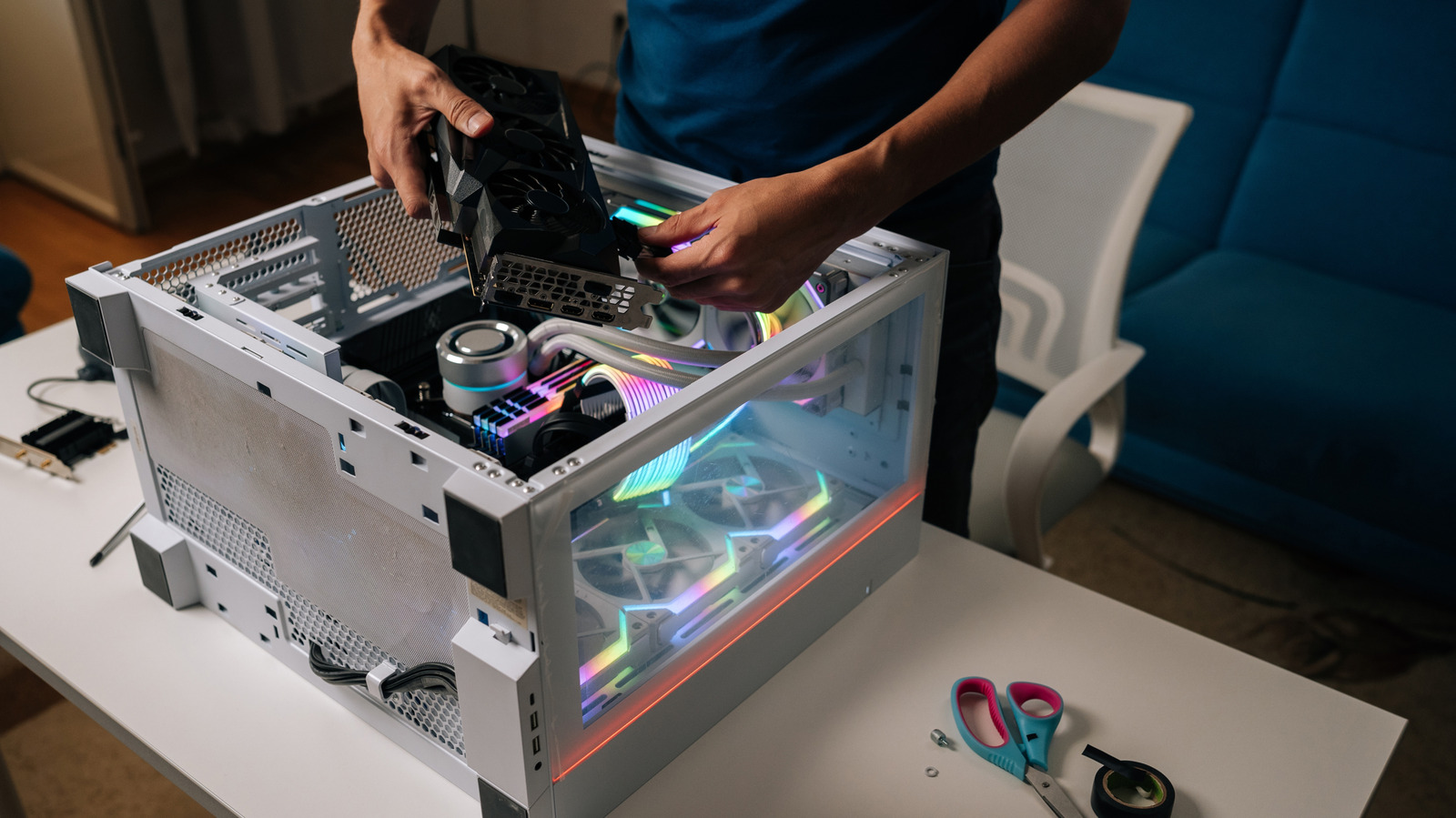
Building your PC is a rewarding experience. Always work on a clean, anti-static surface. Start by installing the CPU and RAM onto the motherboard. Then, mount the motherboard inside the case. Install the GPU, storage drives, and connect all necessary power cables from the PSU. Effective cable management not only improves aesthetics but also enhances airflow. Do not rush any step; take your time to ensure all connections are secure.
Frequently Asked Questions About Building Custom Computers
Is building a custom computer cheaper than buying a prebuilt?
Building a custom computer is often cheaper than purchasing a comparable prebuilt system. You avoid the markup from system integrators, allowing you to invest directly into higher quality components. This results in better performance per dollar spent and greater flexibility in selecting parts that perfectly match your needs, ultimately providing more value for your investment.
What is the most difficult part of building a PC?
The most difficult part for many builders is proper cable management and ensuring all power and data cables are correctly connected. While physically installing components is straightforward, neat routing and correctly plugging in small headers like front panel connectors can be time-consuming. Careful attention to your motherboard manual simplifies this process significantly.
How long does it take to build a custom computer?
Building a custom computer typically takes between 2 to 4 hours for a first-time builder, assuming all components are ready. Experienced builders can often complete the assembly in under 90 minutes. This timeframe does not include operating system installation or driver updates, which can add another hour or two to the initial setup process.
Do I need special tools to build a custom PC?
No special tools are generally required for building a custom PC. A basic Phillips head screwdriver is the primary tool needed. An anti-static wrist strap is highly recommended to protect sensitive components from electrostatic discharge, although not strictly mandatory if you ground yourself properly by touching a metal surface periodically.
Can I use old parts when building a new computer?
You can certainly use old parts when building a new computer, provided they are compatible with your new components. Common reusable parts include storage drives (HDDs, SATA SSDs), case fans, power supplies (if sufficient wattage), and sometimes the computer case itself. Always check compatibility with your chosen motherboard and CPU socket before integrating older hardware.
Building a custom computer offers superior performance and value. Component selection is crucial for compatibility and future upgrades. The assembly process requires careful attention to detail. Custom PCs provide greater control over specifications and aesthetics. Troubleshooting knowledge is beneficial during and after the build. Budgeting is essential for a balanced and effective system.
35


Best Gaming PC Builds For 2026 Best Gaming PC Builds For 2026.webp. Best Mini ITX Cases 2026 Our Tested Picks For Compact PC Builds Tom . Building An Enthusiast Grade PC Build For 2026 GeekaWhat FI DM87 HAVN BF RTX 5090 Build . How To Build A Future Proof Gaming PC In 2026 Complete Custom Build Guide 1773043345 . MSI Elevates Custom PC Building With New Components At COMPUTEX 2026 Msi Computex Pc Components Chassis Cooling Custom Build 20260601 768x495
How To Build A Future Proof PC In 2026 Without Regret Gemini Generated Ima. Imresizer 98 . 109 Best PC Builds The Top New Gaming Setups Custom PC . Custom PCs For Crypto Gaming AI Workloads In 2026 Digibuggy . The Gaming PC You Need To Build For 2026. The Complete Custom PC Building Guide For 2026 Alexandria Customs Pc 4136383 1920


Top 10 Best Desktop Computers 2026 For Home Office And Work Lenovo Legion Tower 7i 2026 High Performance Desktop Computer With RGB Lighting Featured In. Should You Build A PC In 2026 Mid Range Gaming Build Guide January Cld Sample . Best Gaming PC Builds For 2026 Pc Build Help 150x150 . Step By Step Guide To Building A Custom PC In 2026 Gfxtek Com Hardware Assembly . Best PC Builds For Gaming 2026 Ultimate Guide To Building Your Dream Best PC Builds For Gaming 2026 150x100


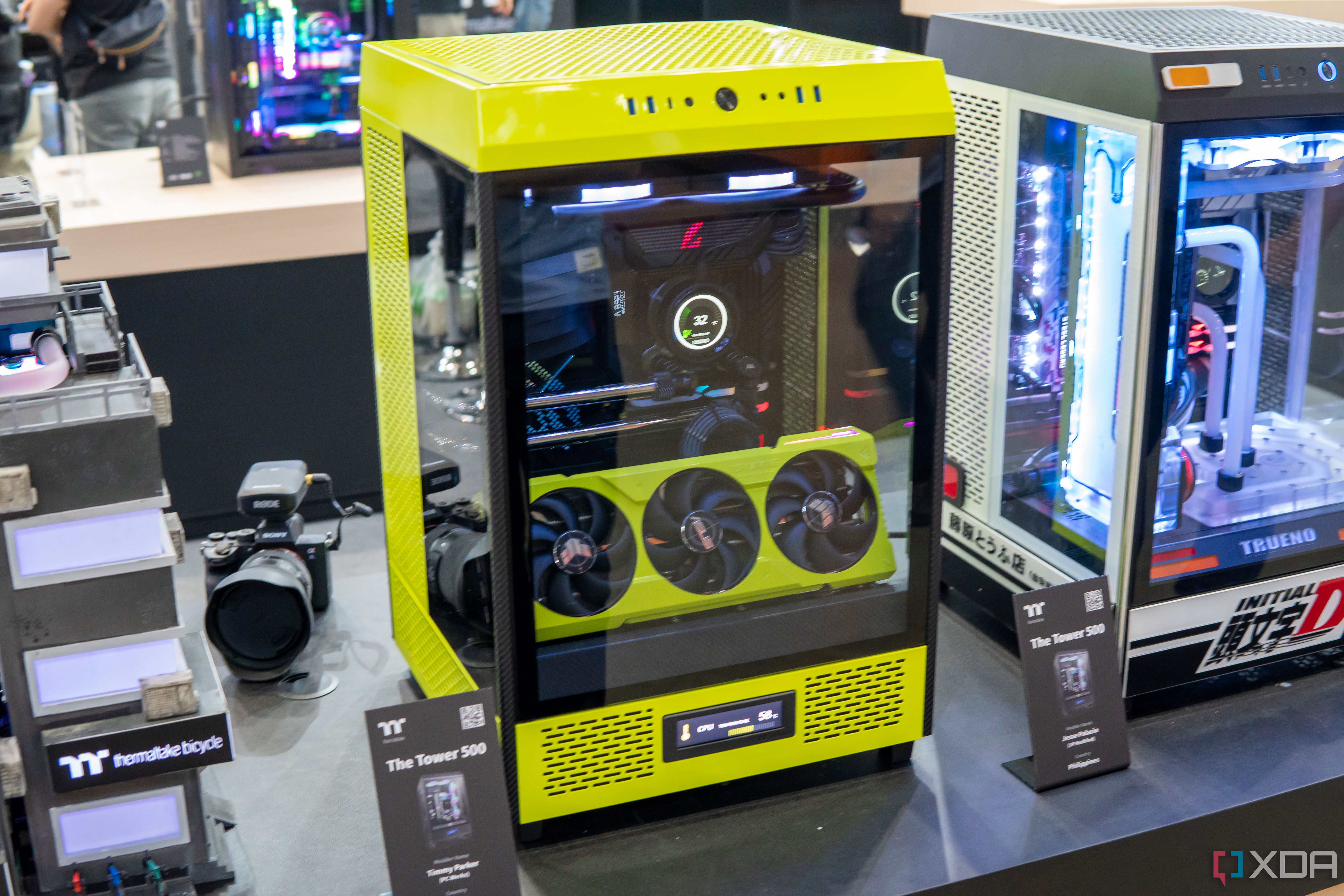
The Ultimate Custom PC Build For 2024 Best Parts Revealed YouTube . Custom Computer Builds Kansas City Business Labs Custom Computer Builds Kansas City Business Workstation. PC Builds Logic IT PC Build . Redding Custom Gaming Computer Builds Nerds On Call PXL 20230207 024942465 Scaled . Best Custom PC Builders In 2025 Thermaltake Custom Pc
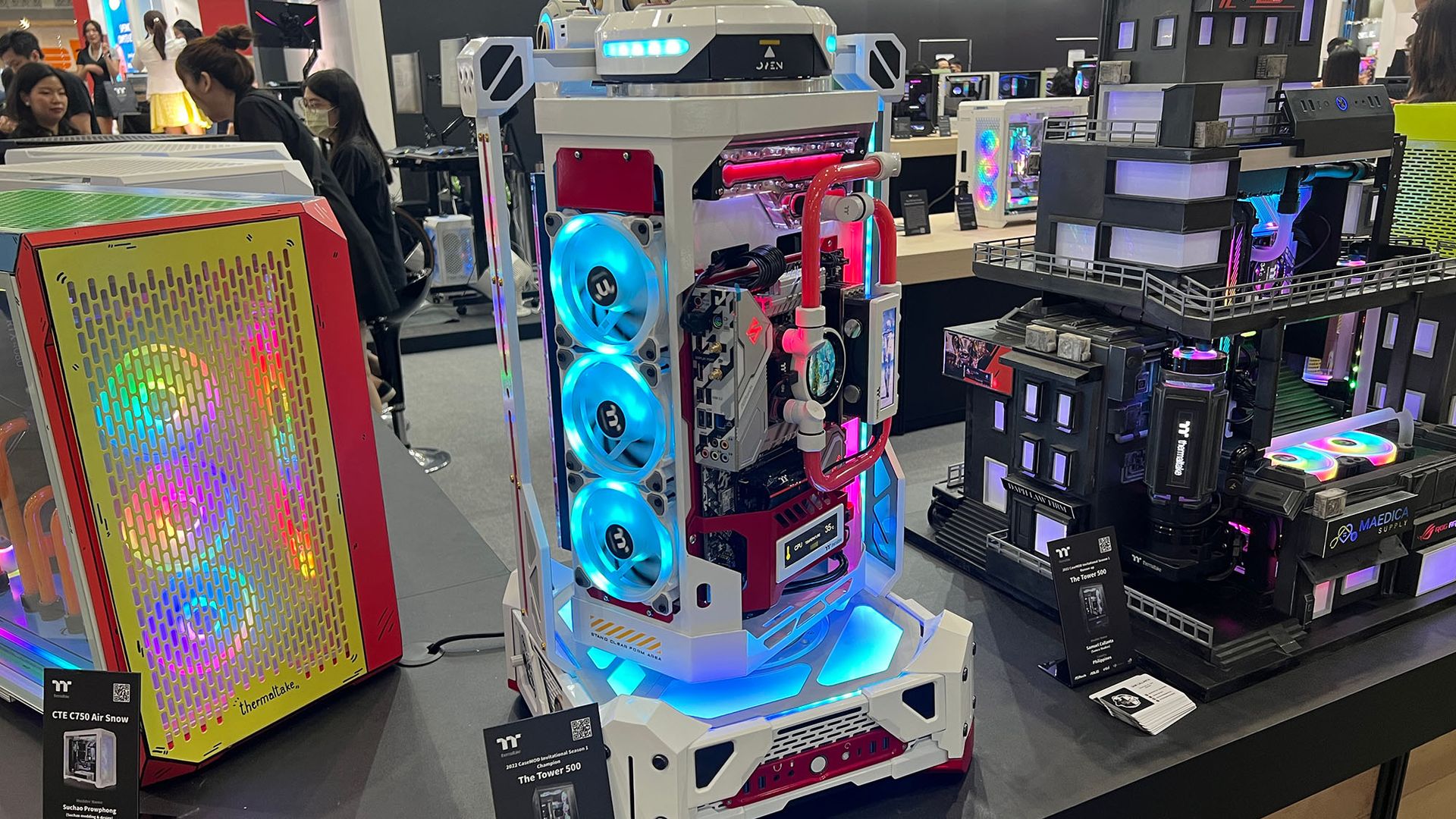

The Wildest PC Builds I Ve Seen At Computex 2023 And One Of The 1920 80 . 2026 Built NEW Gaming Computer Setup DIYPC SUPER Windows 11 Computers 00g0g 5xP0AINfEQV 0CI0lN 600x450 . Custom PC Building PC Building Upgrading Gaming Workstation ASRock Custom Pc Building Pc Building 1745166253 7ea3209c Progressive. Is It Still Cheaper To Build Your Own PC In 2026 L Intro 1772574535 . ULTIMATE Creators PC Build For 2026 A Complete Guide YouTube



DIY Modular Cyberdeck Could Be The Futuristic Computer You Can Get Soon Pilet Diy Cyberdeck 3 . META PCs Showcases Custom Built PC Systems At CES 2026 TechPowerUp . How To Build Your First Custom PC In 2026 Togtechify Com . The Complete Custom PC Building Guide For 2026 Alexandria Customs Mmsfooter 963b65ec 2e26 48d0 Aa87 . The Complete Custom PC Building Guide For 2026 Alexandria Customs Mmsfooter 963b65ec 2e26 48d0 Aa87


PPT The Ultimate Guide To Building Your Custom PC In 2024 PowerPoint The Ultimate Guide To Building Your Custom N . ExtraLife 2026 Build PC Building Parts AMD Gaming . Prebuilt Gaming PCs Ready To Ship Gaming Rigs For Every Budget AWD AWD 6 . Precision Engineering Custom Built Computer In Adelaide. Build Your Own Custom PC Beginner S Guide For 2025 YouTube