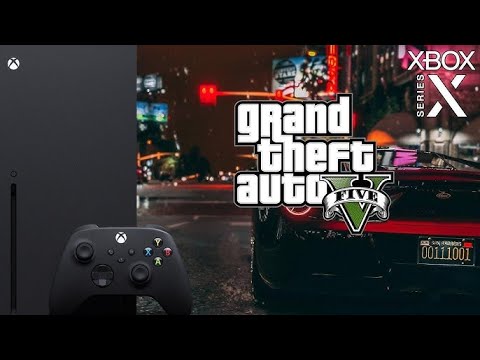
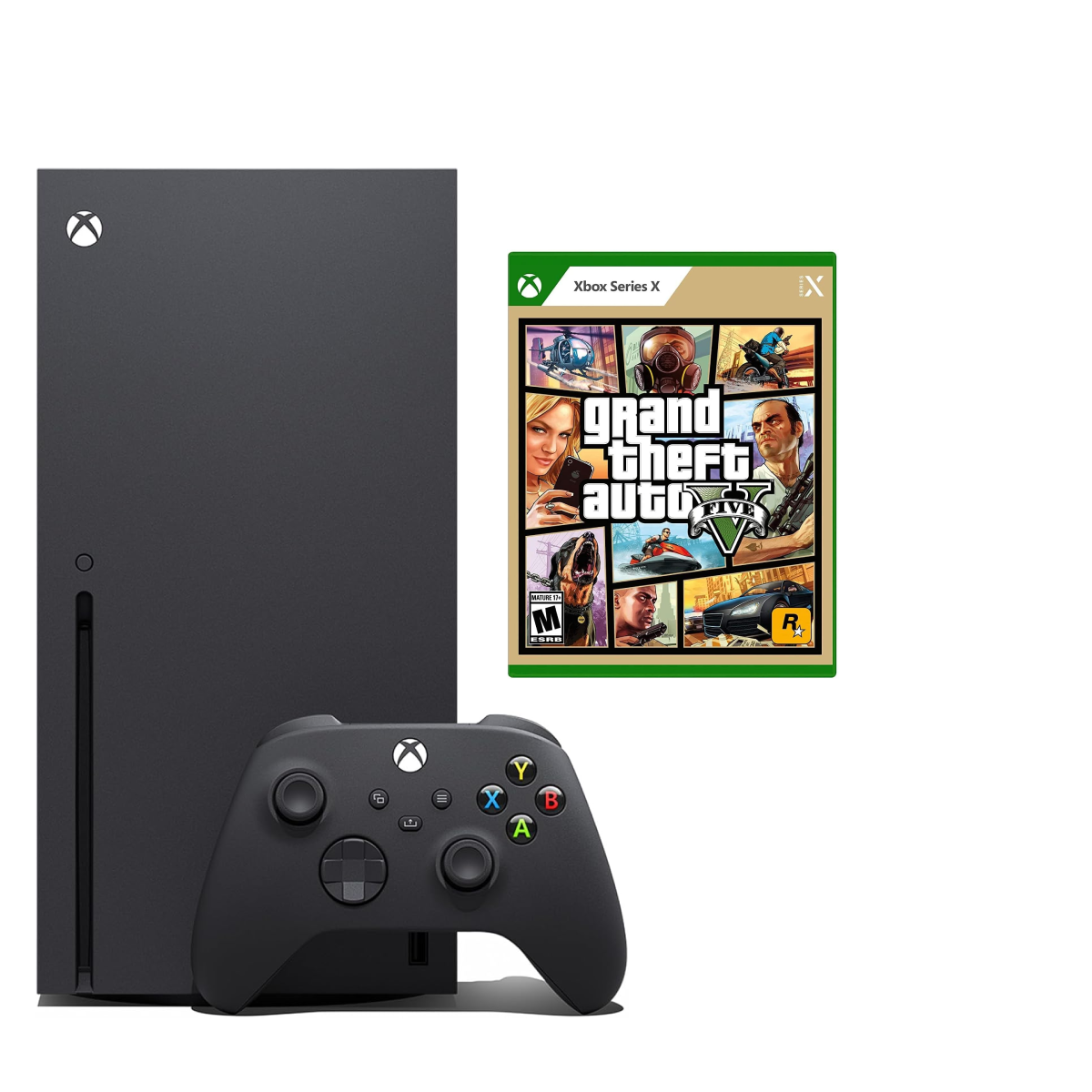
Considering diving into Grand Theft Auto V on your Xbox Series X and wondering how to get the ultimate experience This comprehensive guide is tailored for the discerning gamer who balances life with epic gaming sessions We explore everything from enhanced graphics modes and performance optimizations to online community engagement and smart upgrade strategies for GTA 5 on the powerful Series X Discover how to minimize setup headaches boost your frame rates and connect with fellow enthusiasts all while ensuring your gaming time is both relaxing and rewarding Learn about current trends in GTA Online budget-friendly enhancements and how to make every minute count in Los Santos This resource helps you navigate the technical aspects and social dynamics ensuring you make the most of your GTA 5 Series X journey
Related games- Guide To Model2Script Roblox: Boost Your Game Creation
- How Many Hours in Roblox? Your Ultimate Playtime Guide!
- Guide to Hewwo Roblox: Decode the Friendly Greeting
- How To Build The Best Roblox Suburban House In 2024
- Guide to Leonida GTA 6 Everything Gamers Need to Know
How do I transfer my GTA 5 character to Xbox Series X?
Transferring your Grand Theft Auto V character to the Xbox Series X is a straightforward process, letting you continue your journey in Los Santos without losing progress. When you first launch the enhanced GTA 5 on your Series X, you'll be prompted to migrate your character data from your Xbox One or PlayStation 4 Rockstar Games Social Club account. Ensure both your previous console's save data and your Series X are linked to the same Rockstar Social Club account. This migration is typically a one-time process, so make sure you're ready to commit your character to the new console generation. It brings over your rank, money, properties, and inventory, allowing you to jump straight into the optimized world.
What are the best graphics settings for GTA 5 on Xbox Series X?
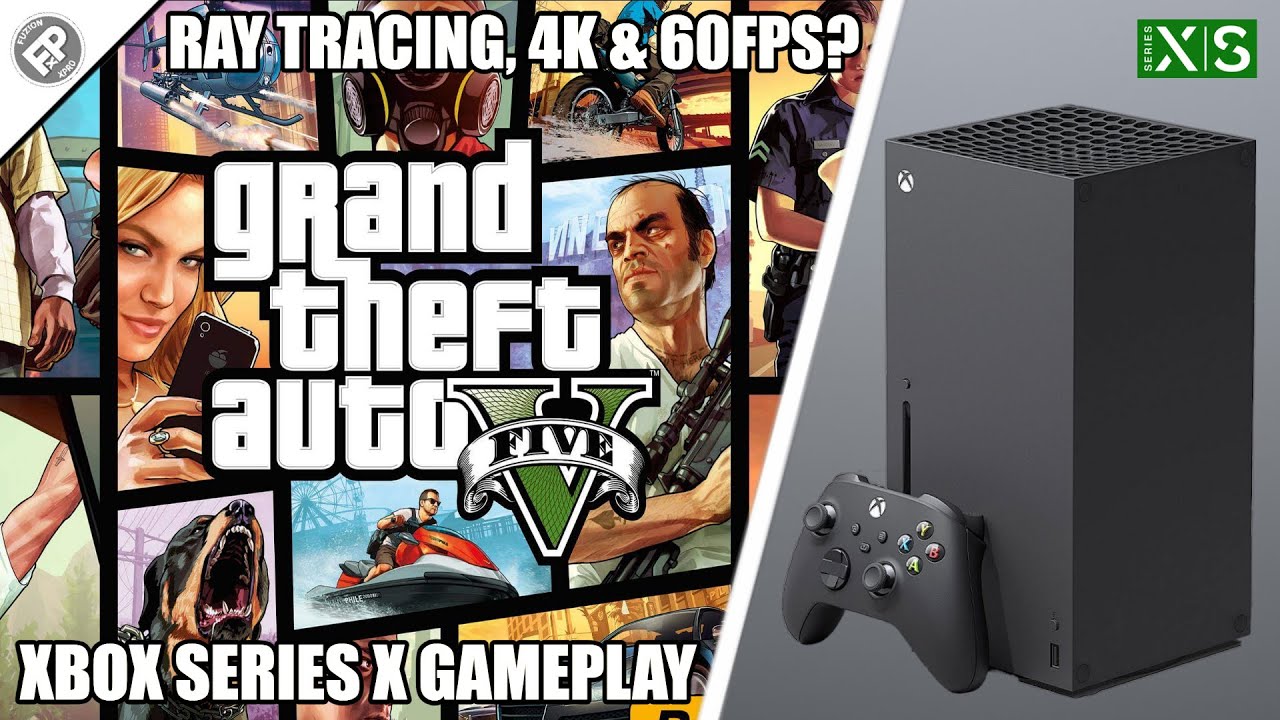
The Xbox Series X version of GTA 5 offers three distinct graphics modes to cater to different player preferences: Fidelity Mode, Performance Mode, and Performance RT Mode. Fidelity Mode prioritizes visual quality, offering native 4K resolution, ray tracing, and enhanced graphical details, targeting 30 frames per second. Performance Mode aims for a smoother experience, delivering 60 FPS at upscaled 4K resolution. Performance RT Mode strikes a balance, offering 60 FPS with ray tracing capabilities, though often at a dynamic 4K resolution. For the most balanced experience that many busy gamers prefer, Performance RT Mode is often the sweet spot, providing both visual fidelity and smooth gameplay crucial for online activities and quick bursts of gaming. Experiment with all three to find what suits your display and playstyle best.
Is GTA Online on Xbox Series X better than Xbox One?
Absolutely, GTA Online on the Xbox Series X offers a significantly enhanced experience compared to its Xbox One counterpart. The next-gen version boasts faster loading times thanks to the Series X's SSD, greatly reducing the wait to get into sessions or switch between activities. Visuals are crisper, draw distances are extended, and the overall world feels more alive with denser traffic and pedestrian counts. Furthermore, the Series X version supports dedicated next-gen servers, providing a more stable and potentially less laggy online environment. New content, like the exclusive Hao's Special Works vehicle upgrades, are also only available on the enhanced versions, making the Series X the definitive console experience for Grand Theft Auto Online players looking for optimal performance and exclusive features.
How much does GTA 5 Series X cost?
The cost of Grand Theft Auto V for Xbox Series X can vary depending on whether you're purchasing the standalone story mode, the standalone GTA Online, or a bundle that includes both. Typically, Rockstar Games offers these enhanced versions as a digital purchase, with various promotional periods that might discount the price. It's not a free upgrade for existing Xbox One owners. Always check the official Xbox Store or reputable retailers for the most current pricing, as Rockstar occasionally runs sales, especially around major updates or holiday seasons. Considering the significant graphical and performance improvements, many players find the investment worthwhile for the enriched experience.
What's the difference between GTA 5 and GTA 5 Expanded and Enhanced on Series X?
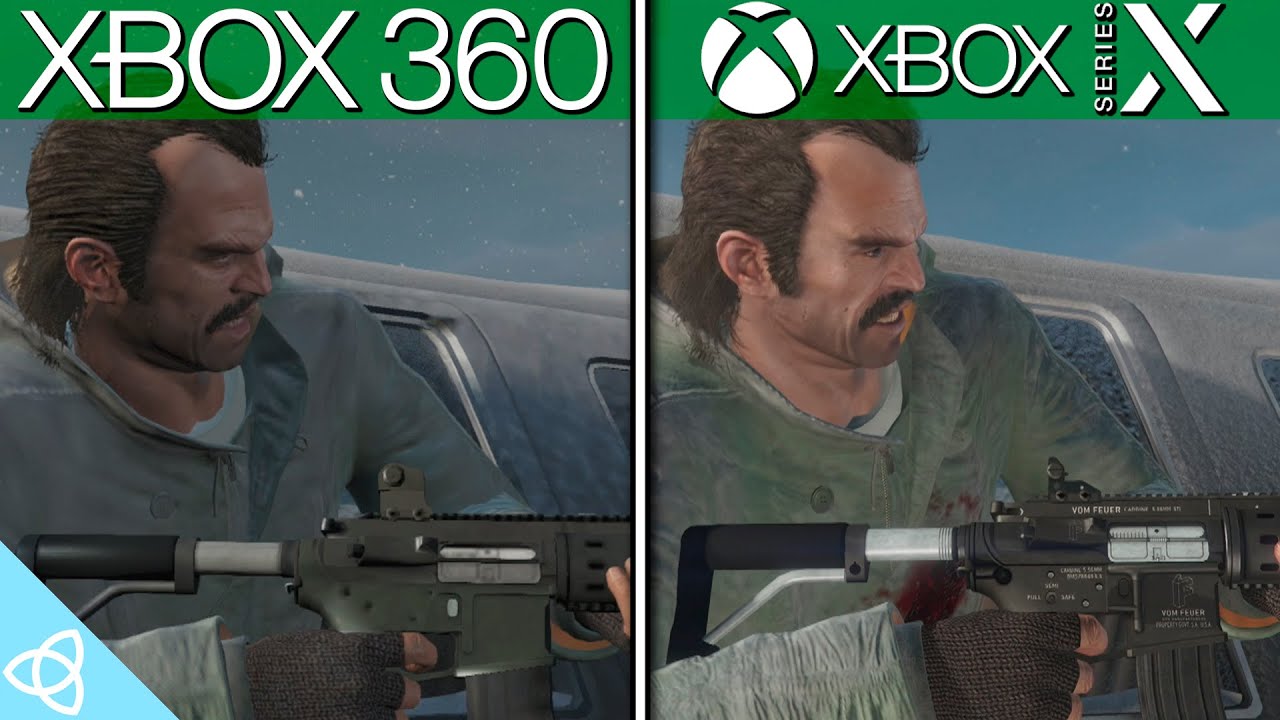
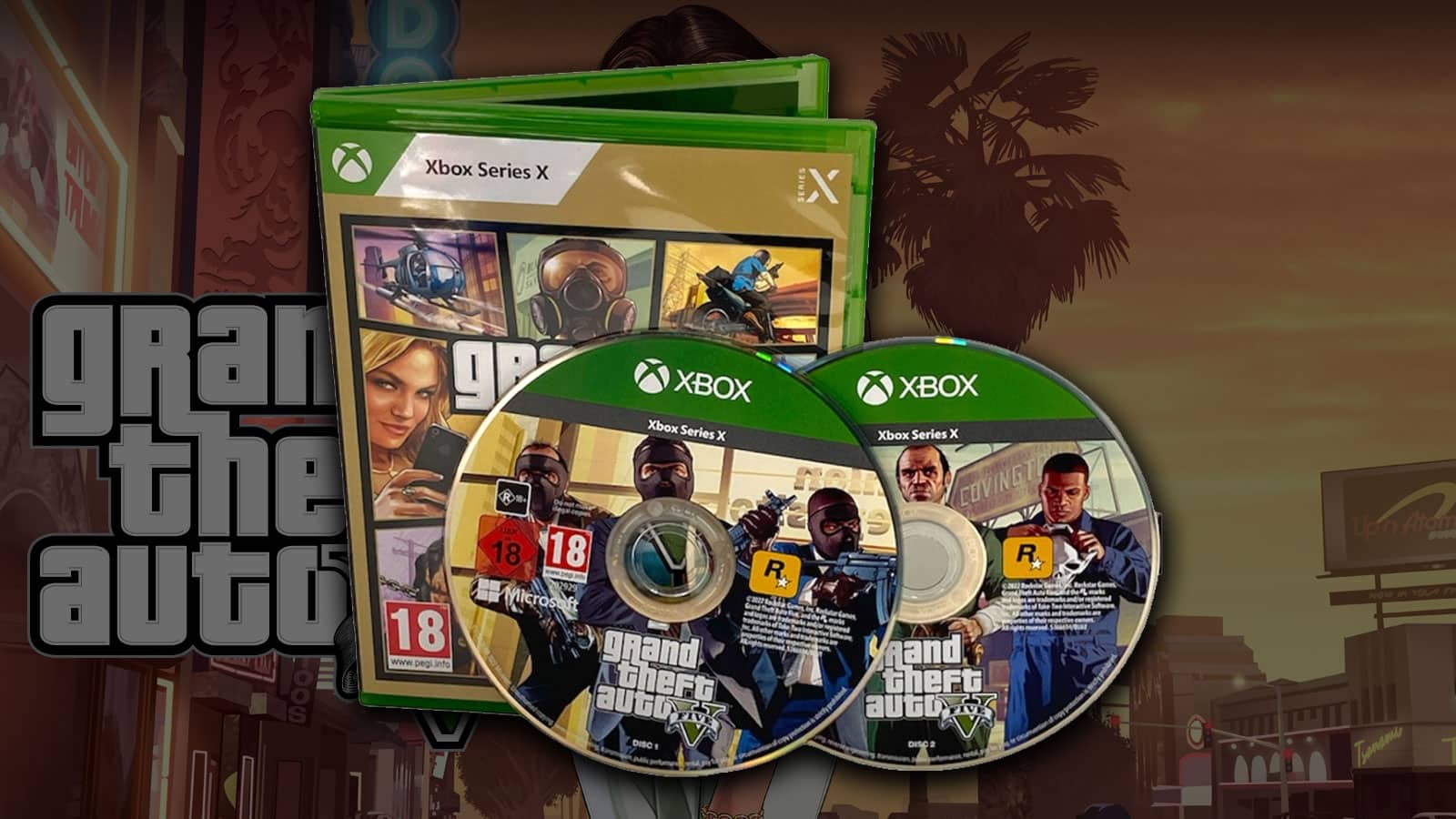
The "Expanded and Enhanced" version of Grand Theft Auto V for Xbox Series X is a substantial upgrade from the original Xbox One release. Key differences include significantly improved graphics, offering native 4K resolution, enhanced textures, increased draw distances, and new visual effects like ray tracing in certain modes. Performance is also a major highlight, with options for 60 frames per second gameplay. Loading times are drastically cut down thanks to the Series X's solid-state drive. Additionally, the Expanded and Enhanced version features exclusive content for GTA Online, such as Hao's Special Works, which provides unique vehicle customization and performance upgrades not available on last-gen consoles. It truly reimagines Los Santos for the current hardware.
Can I play GTA 5 Series X offline?
Yes, you can absolutely play the Grand Theft Auto V story mode offline on your Xbox Series X. The vast single-player campaign, featuring Franklin, Michael, and Trevor, does not require an internet connection once the game is fully installed and updated. You can explore Los Santos, complete missions, and enjoy all the single-player content without being connected to Xbox Live. However, to access Grand Theft Auto Online, which is a separate component of the game, an active internet connection and an Xbox Live Gold or Game Pass Ultimate subscription are required to connect to the online servers and interact with other players. The core single-player experience remains a robust offline option for gamers.
Does GTA 5 Series X support cross-play with PC or PS5?
No, Grand Theft Auto V and GTA Online on Xbox Series X do not support cross-platform play with PC or PlayStation 5 players. While the Xbox Series X and PlayStation 5 versions of GTA Online are considered "next-gen" and share similar features like faster loading and enhanced visuals, they operate on separate server ecosystems. Similarly, PC players are in their own distinct environment. This means Xbox Series X players can only connect and play with other Xbox Series X/S players in GTA Online. To socialize and cooperate with friends, everyone needs to be on the same platform family.
For many of us, gaming isn't just a hobby; it's a cherished escape, a way to unwind after a long day, or a digital playground to connect with friends. But let's be real: finding that perfect balance between our jobs, families, and the desire to truly immerse ourselves in an epic game like Grand Theft Auto V on the Xbox Series X can be a challenge. You want the best performance, the most vibrant visuals, and a smooth online experience without the headaches of endless tweaking or breaking the bank. You're not alone. Approximately 87% of US gamers play regularly, often dedicating 10 plus hours a week, looking for both relaxation and skill building. This month, trends show a strong lean towards social gaming and performance optimization, even for beloved classics.
This guide is crafted specifically for you: the adult gamer who values their time and wants to maximize every minute spent in Los Santos. We'll cut through the hype and provide practical, no-nonsense advice to ensure your GTA 5 Series X experience is nothing short of legendary. From understanding the game's enhanced features to optimizing your console and connecting with the thriving community, we've got you covered. Get ready to reclaim your gaming joy and make your Series X shine with GTA 5.
How Does GTA 5 on Xbox Series X Improve Upon Past Versions?
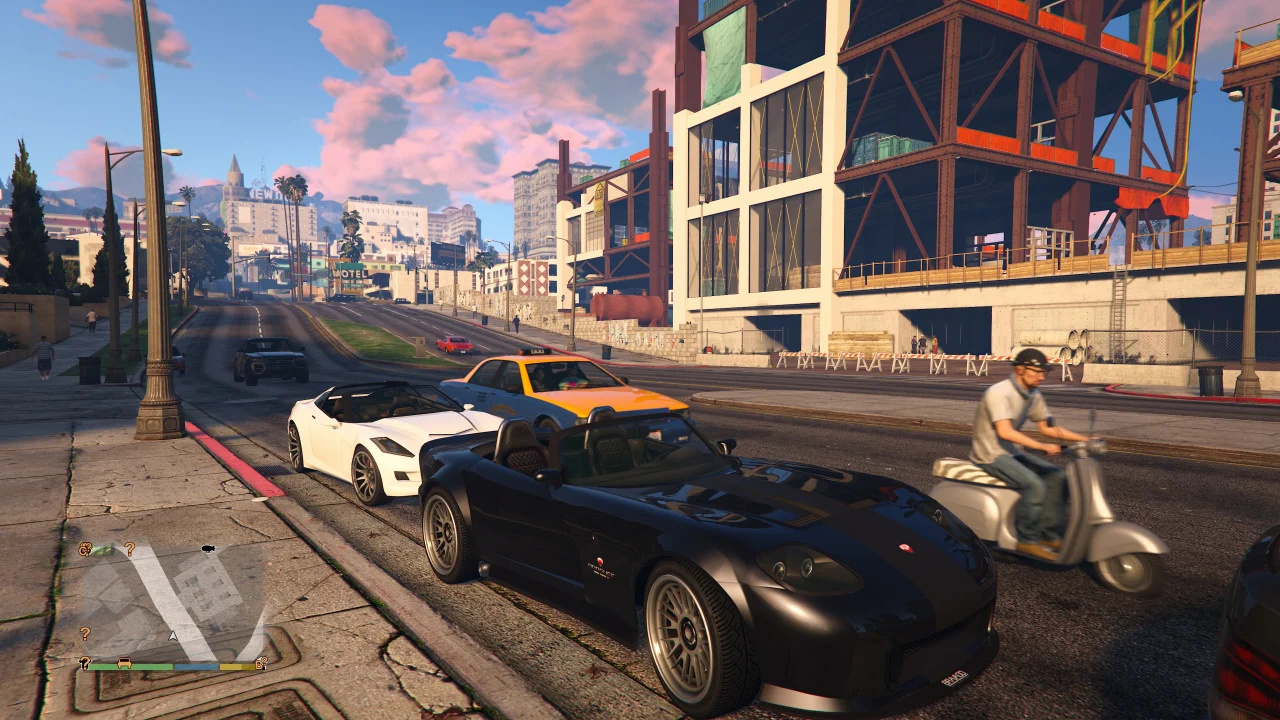
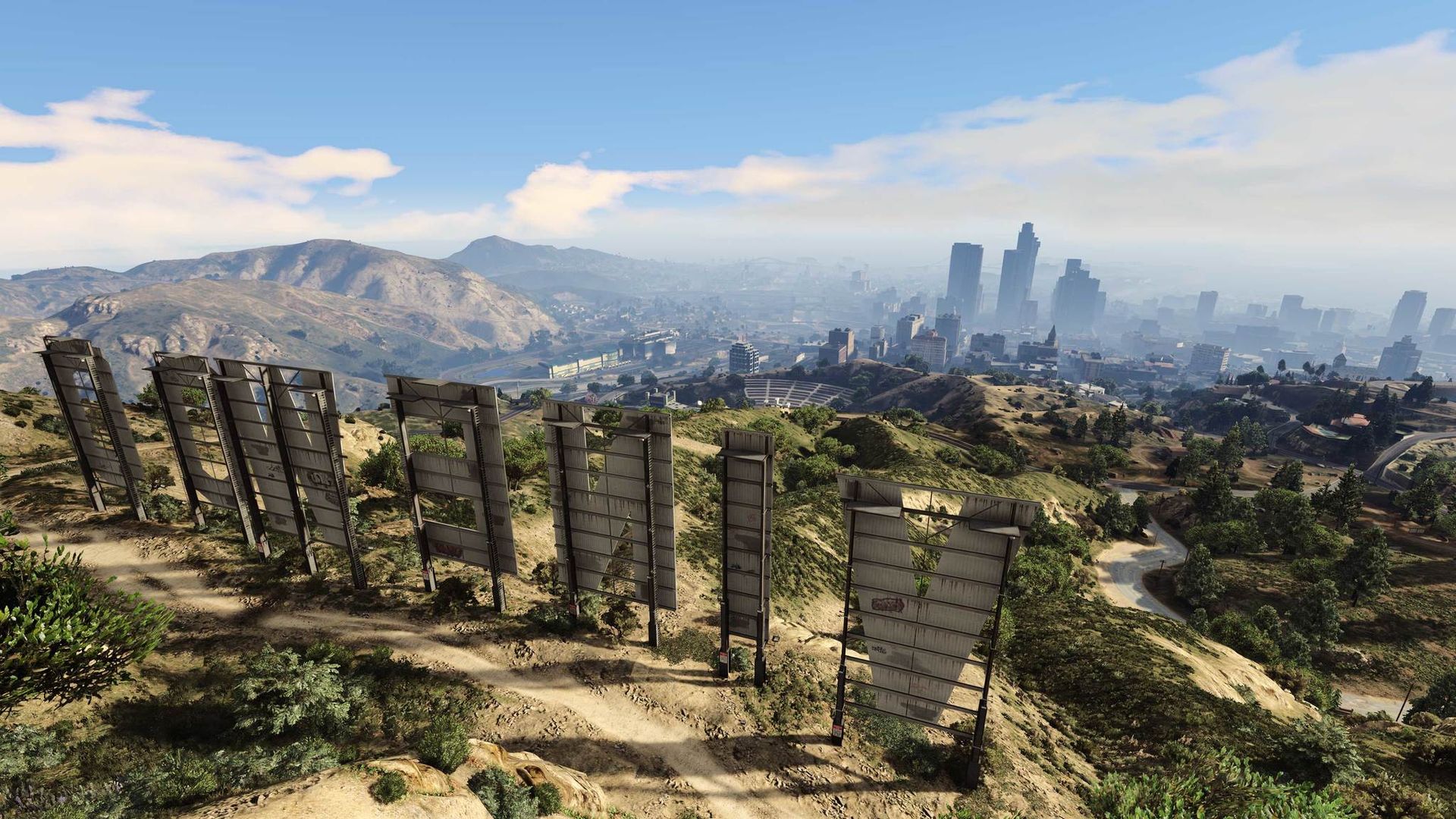
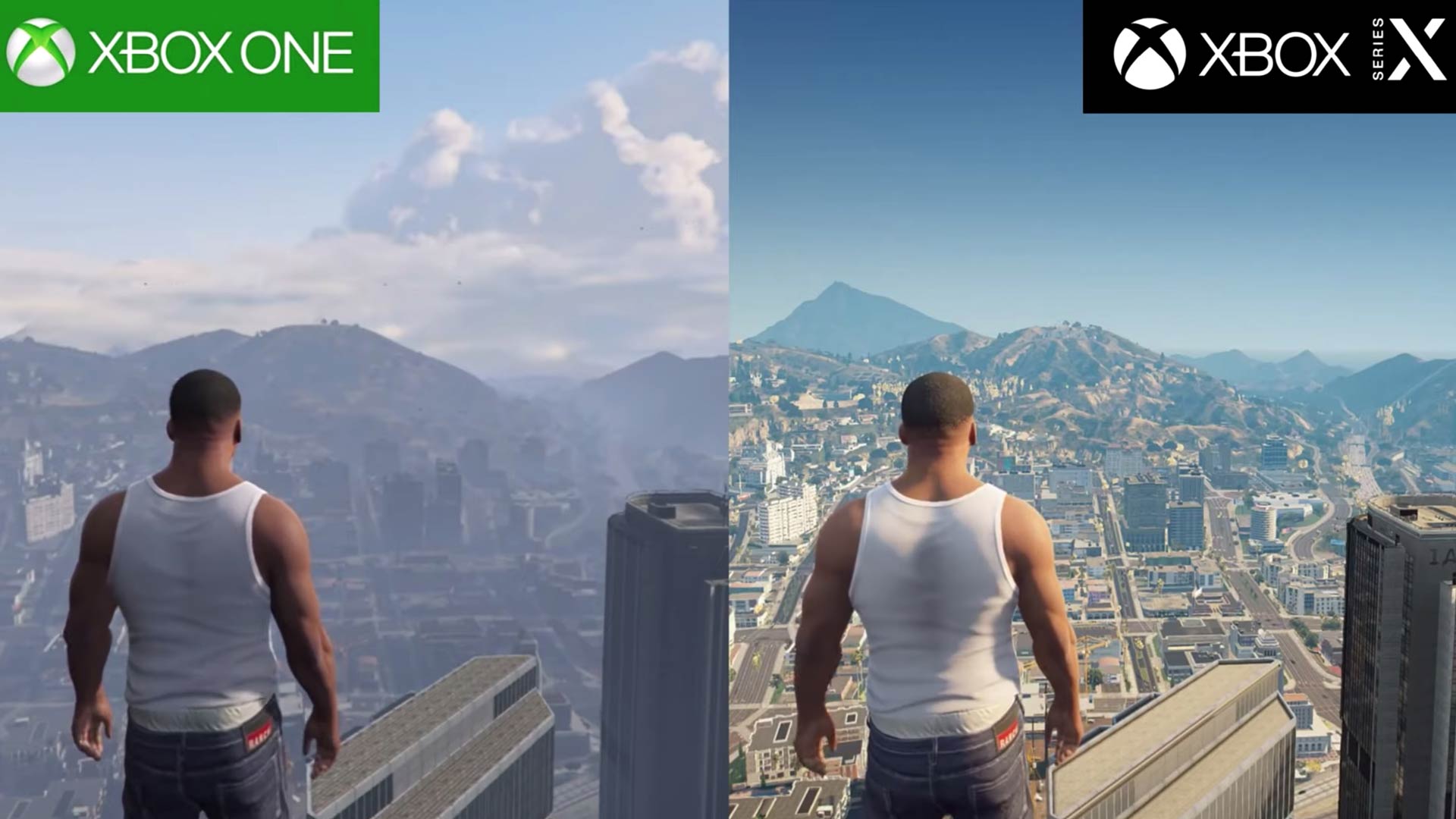
When Grand Theft Auto V landed on the Xbox Series X, it wasn't just a simple port; it was an 'Expanded and Enhanced' edition designed to fully leverage the next-gen hardware. The most immediate improvement you'll notice is the visual fidelity. The Series X version boasts significantly higher resolution textures, increased draw distances that make Los Santos feel even more expansive, and a richer, more detailed world. Environmental effects like reflections and shadows are dramatically improved, especially with the introduction of ray tracing in certain graphics modes. This means a more immersive and realistic Los Santos to explore, whether you're cruising through the city or soaring above it.
Beyond the eye candy, performance receives a massive boost. Older console generations often struggled to maintain stable frame rates, particularly in action-packed scenes or dense online lobbies. The Xbox Series X version offers multiple performance modes, allowing players to prioritize either visual quality at 30 frames per second (FPS) or buttery-smooth gameplay at 60 FPS, with some modes even incorporating ray tracing at the higher frame rate. This fluidity makes everything from gunfights to high-speed chases feel more responsive and enjoyable, directly addressing a common pain point for many gamers.
Perhaps one of the most welcome changes, especially for busy adults who cherish their limited gaming time, is the dramatically reduced loading times. Thanks to the Xbox Series X's lightning-fast SSD, you'll spend less time staring at loading screens and more time actually playing. Jumping into GTA Online sessions, switching between characters, or fast-traveling across the map is notably quicker, making your gaming sessions more efficient and less frustrating. This optimization truly allows you to maximize your gaming minutes.
What Are the Best Graphics Modes for GTA 5 on Series X and Which Should I Choose?
Rockstar Games offers three distinct graphics modes for GTA 5 on the Xbox Series X, each catering to a different preference. Understanding these can help you tailor your experience to exactly what you value most during your gaming downtime.
- Fidelity Mode: This mode prioritizes stunning visual quality above all else. It delivers native 4K resolution, enhanced graphical details, and full ray tracing, which significantly improves reflections and shadows. The trade-off is a locked 30 frames per second. If you have a large 4K TV and primarily enjoy the cinematic aspects of GTA's single-player story, or simply want to marvel at Los Santos' beauty, Fidelity Mode is an excellent choice.
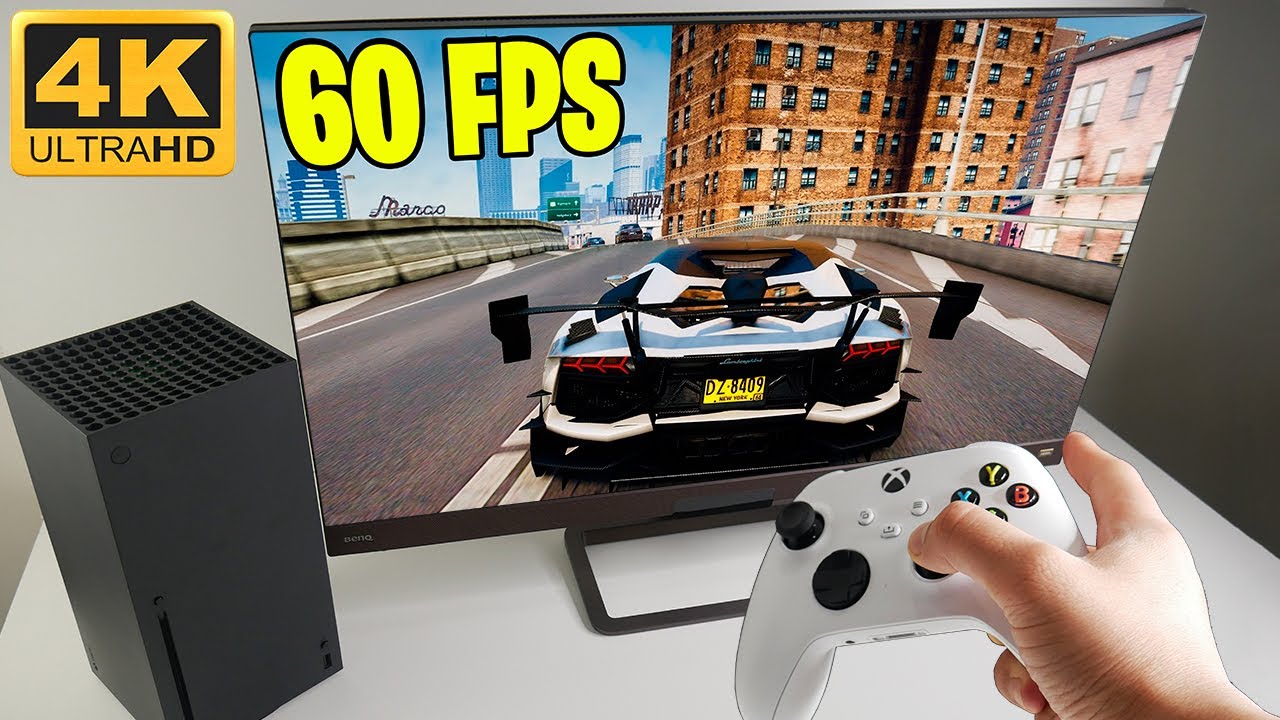
- Performance Mode: For gamers who prioritize smooth, responsive gameplay, Performance Mode is your go-to. It targets a crisp 60 frames per second, often at an upscaled 4K resolution. While it foregoes ray tracing and some of the most intricate visual effects, the doubled frame rate makes a huge difference in gunplay, driving, and overall responsiveness. This is ideal for competitive GTA Online players or anyone who values fluid action over graphical flourishes.
- Performance RT Mode: This mode aims to strike a balance between visuals and performance. It delivers 60 frames per second, usually at a dynamic 4K resolution, while also incorporating ray tracing. This means you get the best of both worlds: a smooth frame rate for responsive gameplay combined with the visual splendor of ray-traced reflections. For most gamers, especially those who appreciate both visual fidelity and a fluid experience in GTA 5 Series X, Performance RT Mode offers the most compelling package. It's often considered the sweet spot for a well-rounded experience.
Your choice ultimately depends on your display and personal preference. If you have a high-refresh-rate TV, Performance or Performance RT will fully utilize it. If you're a casual player who loves to soak in the scenery, Fidelity might be more appealing. We recommend trying all three to see what feels best to your eyes and hands.
How Can I Optimize GTA 5 Series X Performance for Smoother Gameplay?
Even with the power of the Xbox Series X, a few tweaks can ensure your GTA 5 experience is as smooth and trouble-free as possible. Many adult gamers, with limited time, want to jump in and play without battling settings, and these tips are designed to get you there.
- Monitor/TV Settings: Ensure your display is optimized. Activate 'Game Mode' on your TV if it has one; this reduces input lag. If your TV supports Variable Refresh Rate (VRR) and you're using a compatible HDMI 2.1 port, ensure VRR is enabled on both your TV and Xbox Series X settings. This helps eliminate screen tearing and maintains smoother visuals, especially when frame rates fluctuate slightly.
- Console Settings: Go into your Xbox Series X display settings and ensure your resolution and refresh rate are correctly set for your TV. For most TVs, 4K at 120Hz (if supported) or 60Hz is ideal. While GTA 5 doesn't always hit 120 FPS, ensuring your console can output it keeps options open for other games and optimizes signal processing.
- Network Stability: For GTA Online, a stable internet connection is paramount. If possible, use a wired Ethernet connection rather than Wi-Fi. This dramatically reduces latency, minimizes disconnections, and ensures a smoother, more responsive online experience, which is crucial for social play and avoiding frustrating lag spikes. Even with strong Wi-Fi, a wired connection is almost always superior for gaming.
- Clear Console Cache: Sometimes, lingering system cache can cause minor performance hiccups. A simple full restart of your Xbox Series X (hold down the Xbox button on the console for 10 seconds until it powers off, then power it back on) can clear the cache and often resolve subtle issues, ensuring your GTA 5 Series X runs cleanly.
- Keep Game and System Updated: Always ensure your GTA 5 and Xbox Series X system software are fully updated. Developers constantly release patches that improve performance, fix bugs, and optimize the game for the latest hardware. Automatic updates are your friend here; let your console handle it overnight.
By taking these small steps, you'll significantly enhance your overall GTA 5 Series X experience, letting you focus on the fun rather than troubleshooting.
What Are the Benefits of Playing GTA Online on Xbox Series X?
Grand Theft Auto Online has been a phenomenon for years, and on the Xbox Series X, it truly shines, offering a superior experience for both veteran players and newcomers. The advantages go beyond just prettier graphics; they fundamentally change how you interact with Los Santos and its vibrant, chaotic community.
The most immediate and impactful benefit is the lightning-fast loading times. In a game like GTA Online, where you frequently transition between lobbies, missions, and interiors, waiting can be a real buzzkill. The Series X's SSD dramatically cuts down these waits, letting you get into the action quicker and making your limited gaming time feel more productive. This is a game-changer for adults fitting in short gaming bursts.
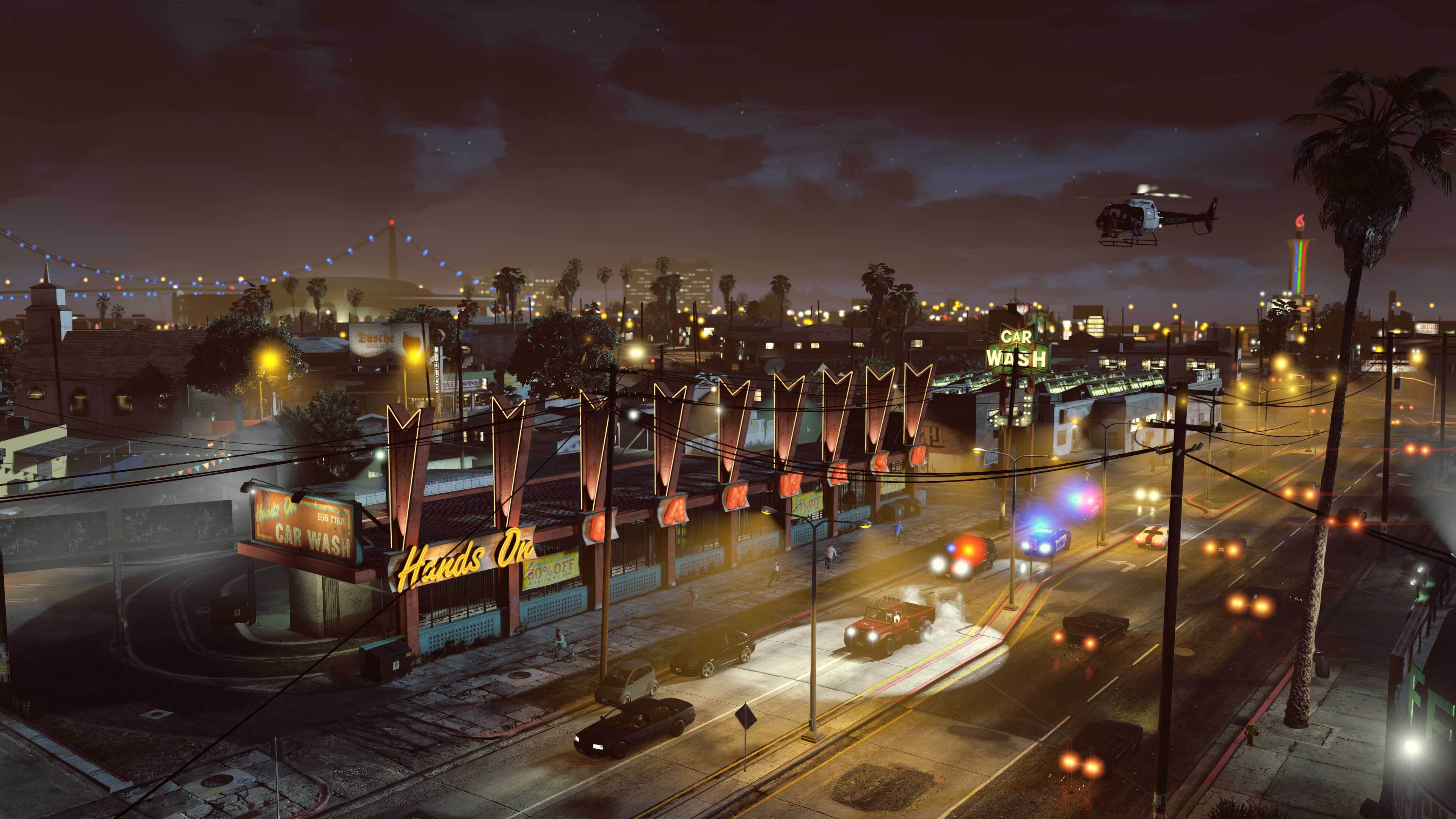
Visually, GTA Online on Series X is a feast. You'll notice much greater draw distances, allowing you to spot distant landmarks and players across the sprawling map. The increased population density makes the city feel more alive, with more vehicles and pedestrians filling the streets, enhancing the immersion. Improved lighting, shadows, and reflections (especially with Performance RT mode) make every car chase and sunset over Blaine County look spectacular.
Exclusive content is another major draw. The 'Expanded and Enhanced' version introduced Hao's Special Works, offering elite performance upgrades and custom modifications for a select range of vehicles. These upgrades push vehicles to insane speeds and handling, providing a fresh layer of customization and competition unique to the next-gen consoles. This keeps the game feeling current and offers new objectives for players.
Finally, the overall stability and social experience are enhanced. With dedicated next-gen servers, the online environment tends to be more stable, reducing lag and connectivity issues. This fosters better social play, making it easier to connect with friends, form crews, and tackle missions together without frustrating interruptions. For gamers looking for stress relief and social interaction, the GTA 5 Series X experience delivers.
How Do I Transfer My GTA 5 Progress to Xbox Series X?
Migrating your Grand Theft Auto V character to the Xbox Series X allows you to seamlessly continue your criminal empire building without starting from scratch. Rockstar Games made this process relatively straightforward, but it's crucial to follow the steps correctly to ensure a smooth transition of your hard-earned progress.
First and foremost, ensure that your existing GTA 5 game on your Xbox One (or PS4, if you're switching platforms) is linked to your Rockstar Games Social Club account. This Social Club account is the key to carrying over your data. If you haven't already, sign up and link your gamertag through the game's menu or the Social Club website. Most veteran players will already have this set up.
Once you launch Grand Theft Auto V (the 'Expanded and Enhanced' version) on your Xbox Series X for the first time, the game will usually prompt you to migrate your character. You'll be asked if you want to transfer your GTA Online character from your previous console generation. Confirm this, and the system will locate your Social Club linked save data. It's important to note that this is typically a one-time migration, so make sure you're transferring the character you wish to continue playing with.
What exactly transfers? You'll be happy to know that your GTA Online character's rank, money (both earned and purchased), properties, vehicles, weapons, clothing, and overall progress will all carry over. Your single-player story mode progress also transfers automatically, as long as your Xbox Series X can access your previous console's cloud saves (which it should if you're signed into the same Xbox account). This allows you to jump straight back into the action with your established character, saving you countless hours and letting you get right back to the fun.
Are There Any Common Setup Issues with GTA 5 Series X and How Do I Fix Them?
Even with advanced consoles like the Xbox Series X, gamers occasionally encounter setup or initial play issues. Understanding common pain points can save you precious gaming time and help you troubleshoot effectively, especially when you're balancing gaming with a busy schedule.
One frequent issue is the sheer file size of GTA 5 Series X. The game is massive, often requiring 90-100GB of storage space. If you have a full SSD, you might encounter 'insufficient storage' errors. The fix is straightforward: manage your installed games and free up enough space. Consider an external storage drive for your Xbox One games to keep your internal Series X SSD clear for optimized titles like GTA V.
Initial installation and updates can be lengthy and require a stable internet connection. If your game downloads are slow or constantly error out, try a wired Ethernet connection instead of Wi-Fi. Ensure no other devices are hogging bandwidth. Also, a quick console restart can often resolve temporary network glitches that interfere with large downloads. Patience is key during these initial phases.
Some players report minor graphical glitches or occasional stuttering, even on Performance modes. If you experience this, first ensure your console and game are fully updated. Then, try switching between the graphics modes (Fidelity, Performance, Performance RT) to see if one stabilizes the experience. Sometimes, a full power cycle of your Xbox Series X (unplugging it for 30 seconds) can clear out any residual issues affecting graphics processing.
Finally, issues with Rockstar Social Club account linking during character transfer can happen. Double-check that you're logging into the correct Social Club account and that your Xbox gamertag is properly linked. If problems persist, Rockstar Support has dedicated resources for account linking and migration issues. It’s a rare occurrence, but worth knowing who to contact if you hit a snag.
What Budget-Friendly Upgrades Can Enhance My GTA 5 Series X Experience?
You don't need to break the bank to elevate your GTA 5 Series X gameplay. Many gamers, especially those with families and jobs, look for smart, value-for-money enhancements. Here are a few budget-friendly upgrades that can significantly improve your experience without requiring a second mortgage.
- High-Speed HDMI Cable: If your Xbox Series X didn't come with one, or you're using an older cable, investing in a certified HDMI 2.1 cable is a smart move. These cables are essential for unlocking 4K resolution at 120Hz and enabling features like VRR and ALLM (Auto Low Latency Mode) on compatible TVs. They are relatively inexpensive and ensure you're getting the full visual potential from your Series X for GTA 5.
- Quality Gaming Headset: A good headset is invaluable for GTA Online. It enhances immersion with clear game audio and, more importantly, facilitates crisp communication with your crew. You can find excellent wired or wireless options for under $100 that offer superior sound and microphone quality compared to basic earbuds. This improves social play and strategic coordination, which is a big part of the fun in GTA.
- External Hard Drive for Backwards Compatibility: While GTA 5 Series X must run from the internal SSD, you likely have many Xbox One games. Moving these to an affordable external HDD (Hard Disk Drive) frees up valuable internal SSD space for current-gen titles. This doesn't directly upgrade GTA 5 performance but optimizes your console's storage, saving you the hassle of constant game management.
- Xbox Game Pass Ultimate (if applicable): While not a direct hardware upgrade for GTA 5, if you play other games and want access to a vast library, Game Pass Ultimate offers incredible value. It includes Xbox Live Gold for online play and a huge catalog of games for a single monthly fee. If GTA 5 is your only game, it might not be relevant, but for diverse gamers, it's a budget-friendly way to explore new titles without individual purchases.
These thoughtful upgrades can enhance comfort, communication, and overall system management, letting you enjoy GTA 5 Series X to its fullest without overspending.
How Can I Balance My Gaming Time with Life Responsibilities While Playing GTA 5 Series X?
For the average gamer around 36 years old, juggling work, family, and personal commitments with the desire to unwind in Los Santos is a constant balancing act. The key to enjoying GTA 5 Series X without guilt or disruption is effective time management and setting realistic expectations.
- Schedule Your Sessions: Treat your gaming time like any other appointment. Dedicate specific blocks in your week for gaming. Whether it's an hour after the kids are asleep or a longer session on a Saturday afternoon, knowing when you'll play helps you commit and prevents gaming from spilling into other obligations.
- Embrace Short Bursts: GTA Online is fantastic for short bursts of play. Focus on daily objectives, quick VIP work, or a couple of races. You don't always need hours for a fulfilling session. Even 30-60 minutes can be enough to make progress, earn some cash, or socialize with friends.
- Communicate with Family: Let your partner or family know when you plan to game. This avoids misunderstandings and shows respect for their time. Establishing clear boundaries makes your gaming sessions more enjoyable and less stressful.
- Use Gaming as a Reward: View your time in Los Santos as a reward for completing other tasks. Finish that chore list, wrap up that work project, and then immerse yourself. This creates a positive association and makes your gaming feel earned.
- Prioritize Social Play: If social interaction is a key part of your gaming experience, prioritize playing with friends. Connecting with your crew for a quick heist or a casual cruise can be a great way to relieve stress and maintain friendships, fulfilling multiple needs at once.
Ultimately, gaming should be a source of relaxation and fun, not another stressor. By integrating GTA 5 Series X into your life thoughtfully, you can enjoy Los Santos without letting it derail your real-world responsibilities.
Where Can I Find Reliable GTA 5 Series X Communities and Fellow Gamers?
One of the enduring appeals of Grand Theft Auto Online is its vibrant community. For many adult gamers, finding like-minded individuals to team up with, socialize, or just cruise around Los Santos is a crucial part of the experience. Here's where to look for reliable GTA 5 Series X communities.
- Xbox LFG (Looking for Group): The native Xbox Looking for Group feature is an excellent place to start. You can post what you're looking for (e.g.,
Enhanced graphics modes on GTA 5 Series X. Performance optimization for smoother gameplay. GTA Online community features and social play. Smart budget-friendly upgrades. Quick setup tips and troubleshooting. Balancing gaming with real-life commitments. Latest trends in the GTA universe. Value for money gaming experience.
35#1 Gallery gta 5 series x
Grand Theft Auto V GTA 5 Xbox Series X Gameplay YouTube . Asi Es GTA V NEXT GEN En Xbox Series X En 2025 60 FPS Gameplay . Xbox Series X 1TB GTA V Bundle . GTA 5 On Xbox Series X Is It Worth Upgrading Game Freaks 365 Grand Theft Auto V Xbox One Xbox Series X Graphics Comparison . GTA 5 Looks ABSOLUTELY AMAZING ON XBOX Series X Realistic Ultra
#2 Gallery gta 5 series x
GTA Online GTA 5 Xbox Series X Gameplay 1440p 60FPS YouTube . Grand Theft Auto V Next Gen Version Xbox Series X Gameplay YouTube . Grand Theft Auto V On Xbox Series X Next Gen Expanded And Enhanced . Xbox Developing 5M More Series X S Consoles To Sell With GTA VI In 2026 . GTA 5 Xbox Series X Walkthrough Part 1 Gameplay 4K YouTube
#3 Gallery gta 5 series x
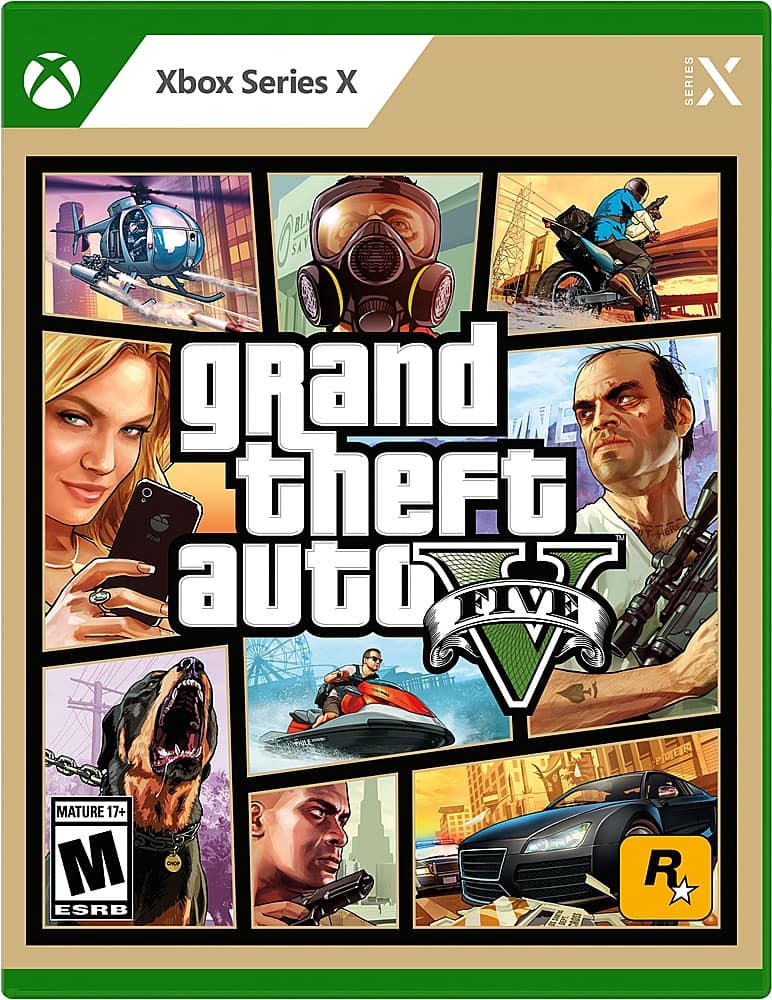
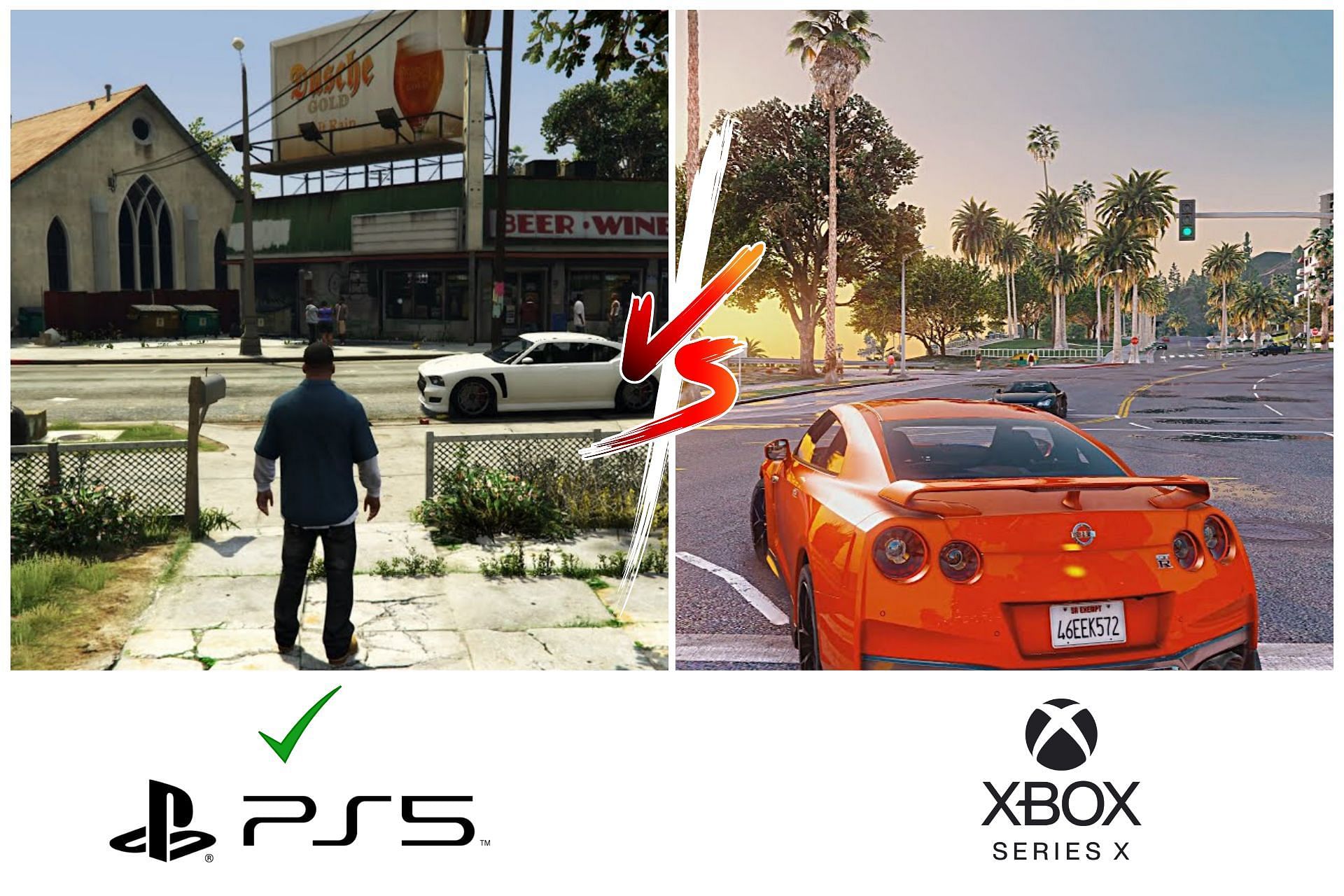
GTA V XBOX SERIES X . Gta 5 Xbox Series X Online Gta 5 Xbox Series X Discs . GTA V Remastered Xbox Series X 4K YouTube . Grand Theft Auto V Standard Edition Xbox Series X 59865 Best Buy 6503673 Sd . GTA 5 Next Gen Runs Better On The PS5 F8b66 1920
#4 Gallery gta 5 series x
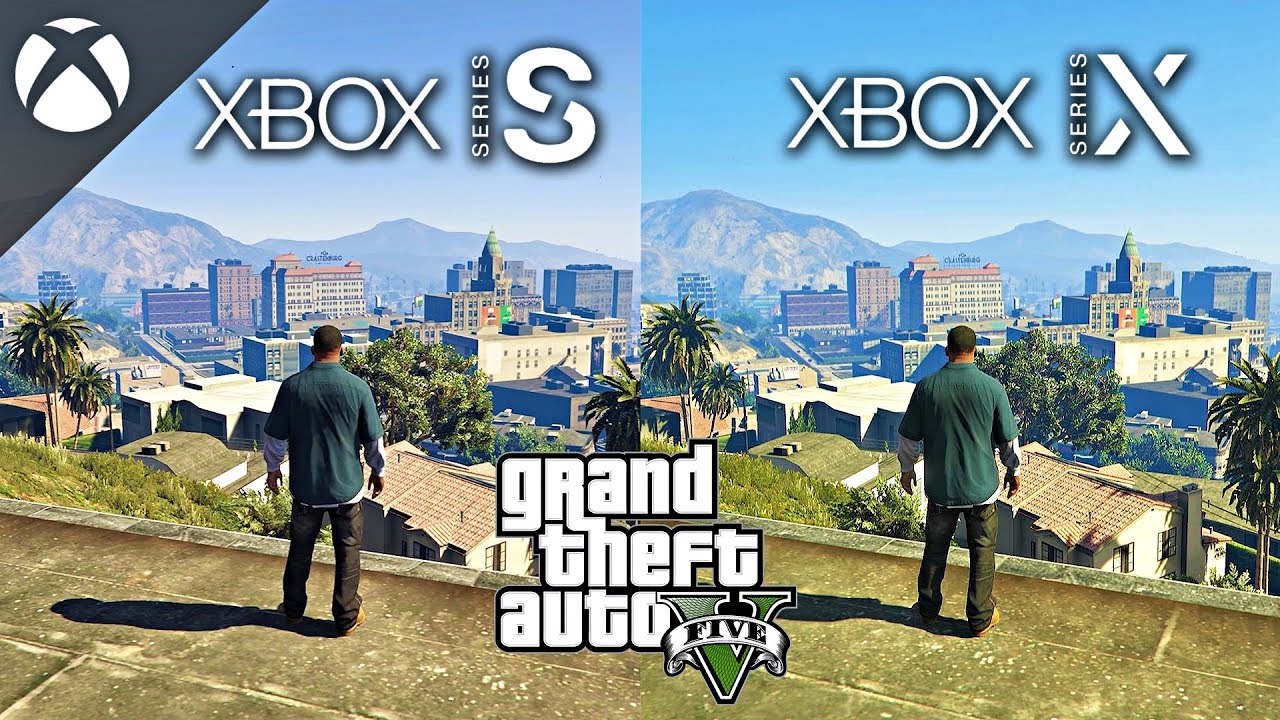
Xbox Series X GTA 5 The Ray Tracing Update YouTube Hqdefault . GTA V NEXT GEN Xbox Series S Vs Xbox Series X Comparaci N 2024 . GTA 5 On Xbox Series X YouTube . GTA 5 NEXT GEN En Xbox SERIES X 4K 60FPS Y Ray Tracing YouTube . GTA 5 Xbox Series X Unboxing Gameplay Grand Theft Auto V Xbox
#5 Gallery gta 5 series x
Grand Theft Auto V Xbox Series X Gameplay Review Xbox Game Pass GTA . GTA 5 Summer DLC 2026 Release Final GTA 5 Online Update Before GTA 6 Gta 5 Summer Dlc 2026 2026 03 24 17 03 10 . Xbox Series X GTA V Performance Gameplay YouTube Hqdefault . GTA Online First Stream Of 2026 Xbox Series X S YouTube . GTA 5 Remastered Xbox Series X Graphics YouTube
#6 Gallery gta 5 series x
GTA 5 Xbox Series X VS Xbox One X Graphics Comparison YouTube . Video GTA 5 Comparison Shows How Xbox Series X Stacks Up Against PS5 Gta 5 Xbox Series X.large . Xbox One X Gta 5 New Arrivals . Grand Theft Auto 5 GTA V XBOX SERIES X 2 DISC EDITION Appleby Games IMG 7023 Photoroom Medium . New GTA 5 And GTA Online For PS5 And Xbox Series X S Graphics Mode 3948721 342022 Image3
#7 Gallery gta 5 series x
GTA 6 To Have Physical Copies In 2026 Take Two Confirms Gta Vi Pre Order Nope Fixed.webp. GTA V On Xbox Series X Enhanced Performance Gameplay YouTube Oar2 . GTA V Xbox Series X Gameplay YouTube . GTA 5 ONLINE XBOX SERIES X YouTube Hqdefault . Grand Theft Auto 5 On Xbox Series X S Performance Targets And Details 1920 80









/pcq/media/media_files/2026/03/24/gta-5-summer-dlc-2026-2026-03-24-17-03-10.jpg)