Navigating the world of gaming devices can be tough especially when balancing work and life. This comprehensive guide answers the burning question is Surface good for gaming for the modern gamer. We cut through the hype to provide practical insights into Microsoft Surface devices performance for everything from casual mobile style games to demanding AAA titles and esports. Discover which Surface models offer the best value for your gaming dollar how to optimize settings for peak performance and whether an external GPU is a worthy investment. Get unbiased advice on making your Surface a capable gaming companion without breaking the bank or sacrificing precious family time. Understand the true potential and limitations helping you game smarter not harder. This resource is tailored for busy US gamers seeking clear actionable solutions to enhance their gaming experience on Microsoft Surface devices today.
How powerful are the latest Surface devices for modern games
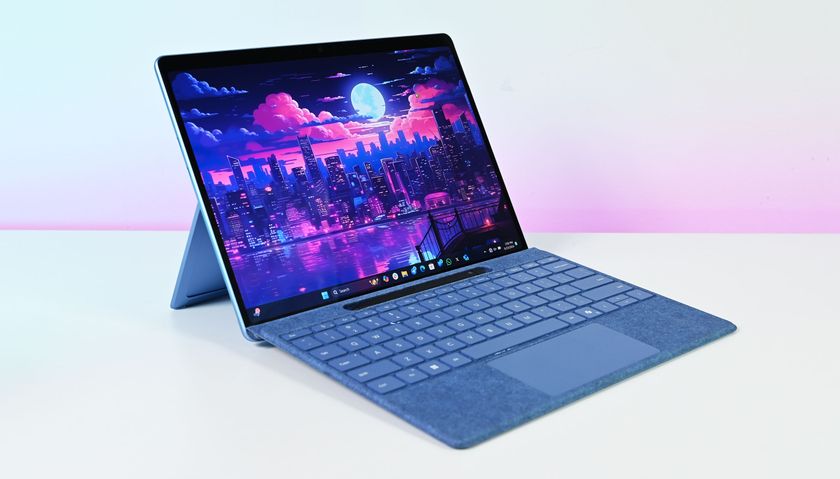
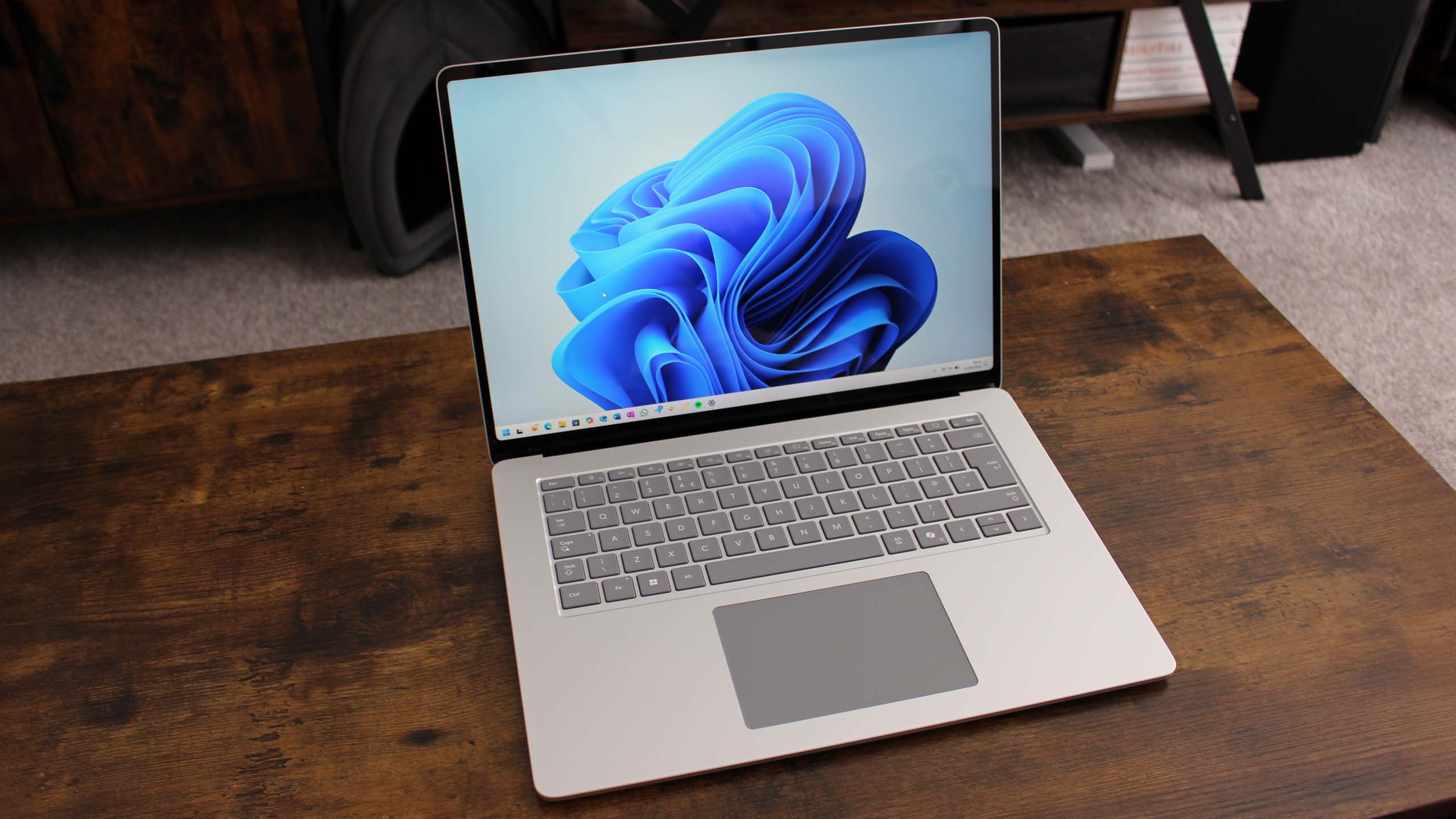
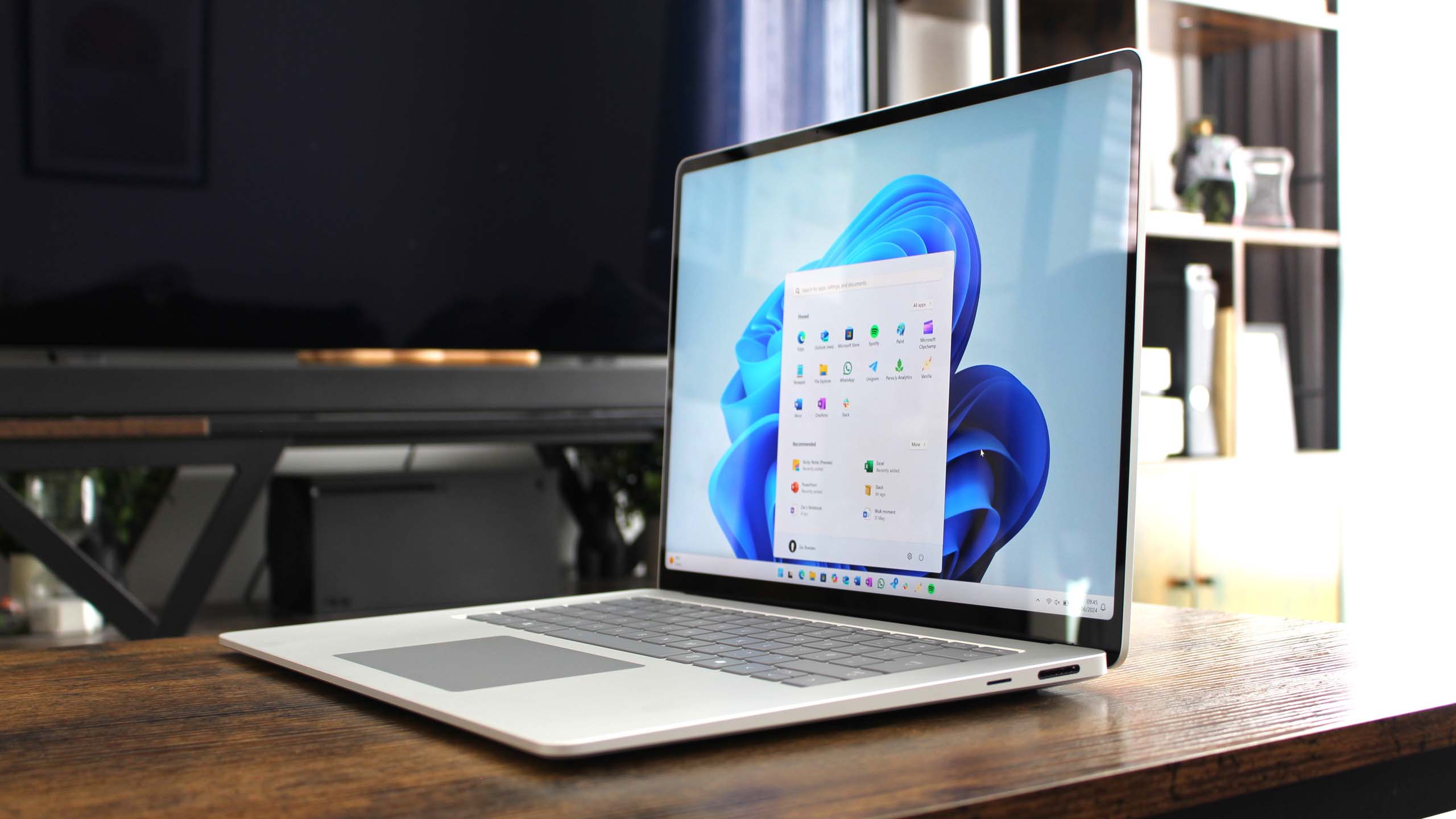
The latest Microsoft Surface devices, particularly models like the Surface Laptop Studio 2 with its dedicated NVIDIA RTX 4050/4060 GPU options, offer respectable performance for modern games. You can expect to play many current AAA titles at 1080p resolution with medium to high settings, achieving smooth frame rates. For Surface Pro 9 or Laptop 5 with Intel Iris Xe graphics, expect solid performance for esports and indie games, and playable (but visually compromised) experiences for less demanding AAA titles at 720p or low settings. They are not high-end gaming rigs but are surprisingly capable for their form factor in 2026.
Can I play AAA games like Cyberpunk 2077 or Baldur's Gate 3 on a Microsoft Surface
Playing graphically intensive AAA games such as Cyberpunk 2077 or Baldur's Gate 3 on a Microsoft Surface is possible but heavily dependent on the specific model and your expectations. On a Surface Laptop Studio 2 with a dedicated RTX GPU, you can experience these games at 1080p medium settings with decent frame rates. However, on Surface devices relying solely on integrated graphics (like Surface Pro 9), these titles will struggle significantly, requiring very low settings and resolutions, often resulting in a sub-optimal experience. Cloud gaming through services like Xbox Cloud Gaming or GeForce NOW offers a superior solution for these demanding titles on any Surface model, streaming the full experience.
What's the real world gaming experience like on a Surface Pro or Laptop Studio
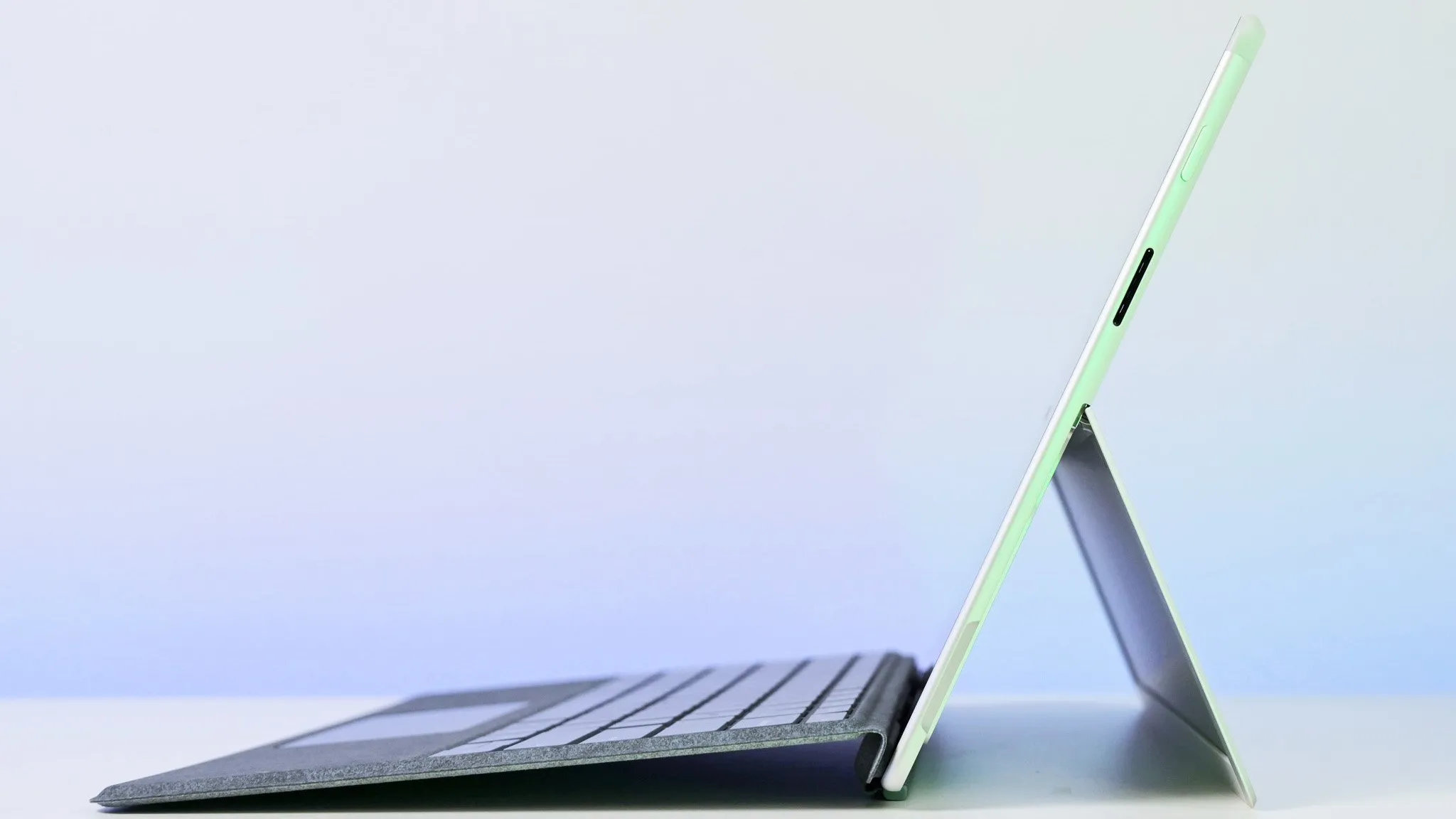
The real-world gaming experience on a Surface Pro or Laptop Studio is a mixed bag, prioritizing versatility over raw gaming prowess. For the Surface Pro, it excels with indie games, esports titles, and cloud gaming, offering a crisp display and touch controls for casual play. The portability is unmatched for quick sessions. The Surface Laptop Studio, especially with its dedicated GPU, provides a more traditional gaming laptop experience, capable of handling a broader range of AAA games. Expect good visuals and smooth performance for many titles, though intensive games might still demand lower settings to maintain consistent frame rates. Both offer a premium feel, but be mindful of thermal management during extended play.
Are there specific Surface models recommended for competitive online gaming
For competitive online gaming, the Surface Laptop Studio 2 with its NVIDIA RTX GPU is the most recommended due to its dedicated graphics, which can push higher frame rates necessary for titles like Valorant, CS2, or Apex Legends. Even the Surface Pro 9 with Intel Iris Xe can handle many esports games at competitive frame rates, provided settings are optimized for performance over visuals. Crucially, connecting to an external monitor with a high refresh rate and using a wired gaming mouse/keyboard will significantly enhance the competitive edge, regardless of the Surface model's internal GPU. Wireless reliability is key for input devices as well.
How can I improve frame rates and graphics on my Surface for a better gaming session
To significantly improve frame rates and graphics on your Surface, start by ensuring all drivers (especially graphics) are updated. Within game settings, prioritize lowering resolution (e.g., to 720p), shadow quality, anti-aliasing, and turning off demanding post-processing effects. Enable Windows Game Mode and set your power profile to 'Best Performance' while plugged in. Closing all unnecessary background applications frees up valuable system resources. For a dramatic upgrade, consider investing in an external GPU (eGPU) enclosure with a powerful desktop graphics card, connected via Thunderbolt 4 to compatible Surface models, allowing you to bypass integrated graphics limitations entirely.
Is investing in an eGPU for my Surface a worthwhile upgrade for serious gaming
Investing in an eGPU (external GPU) for your Thunderbolt-enabled Surface (like Surface Pro 8/9, Laptop Studio 1/2) can be an incredibly worthwhile upgrade for serious gaming. It transforms your highly portable Surface into a desktop-class gaming machine when docked, allowing you to play the latest AAA titles at higher resolutions and graphical settings with significantly better frame rates. While it adds to the overall cost, it offers a dual-purpose solution: a lightweight, premium laptop for daily tasks and a powerful gaming rig at home, saving you from buying two separate high-end devices. The value proposition is strong for those who need both portability and robust gaming performance.
What are the best gaming genres or titles for a Surface device
The best gaming genres for a Surface device are those less reliant on bleeding-edge graphics. Indie games (e.g., Hades, Stardew Valley, Hollow Knight), strategy games (e.g., Civilization series, Crusader Kings 3), and most esports titles (e.g., League of Legends, Valorant, Rocket League) run exceptionally well. Cloud gaming services expand this greatly, making any genre playable. Casual games, puzzle games, and older AAA titles also offer fantastic experiences. Modern AAA titles are best enjoyed on a Surface Laptop Studio with a dedicated GPU or via an eGPU setup for optimal performance and visual fidelity.
Hey fellow gamers. Ever found yourself staring at your sleek Microsoft Surface wondering if it truly has the chops to keep up with your gaming passion after a long day of work or managing family life? You are not alone. With a whopping 87 percent of US gamers regularly diving into virtual worlds for an average of over 10 hours a week many of us are looking for devices that can handle both productivity and play without missing a beat. The days of needing a massive desktop rig for every game are evolving especially with the rise of mobile gaming and cloud services. But for that authentic PC gaming experience on a portable device the question persists is Surface good for gaming in 2026
We get it. You are a busy adult gamer juggling responsibilities but still craving that relaxation fun and social connection gaming provides. You want performance optimization value for money and to stay current without drowning in tech jargon. This guide is built just for you. We will tackle the common pain points from setup issues and performance hiccups to finding the right games for your limited time and making smart hardware upgrade decisions on a budget. Let us dive deep and uncover the truth about gaming on a Microsoft Surface device and how to make the most of it.
Is Surface Good For Gaming In 2026 What Gamers Need To Know
In 2026 the gaming landscape is more diverse than ever with cloud gaming mobile cross-play and evolving hardware. Microsoft Surface devices primarily designed for productivity and portability have made significant strides in their internal graphics capabilities. While they will never replace a dedicated high-end gaming PC the latest models particularly those with Intel Iris Xe or AMD Radeon integrated graphics are surprisingly capable for a wide range of games. For casual games indie titles and many older AAA games a Surface device can offer a very enjoyable experience. The key is managing your expectations and understanding the specific model you own or plan to buy. It is about smart gaming not just raw power.
Which Microsoft Surface Models Are Best For Gaming
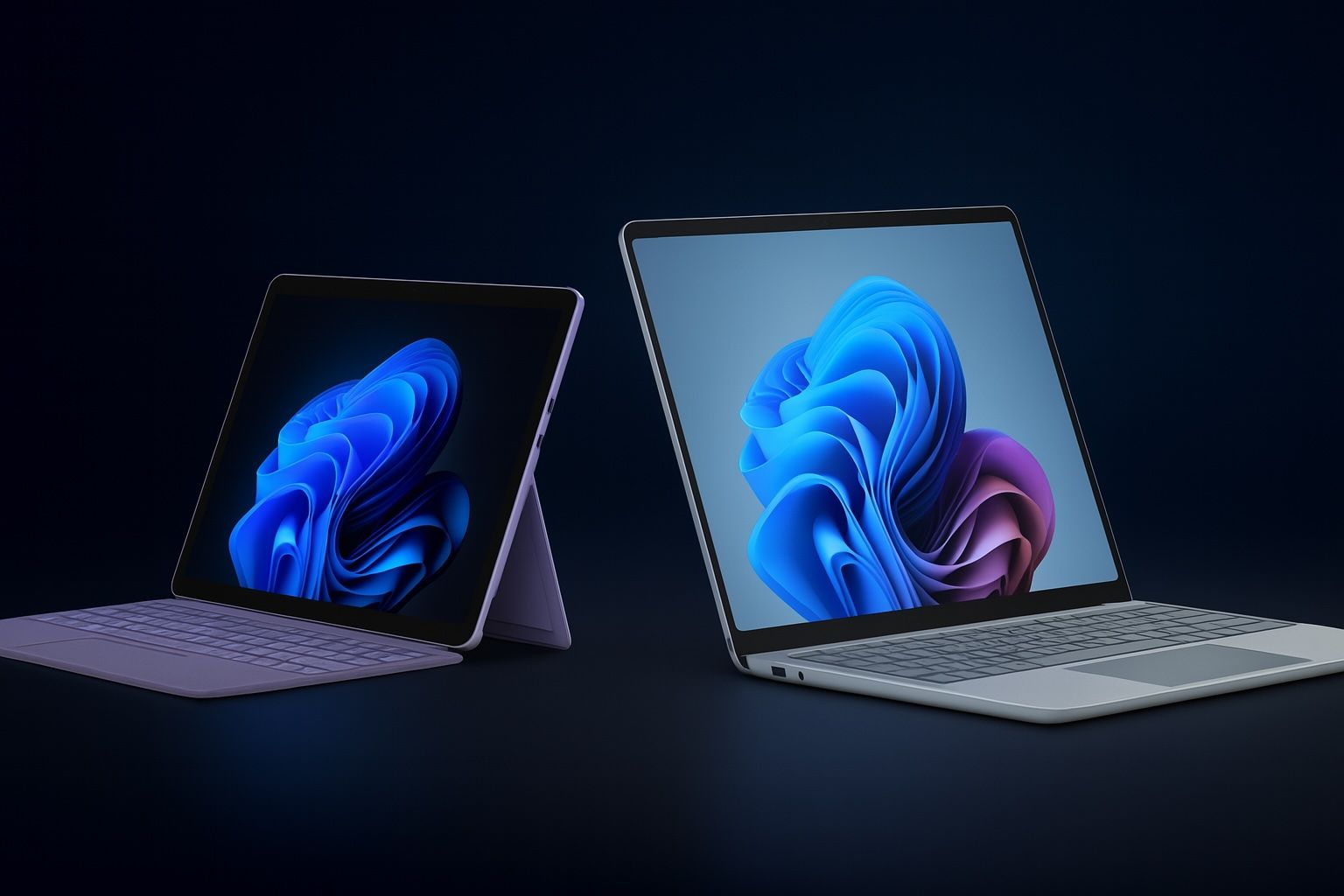
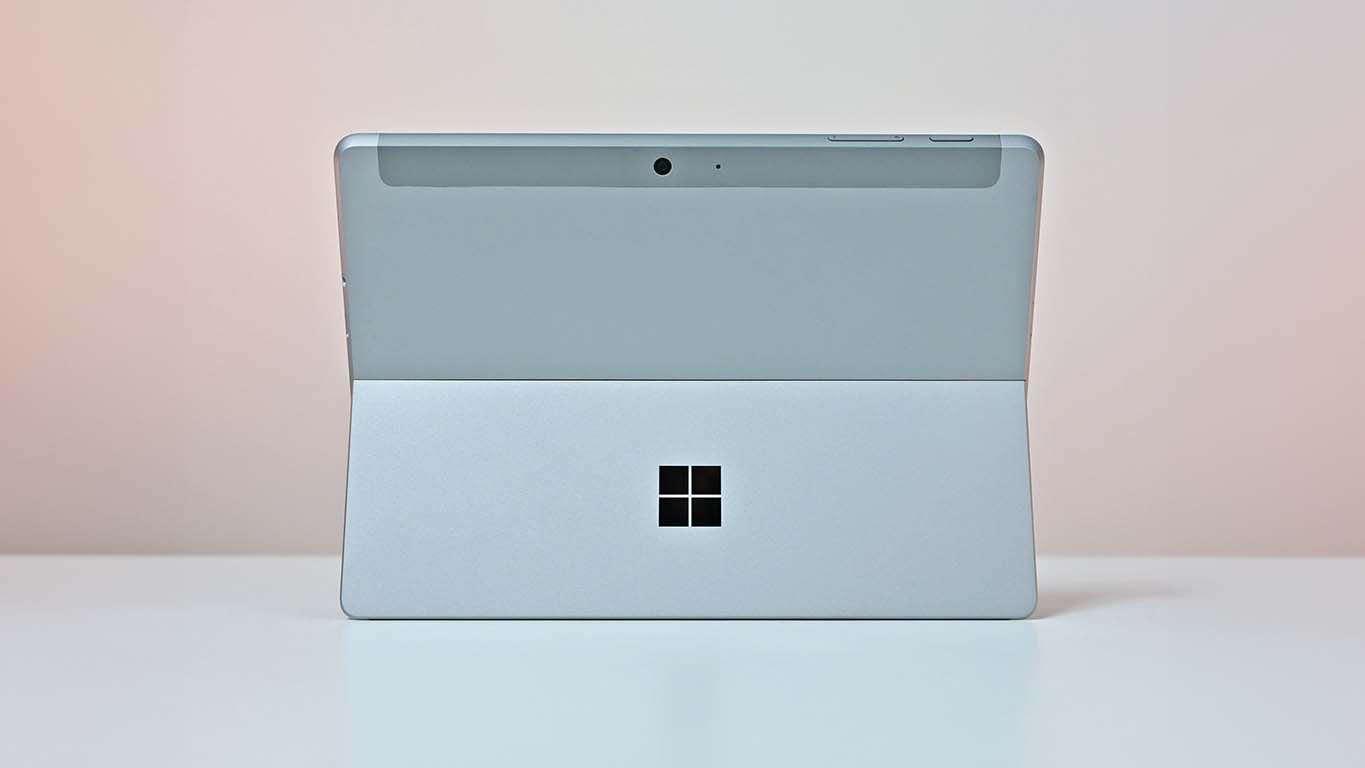
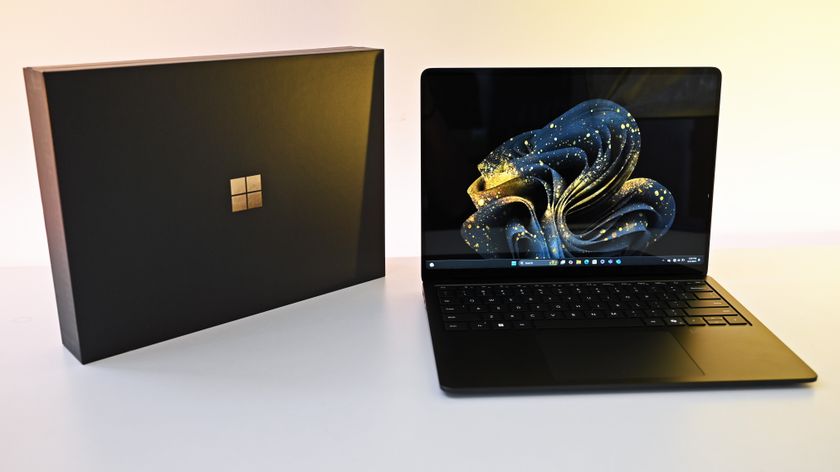
When considering Surface devices for gaming not all models are created equal. The Surface Laptop Studio stands out as the most gaming-capable due to its option for a dedicated NVIDIA GeForce RTX GPU in some configurations offering a substantial boost over integrated graphics. Following that the Surface Pro 9 and Surface Laptop 5 models equipped with Intel Core i7 processors and Iris Xe graphics provide the next best performance for more demanding tasks and lighter gaming. The Surface Pro series offers excellent portability for cloud gaming or less graphically intense titles. The older Surface Go models or base Surface Laptop models with less powerful CPUs are best reserved for very light casual or browser-based games. Always check the specific CPU and GPU specifications.
What Are The Performance Limitations Of Surface Devices For Gaming
The primary limitation for most Surface devices when it comes to gaming is their integrated graphics processing unit GPU. While modern integrated GPUs have improved dramatically they still lag behind dedicated GPUs found in gaming laptops. This means you will likely need to play newer AAA titles at lower resolutions 1080p or even 720p and reduced graphical settings low to medium to achieve playable frame rates. Another factor is thermal throttling. Surface devices are thin and light prioritizing portability over sustained heavy loads. During intense gaming sessions they can heat up leading to a reduction in performance to protect components. This is a common pain point for gamers seeking consistent high performance.
Can Surface Devices Handle Popular Triple A Titles And Esports
Yes but with caveats. Many popular AAA titles from recent years can run on higher-end Surface devices but often require significant compromises on graphics settings and resolution. For example Baldur's Gate 3 or Cyberpunk 2077 might be playable on a Surface Laptop Studio with a dedicated GPU at modest settings but a Surface Pro 9 would struggle mightily even at the lowest settings. Esports titles like Valorant Counter-Strike 2 League of Legends or Rocket League are generally much more forgiving. Their optimized engines allow for good performance on integrated graphics often at competitive frame rates especially if you dial down certain visual effects. It is about prioritizing frame rate over graphical fidelity for competitive play.
How To Optimize Your Surface For Better Gaming Performance
Getting the most out of your Surface for gaming involves a few key steps. These optimizations can significantly improve your frame rates and overall experience.
- Update Drivers Regularly: Ensure your Intel or AMD graphics drivers and Windows updates are current. Manufacturers often release performance-boosting updates.
- Adjust In-Game Settings: This is the most impactful step. Lower resolution shadows anti-aliasing and texture quality. Experiment to find the sweet spot between visuals and frame rate.
- Enable Windows Game Mode: Windows Game Mode prioritizes system resources for your game potentially reducing background processes that consume CPU/GPU cycles.
- Power Settings: Set your power mode to Best Performance when gaming. Plug in your device as gaming on battery will throttle performance.
- Close Background Apps: Shut down any unnecessary applications running in the background Discord browsers etc. to free up RAM and CPU cycles.
- Monitor Temperatures: Use tools like MSI Afterburner or HWMonitor to keep an eye on CPU/GPU temperatures. If your device is overheating consider external cooling pads.
- SSD Management: Ensure you have enough free space on your SSD as fragmented or full drives can slow down game loading.
What Accessories Are Essential For A Surface Gaming Setup
A few key accessories can transform your Surface into a more comfortable and capable gaming machine:
- Gaming Mouse and Keyboard: For PC games precision is key. A responsive gaming mouse and comfortable keyboard are essential. Consider a compact mechanical keyboard for portability.
- External Monitor: Playing on a larger screen is a game-changer. A monitor with a higher refresh rate will make games feel smoother.
- Gaming Headset: Clear audio and communication are crucial for immersive and social gaming.
- Controller: For many modern games especially console ports a good Xbox or compatible controller provides a more intuitive experience.
- eGPU Enclosure: This is the big one for serious gamers. An external GPU enclosure connects to your Surface via Thunderbolt 4 providing a significant boost in graphical power allowing you to play AAA games at higher settings and resolutions. This effectively turns your Surface into a hybrid gaming desktop when at home.
Is Surface Gaming A Good Value For Money Compared To Gaming Laptops
This is where it gets tricky and depends heavily on your priorities. A high-end Surface device like the Laptop Studio can be quite expensive. If your primary goal is raw gaming performance for AAA titles a dedicated gaming laptop often provides better performance per dollar. However the Surface's value proposition lies in its versatility. It is an excellent tablet a capable laptop for productivity and a respectable gaming device for casual play or with an eGPU. For someone who needs a premium portable device for work and creative tasks and wants to occasionally game without buying a separate machine a Surface can offer compelling value. For a gamer whose sole focus is maxing out frame rates on the latest titles a traditional gaming laptop or desktop will offer superior performance for the investment.
How Do I Balance Work Life And Gaming On A Surface Device
The Surface's versatility makes it an ideal tool for the busy adult gamer. Here is how to balance it all:
- Designate Gaming Times: Schedule specific times for gaming just like you would for other hobbies or tasks. This helps prevent gaming from encroaching on work or family time.
- Utilize Cloud Gaming: Services like Xbox Cloud Gaming or NVIDIA GeForce NOW run beautifully on Surface devices. This means you can jump into a quick session during a lunch break or while waiting without needing to install large games locally.
- Choose Time-Friendly Games: Embrace games with shorter play sessions or clear save points. Mobile-first games cozy games or quick competitive matches are perfect for fitting into tight schedules.
- Leverage Portability: Take your Surface with you. A quick gaming session while traveling or at a coffee shop can be a great way to unwind.
- Social Gaming: Connect with friends on Discord while gaming on your Surface. Many modern games facilitate cross-play allowing you to join friends regardless of their platform.
What Kind Of Games Are Best Suited For Microsoft Surface
The Surface excels at certain types of games:
- Indie Games: Many beautifully crafted indie titles like Hades Stardew Valley or Hollow Knight have low system requirements and play wonderfully.
- Older AAA Titles: Classics and popular games from a few years ago often run smoothly.
- Esports Titles: As mentioned competitive games like League of Legends Valorant or Rocket League are well-optimized.
- Cloud Gaming: This is a perfect match. Services stream the game allowing your Surface to act purely as a display and input device bypassing its internal GPU limitations.
- Casual and Mobile Games: The Surface touchscreen is fantastic for casual games from the Microsoft Store or Android apps via Windows Subsystem for Android.
- Cozy Games: Think Animal Crossing style games or simulation titles that prioritize relaxation over high-octane graphics.
How To Connect A Surface To An External GPU eGPU For Enhanced Gaming
Connecting an eGPU is a game-changer for Surface devices particularly those with Thunderbolt 4 ports (like Surface Laptop Studio Surface Pro 8/9 Surface Laptop 4/5). This setup allows your Surface to offload graphics processing to a powerful desktop graphics card transforming it into a formidable gaming machine when docked.
Steps:
- Check Compatibility: Ensure your Surface has a Thunderbolt 3 or Thunderbolt 4 port. These are typically USB-C ports with a lightning bolt icon.
- Purchase an eGPU Enclosure: Brands like Razer Core Sonnet Breakaway Box or AKiTiO Node offer various enclosures.
- Select a Desktop GPU: Buy a compatible desktop graphics card (e.g., NVIDIA RTX 3060/4060 or AMD RX 6700/7700 XT) that fits your enclosure and budget.
- Install GPU into Enclosure: Follow the enclosure's instructions to install the graphics card.
- Connect to Surface: Plug the Thunderbolt cable from the eGPU enclosure into your Surface's Thunderbolt port.
- Install Drivers: Install the latest drivers for your new desktop GPU.
- Configure Display: Connect your external monitor directly to the eGPU's display outputs for optimal performance.
This setup provides a desktop-class gaming experience while maintaining your Surface's portability for daily tasks.
Can all Surface devices play games
No not all Surface devices are suitable for gaming. While most can run very basic or browser-based games only models with Intel Iris Xe graphics or dedicated NVIDIA GPUs like the Surface Laptop Studio offer a playable experience for modern titles. Older or lower-end models like the Surface Go are generally not recommended for anything beyond casual gaming.
Is cloud gaming an option on Surface
Absolutely. Cloud gaming services like Xbox Cloud Gaming NVIDIA GeForce NOW and Amazon Luna are excellent options for Surface users. They allow you to stream high-end games directly to your device bypassing the need for powerful internal hardware. All you need is a stable internet connection and a compatible controller or mouse/keyboard.
How does Surface battery life hold up during gaming
Gaming is very demanding on battery life. While Surface devices offer decent battery life for productivity they will drain quickly during gaming sessions. Expect only 1-3 hours of intense gaming on battery depending on the game and model. It is always recommended to game while plugged in to maintain performance and extend play time.
Are Surface devices prone to overheating during gaming
Due to their thin and light design Surface devices can indeed get warm under sustained gaming loads. While they have thermal management systems to prevent damage performance may throttle to reduce heat. This is a common characteristic of ultra-portable devices. Using a cooling pad can help mitigate this issue for longer sessions.
Can I use a controller with my Surface
Yes most Bluetooth or USB controllers are compatible with Surface devices. Xbox Wireless Controllers connect seamlessly via Bluetooth or a Microsoft Wireless Adapter. This makes console-style gaming very accessible on your Surface.
What are some top free to play games for Surface
Many popular free-to-play games run well. Consider League of Legends Valorant Genshin Impact Fortnite Rocket League and Apex Legends at adjusted settings. Cloud gaming also opens up many more free-to-play options.
So is Surface good for gaming The answer is a resounding it depends. For the busy adult gamer who values portability versatility and smart spending the Surface can be an excellent hybrid device. It might not be a powerhouse for every single new AAA title but with the right expectations optimization and perhaps an eGPU it can certainly hold its own. It is about understanding its strengths and playing to them whether it is quick cloud gaming sessions competitive esports or diving into a vast library of indie gems. Your Surface is more capable than you might think.
What is your biggest gaming challenge with your current setup Comment below and let us help each other level up our gaming lives.
Microsoft Surface devices offer varied gaming capabilities from casual to moderate AAA gaming. Latest Surface models like Laptop Studio and Pro with Intel or AMD integrated graphics can handle many popular games at lower settings or resolutions. External GPUs eGPUs can significantly boost Surface gaming performance transforming devices into capable gaming rigs. Optimization tips like adjusting settings using game mode and managing power are crucial for better frame rates. Surface devices excel as portable gaming hubs for cloud gaming and less demanding titles. Balancing gaming with life is achievable with a versatile Surface setup. Value for money depends on gaming expectations and budget constraints.
35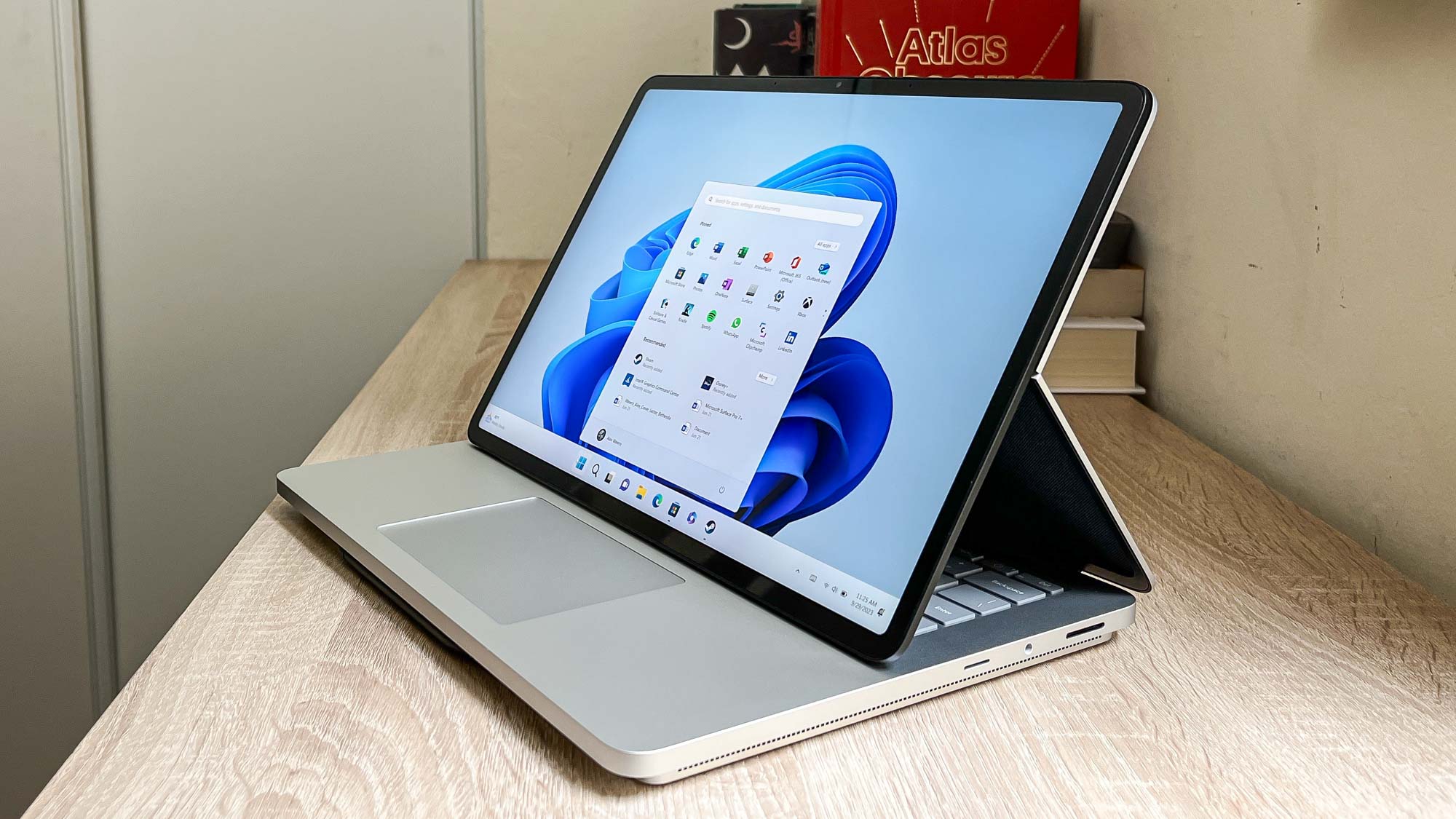
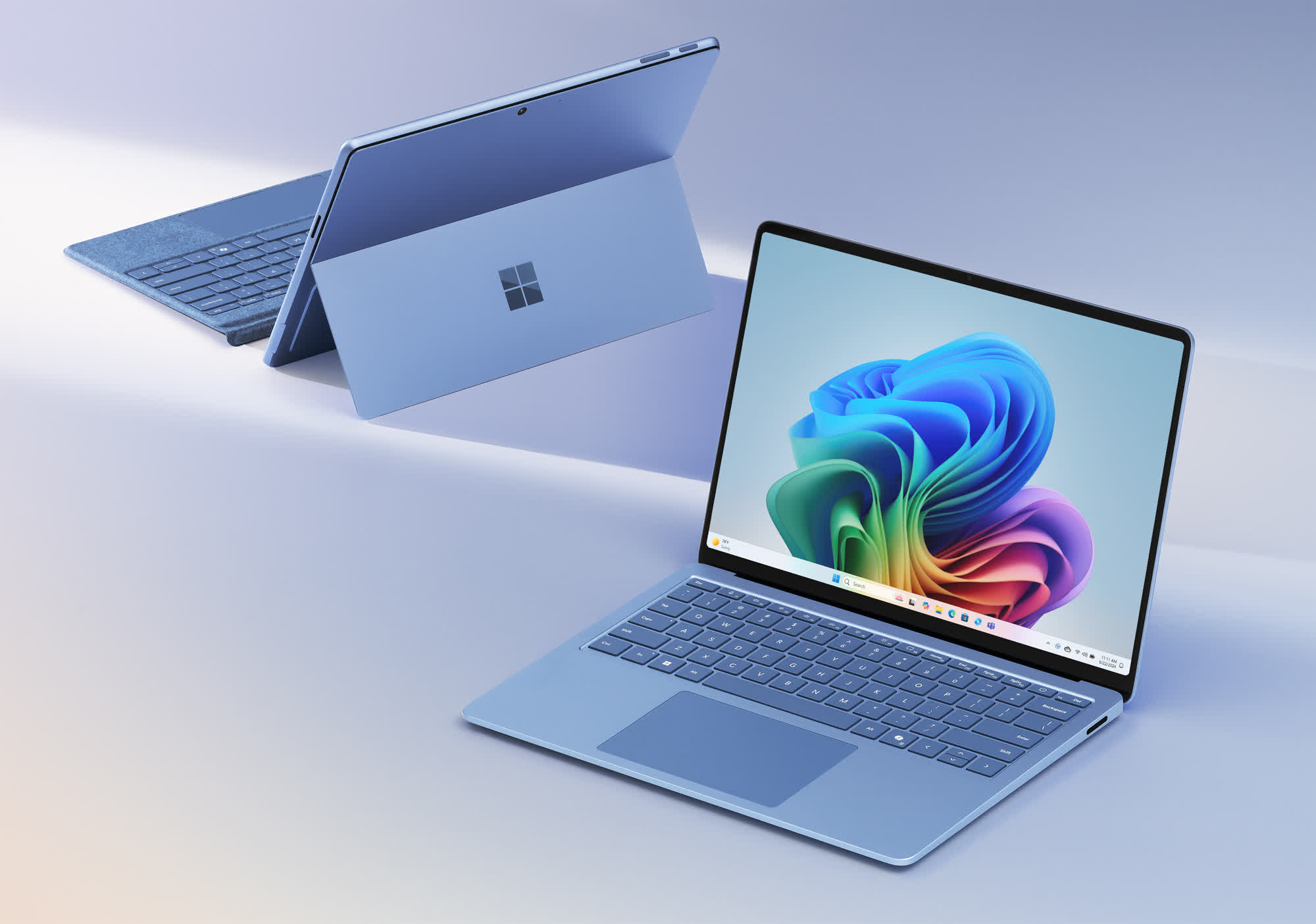
2025 Microsoft Surface Lineup Just Leaked And There S A Surprise New . Microsoft May Debut Arm Based AMD Chip In A Surface In 2026 Windows . Microsoft Surface PCs With AMD Arm Based Chip Just Tipped To Arrive In 2000 80 . Microsoft 365 Hits Lowest Price Of 2025 Windows Central . Keep Your Arm Surface Gaming In Check Microsoft Says 2024 05 20 Image 23
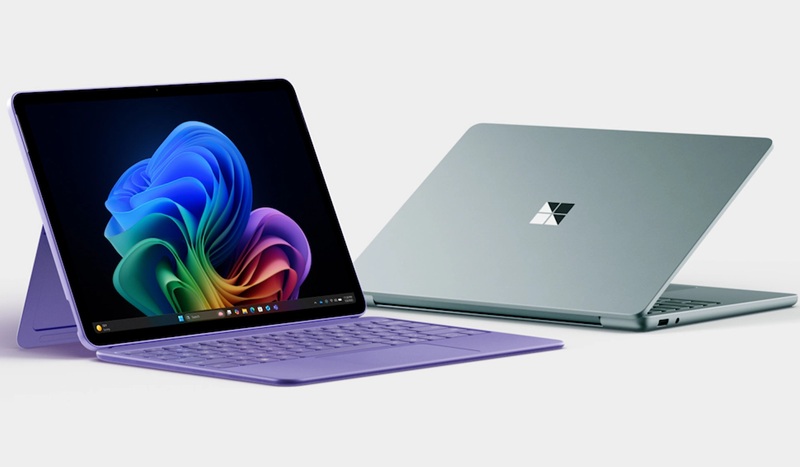
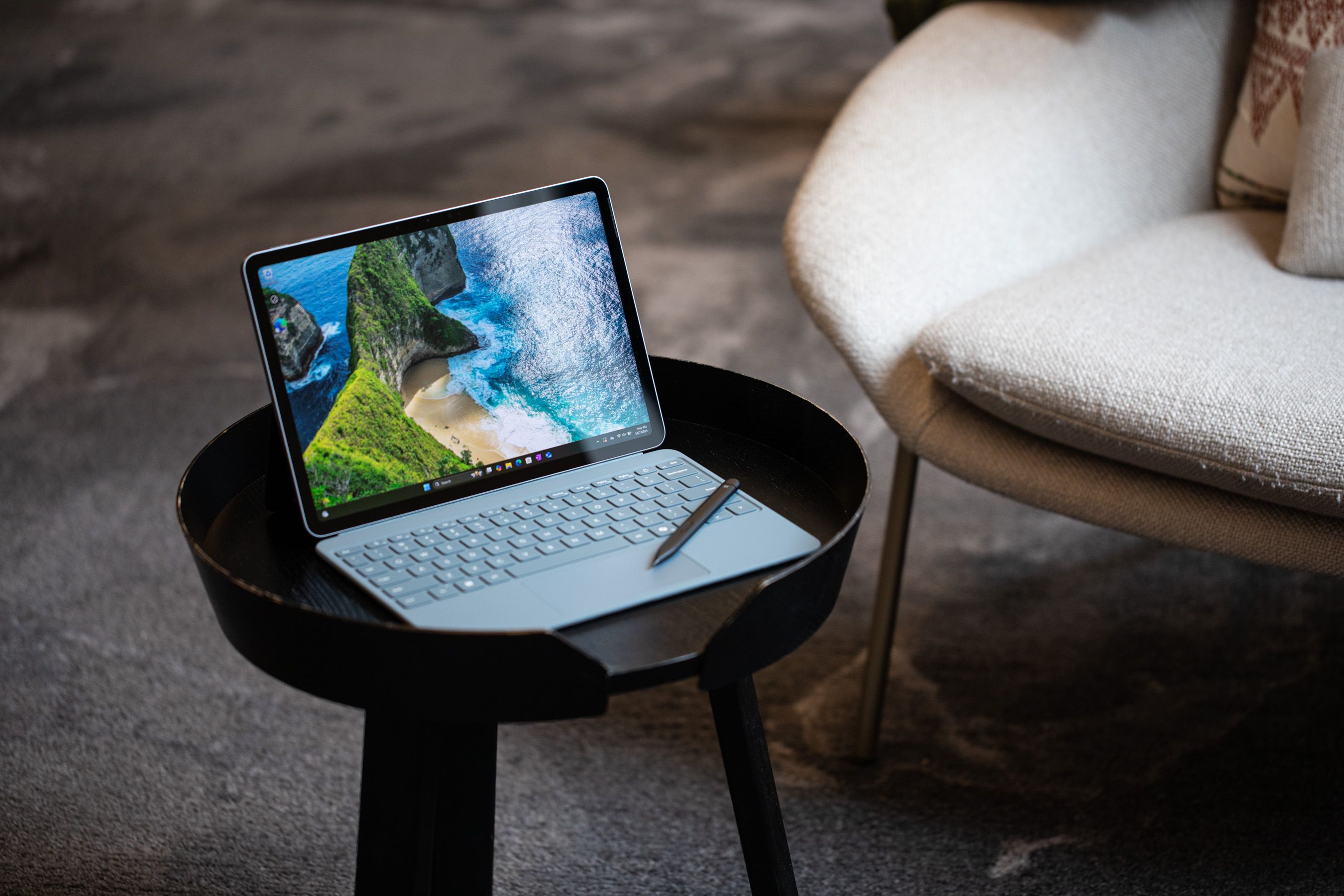
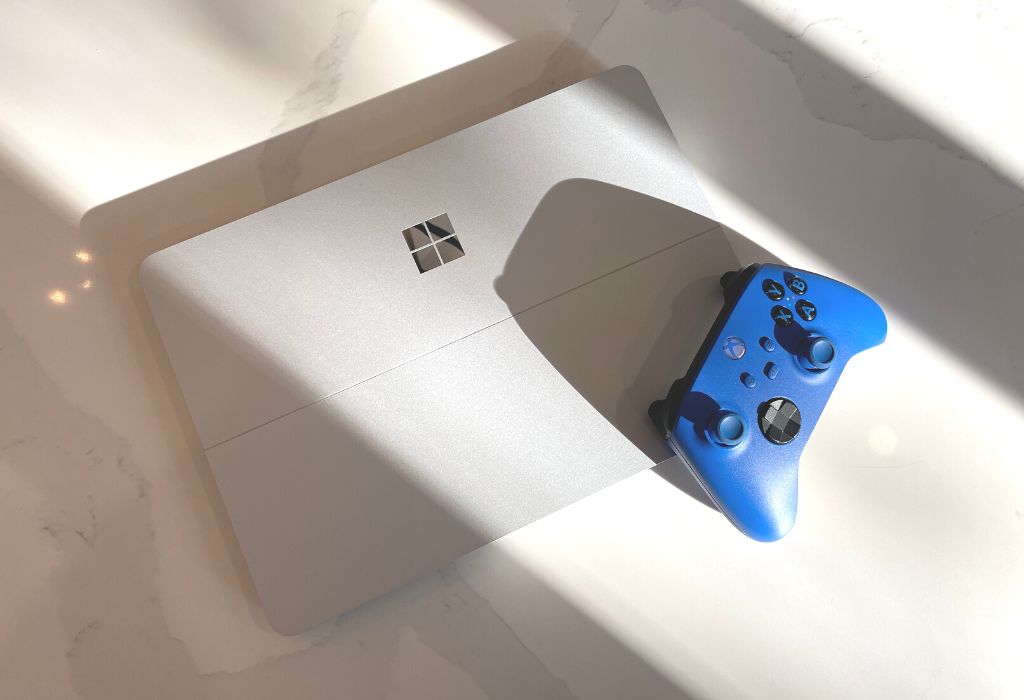
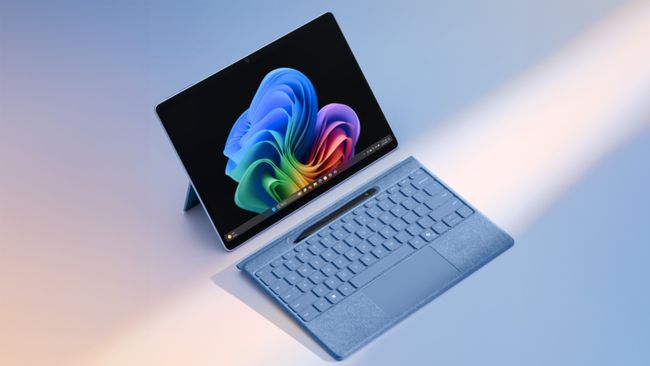

Die Besten Neuen KI Computer 2026 Laptops Desktops Tablets Im Check Surface Pro 12 Und Surface Laptop 8 2026 . Microsoft Moves Surface Out Of China By 2026 The Tech Buzz 257745 Surface Pro A Krales 0187 Eae433fca0 . Windows Surface Laptop Gaming At Nina Pierson Blog Surface Gaming Review Banner . 2025 Microsoft Surface Lineup Just Leaked And There S A Surprise New 650 80 . Best Microsoft Surface Laptop 2026 Which Model To Buy Or Avoid Best Microsoft Surface Laptop 2026 Which Model To Best Microsoft Surface Laptop 2026 Which Model To
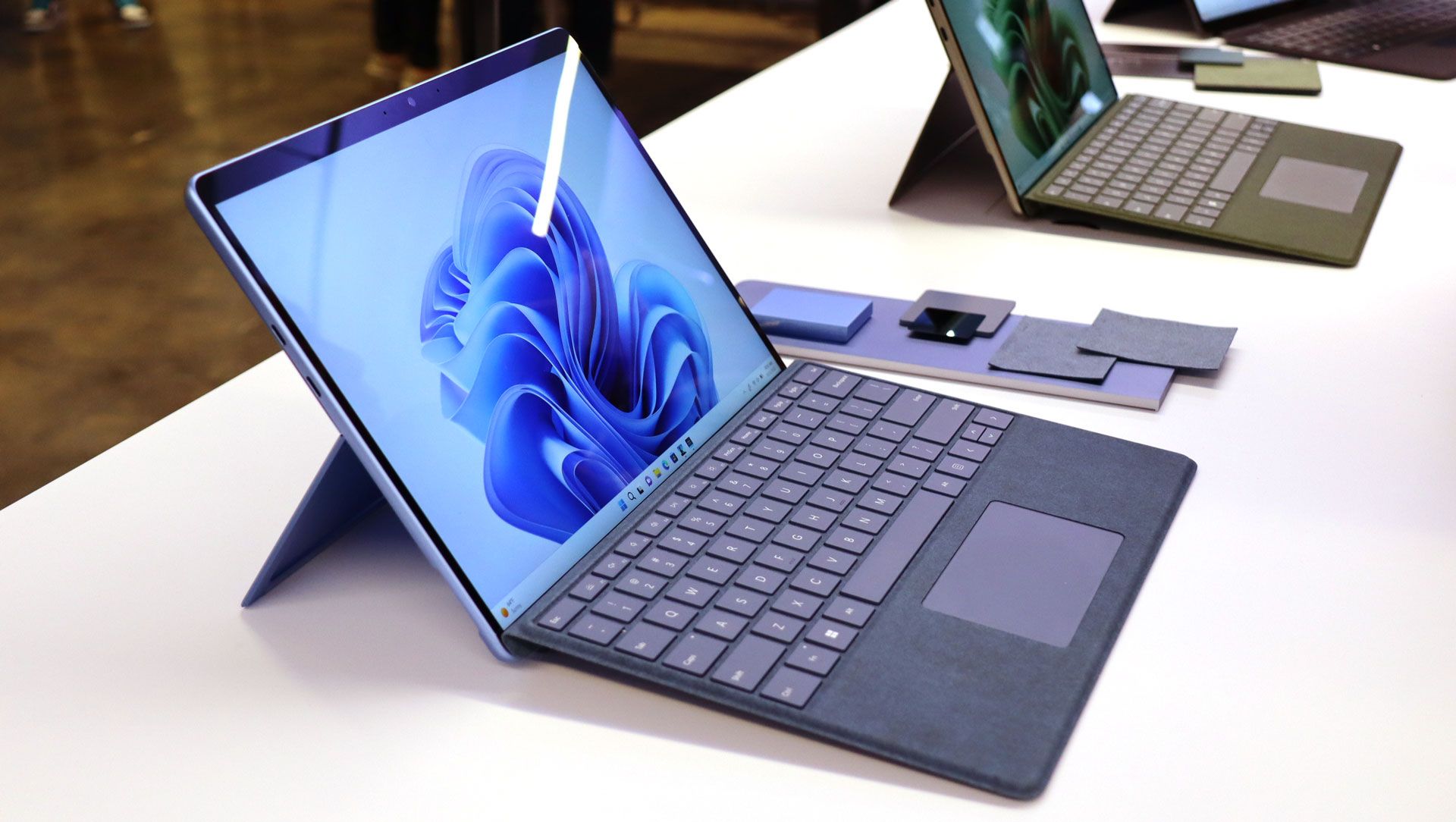
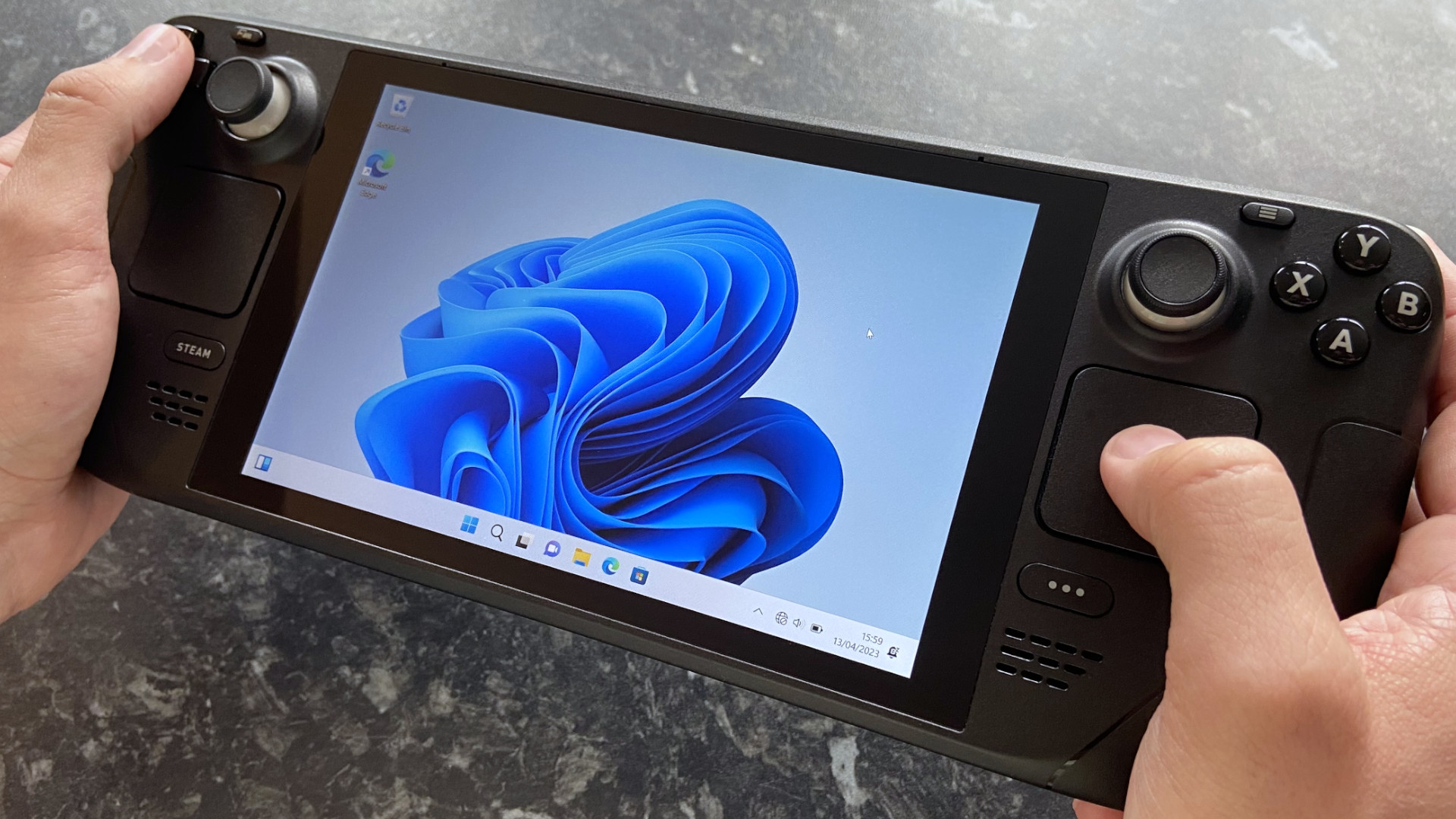
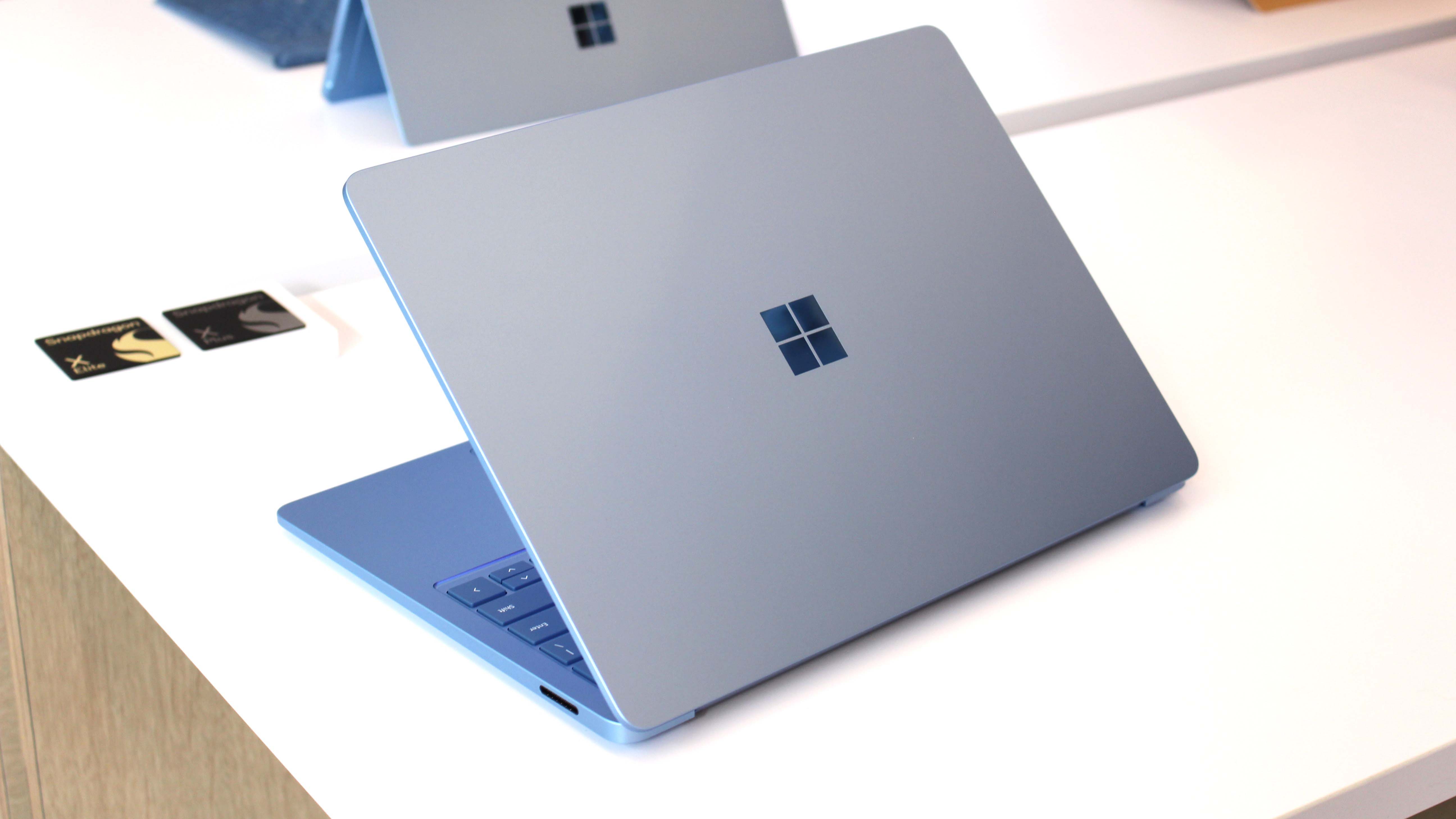
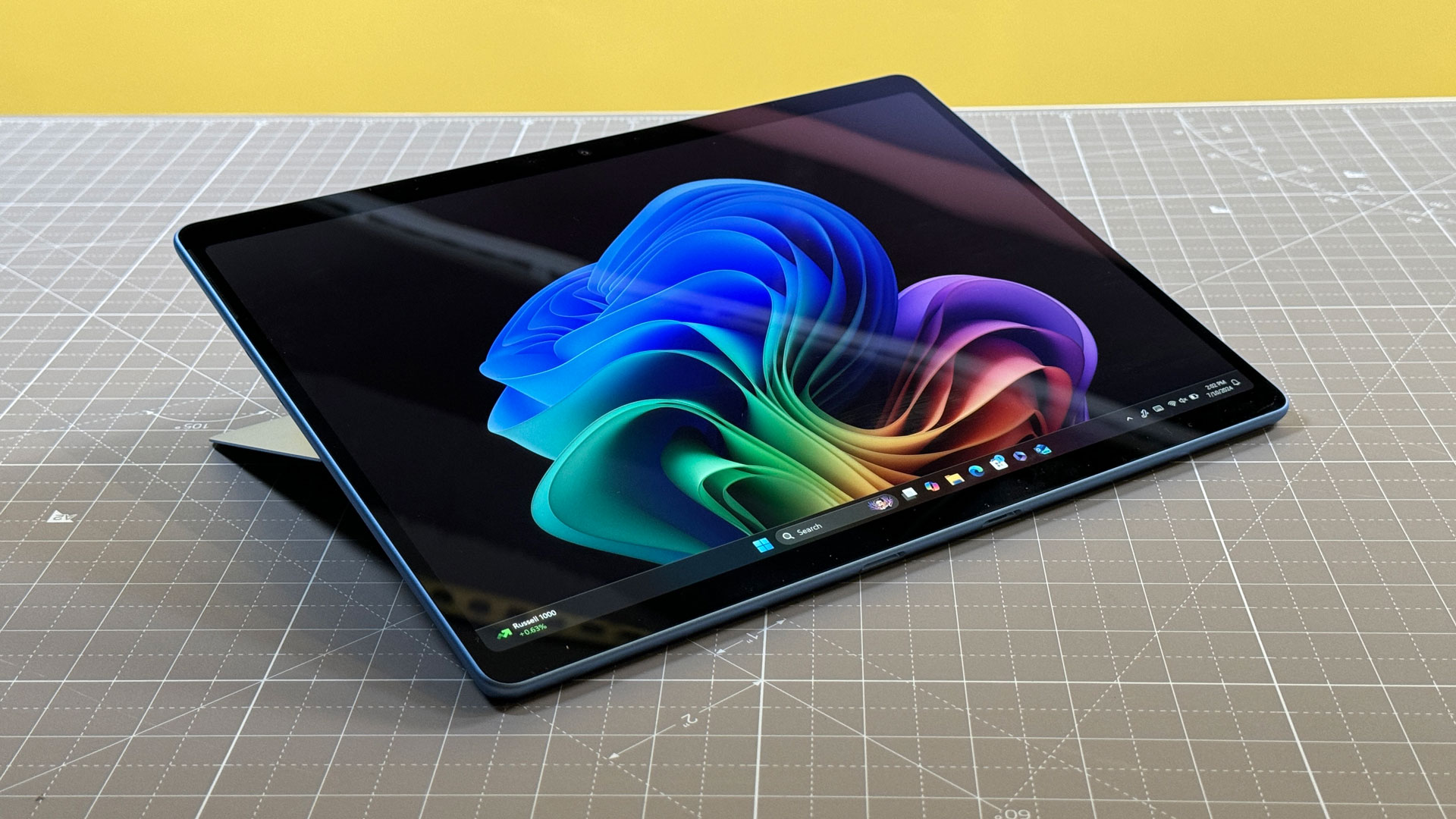
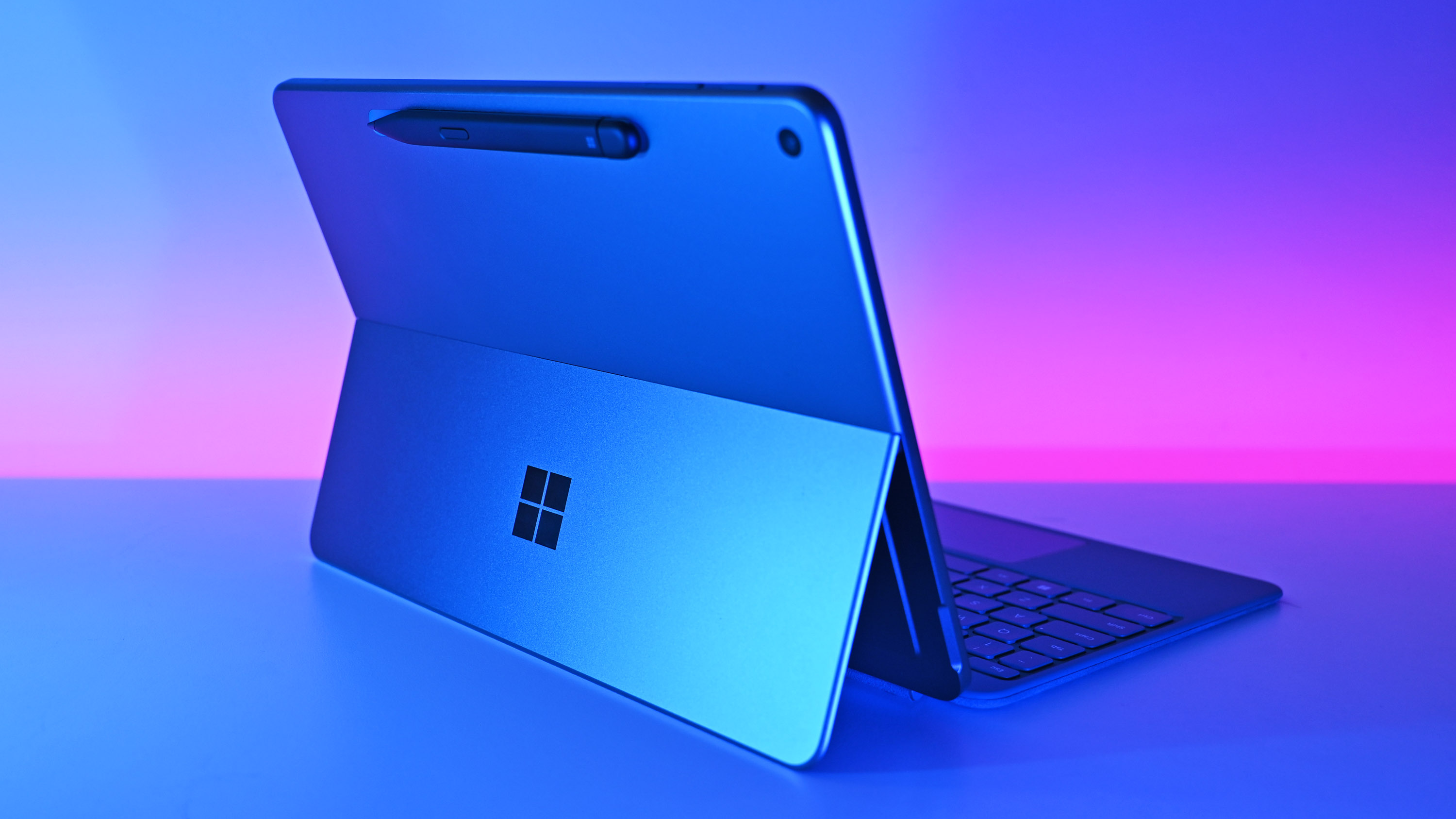
Is The Surface Pro Good For Gaming At Christopher Bryant Blog Post Microsoft Surface Pro 9 1 . Microsoft May Debut Arm Based AMD Chip In A Surface In 2026 Windows . Microsoft May Debut Arm Based AMD Chip In A Surface In 2026 Windows . Microsoft Surface Pro 2024 Review Copilot Flagship Is Beautiful . Lenovo Bets Big On AI PCs Even Without Must Have AI Apps Windows Central
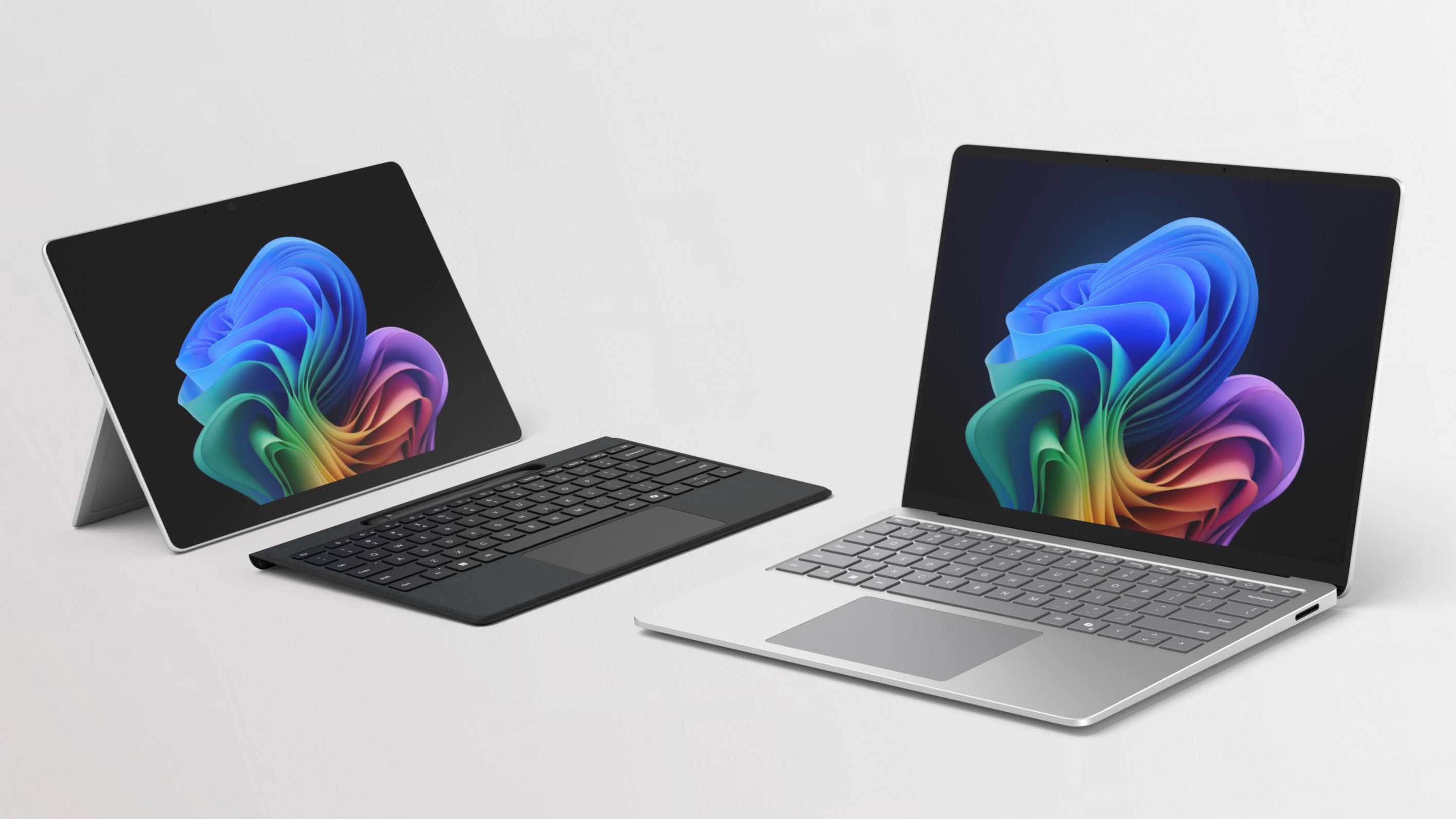
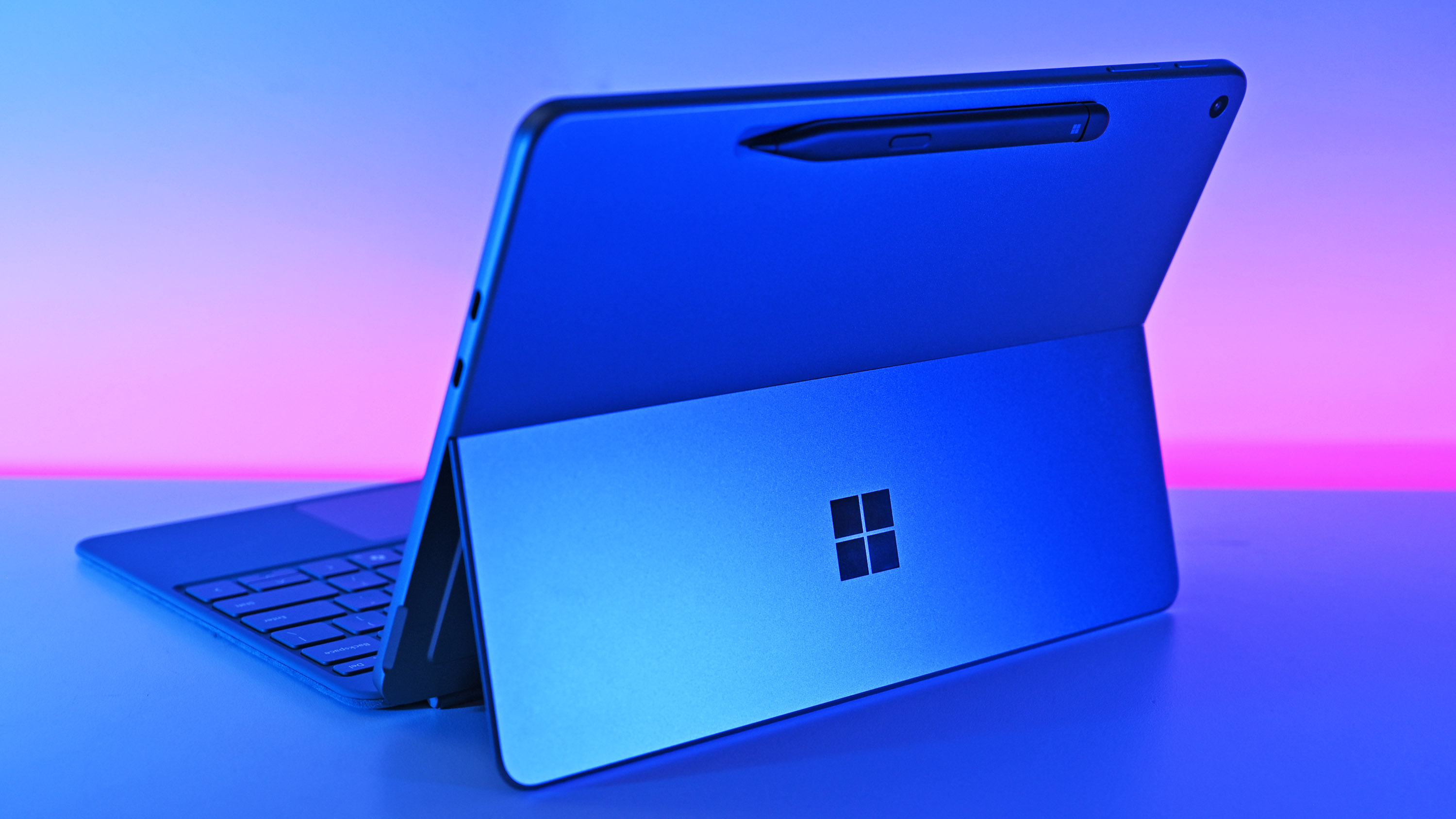


Surface Pro 11 With 5G And Surface Laptop 7 Is Now Available For Pre . These Surface Pro 9 Deals Are So Good We Couldn T Pick Just One . I Tested Microsoft S 2026 Surface Pro For Business It S Pricey But 29 Hero Image Gallery.fit Scale.size . Asus ROG Flow Z13 2025 Review 2025 PCMag UK Microsoft Surface Pro 2024 93h8.640 . What S Next For Surface In 2025 Here S Everything We Know So Far 840 80


The Surface Pro X Was Ahead Of Its Time Now It S Time For A 2026 . Why Surface Laptop And Surface Pro Are No Good For Gaming Windows Central Surface Laptop Xbox . Microsoft May Debut Arm Based AMD Chip In A Surface In 2026 Windows . Microsoft May Debut Arm Based AMD Chip In A Surface In 2026 Windows . Best Mouse Pads For Gaming In 2026 Speed Gaming PC Guru 41KdE5zjlIL


Intel S Panther Lake Could Power New Gaming Handhelds In 2026 Windows . The Best Gaming Laptops Of 2026 At CES YouTube . 6 Best Gaming Consoles Of 2026 YouTube . Top 10 Most Anticipated Games Of 2026 What To Watch Out For TVN GAMES IN 2026 . The Best Gaming Phones For 2026 The Best Gaming Phones For 2025 Hacr


Battle Of The Titans Microsoft Surface Vs Apple Dell HP Lenovo Microsoft Surface . Microsoft May Debut Arm Based AMD Chip In A Surface In 2026 Windows 1365 80 . Microsoft May Debut Arm Based AMD Chip In A Surface In 2026 Windows 840 80 . Best Microsoft Surface Pro Comparison June 2026 SL160 . What Is The Best Surface Pro For Gaming At Lara Bunton Blog Project Xcloud Pc Header