Are you a dedicated gamer in the UK struggling to balance your passion with a busy life? The Steam Deck UK could be your ultimate solution. This comprehensive guide navigates everything from initial setup and game optimization to essential accessories and social gaming opportunities, specifically tailored for the UK market. Discover how this powerful handheld PC allows you to access your entire Steam library on the go, providing high-quality gaming experiences without being tethered to a desk. We'll delve into performance tips, battery life hacks, and what makes the Steam Deck a trending choice for adult gamers who value relaxation, skill-building, and staying current with the latest titles without breaking the bank. Get ready to transform your gaming routine.
Q: What is Steam Deck UK?A: The Steam Deck UK is Valve's powerful handheld gaming PC available for purchase and use in the United Kingdom, allowing players to access and play their Steam library on the go.
Q: How much is Steam Deck in the UK?A: The price of the Steam Deck in the UK varies by model (64GB, 256GB, 512GB OLED, 1TB OLED), typically ranging from around 349 GBP for the LCD model to 679 GBP for the top-tier OLED version. Prices are subject to change and retailer promotions.
Q: Where to buy Steam Deck UK?A: The Steam Deck can be purchased directly from Valve's official Steam store online, which ships to the UK. Some authorized retailers or electronics stores in the UK may also stock the device or refurbished units.
Q: What games can I play on Steam Deck UK?A: You can play thousands of games from your existing Steam library on the Steam Deck UK. Valve categorizes games as 'Verified,' 'Playable,' or 'Unsupported,' indicating their level of compatibility and optimization for the handheld experience.
Q: Is Steam Deck worth it in the UK?A: For many UK PC gamers, the Steam Deck offers excellent value, providing portable access to a vast game library and the flexibility of a handheld PC. Its worth depends on individual gaming habits, budget, and desire for on-the-go PC gaming.
Q: How do I improve Steam Deck battery life for long sessions?
A: To significantly extend your Steam Deck's battery life for those crucial long sessions, focus on power-saving settings. Lower your screen brightness, reduce the refresh rate (e.g., to 40Hz), and cap the game's frame rate to 30 FPS. Many demanding games will still run smoothly at these settings, giving you precious extra hours. You can also undervolt the GPU or CPU using tools in the Performance menu, and consider reducing the TDP (Thermal Design Power) limit for less graphically intensive titles. These adjustments are key for busy gamers looking to maximize their portable play time.
Q: What are the best accessories for a Steam Deck in the UK?
A: For a truly optimized Steam Deck experience in the UK, several accessories are highly recommended. An essential is a high-speed MicroSD card (UHS-I or UHS-II) for expanding storage, given the size of modern games. A comfortable carrying case is vital for protection on the go, and a USB-C hub or docking station allows you to connect to external displays, keyboards, and mice, transforming your Deck into a desktop PC. Screen protectors are also a wise investment to guard against scratches, and a comfortable grip case can enhance ergonomics during long gaming sessions. Don't forget quality earbuds or headphones for immersive audio, especially for social gaming.
Q: Can I connect my Steam Deck to a TV or monitor?
A: Absolutely! The Steam Deck is designed for versatility, and connecting it to a TV or monitor is straightforward. You'll need a USB-C to HDMI adapter or a dedicated Steam Deck dock (either Valve's official dock or a third-party alternative). Once connected, you can enjoy your games on a larger screen, often with improved performance if you're not limited by the built-in display. You can also connect external controllers, keyboards, and mice, effectively turning your Steam Deck into a compact gaming console or even a mini-PC for productivity tasks, perfect for a quick unwind after work.
Q: How do I transfer games to my Steam Deck's SD card?
A: Transferring games to your Steam Deck's MicroSD card is quite easy. First, ensure your SD card is formatted correctly within the Steam Deck's settings (Steam > Settings > System > Format SD Card). Once formatted, simply navigate to a game in your Steam Library on the Deck, go to its properties, and select 'Installation Options.' From there, you can choose your SD card as the installation location. Alternatively, you can move already installed games by going to the game's properties, then 'Local Files,' and selecting 'Move Install Folder.' This is a convenient way to manage your growing game collection without relying solely on internal storage.
Q: What are some tips for optimizing game performance on the Steam Deck?
A: To get the best performance from your Steam Deck, start by adjusting in-game settings. Lower resolution, shadow quality, and anti-aliasing are common culprits for frame rate drops. Utilize the Deck's built-in Performance Overlay (accessible via the Quick Access Menu) to monitor FPS, CPU/GPU usage, and temperatures, helping you fine-tune settings. Consider capping frame rates (e.g., to 30 or 40 FPS) via the Quick Access Menu to ensure stability and reduce stuttering. For some games, ProtonGE (a community-maintained version of Proton) can offer significant performance improvements and better compatibility. Regularly updating SteamOS and your game's Proton version also helps.
Q: Where can I find a community for Steam Deck users in the UK?
A: The Steam Deck has a thriving global and UK-specific community, perfect for sharing tips, getting help, and finding new friends to game with. Reddit is a primary hub, with subreddits like r/SteamDeck and r/SteamDeckUK offering extensive discussions, troubleshooting advice, and game recommendations. Discord servers dedicated to the Steam Deck are also popular, providing real-time chat and voice channels. Additionally, look for UK-based gaming forums or social media groups focused on portable PC gaming. Engaging with these communities can provide invaluable insights, help you discover new games, and connect you with like-minded gamers who understand the balance of gaming and life.
Q: Is the Steam Deck future-proof for upcoming game releases?
A: While no hardware is truly future-proof indefinitely, the Steam Deck is remarkably well-positioned for upcoming game releases, especially the OLED model with its enhanced performance. Valve is committed to supporting the device with ongoing software updates and Proton compatibility layers, which continually improve performance and broaden the range of playable titles. While future AAA games may require lower settings over time, the vast majority of PC games, particularly indies and titles from a few years ago, will continue to run excellently. Valve's long-term vision for the platform, coupled with community support for Proton, suggests a robust lifespan for the Steam Deck, making it a sound investment for gamers in the UK.
Are you one of the millions of gamers who juggles work, family, and other commitments, yet still craves that immersive PC gaming experience? If you’re nodding your head, you're not alone. Many adult gamers, often around the age of 36, struggle to find dedicated time at their desktop rig, leading to a backlog of amazing titles they just can't get to. The dream of playing your favorite PC games while commuting, relaxing on the sofa, or even visiting family, often feels out of reach. But what if there was a powerful, portable solution that brought your entire Steam library into your hands, right here in the UK? Enter the Steam Deck UK – a game-changer designed to solve exactly these modern gamer dilemmas.
The Steam Deck has rapidly become a sensation, especially for those in the United Kingdom, offering a liberating way to game. In a world where 87% of gamers play regularly, often dedicating 10+ hours a week, and mobile gaming continues its dominance, the Steam Deck bridges the gap between traditional PC gaming and portable convenience. It’s not just a console; it’s a full-fledged PC in a handheld form factor, giving you flexibility, value, and access to a vast universe of games. This article is your ultimate guide, packed with practical solutions to common pain points, performance optimization tips, and honest advice to help you maximize your Steam Deck UK experience. Let's dive in and unlock the full potential of portable PC gaming!
What Exactly is the Steam Deck and Why is it Popular in the UK?
The Steam Deck is a handheld gaming PC developed by Valve. It essentially puts your entire Steam library into a portable device, allowing you to play thousands of PC games on the go. Running on SteamOS, a Linux-based operating system, it offers a familiar Steam interface with robust hardware designed for comfortable, extended gameplay. Its popularity in the UK stems from its unique position in the market: it offers PC gaming flexibility without the hefty price tag or space requirements of a traditional gaming desktop, perfect for busy gamers.
For UK gamers, the Steam Deck represents freedom. Unlike dedicated handheld consoles with their own ecosystems, the Steam Deck leverages your existing Steam library, meaning you don't need to repurchase games. This value proposition, combined with the ability to play both indie darlings and demanding AAA titles, has resonated deeply. It's an ideal choice for those who want high-fidelity gaming on their commute, during a lunch break, or simply relaxing away from their main setup.
How Does the Steam Deck Handle My Existing PC Game Library?
One of the biggest draws of the Steam Deck UK is its seamless integration with your existing Steam library. When you log in, your entire collection is there, just like on your desktop. Valve has a comprehensive
Steam Deck UK offers unparalleled portable PC gaming, accessing your full Steam library anywhere. It's a versatile device perfect for busy UK gamers, providing excellent value for money and a vibrant community. Key highlights include its powerful hardware, customizability, and ability to handle both AAA titles and indie gems. Optimize performance, extend battery life, and enhance your experience with practical tips and essential accessories tailored for the UK market. The Steam Deck is transforming how and where UK gamers enjoy their favorite titles.
35
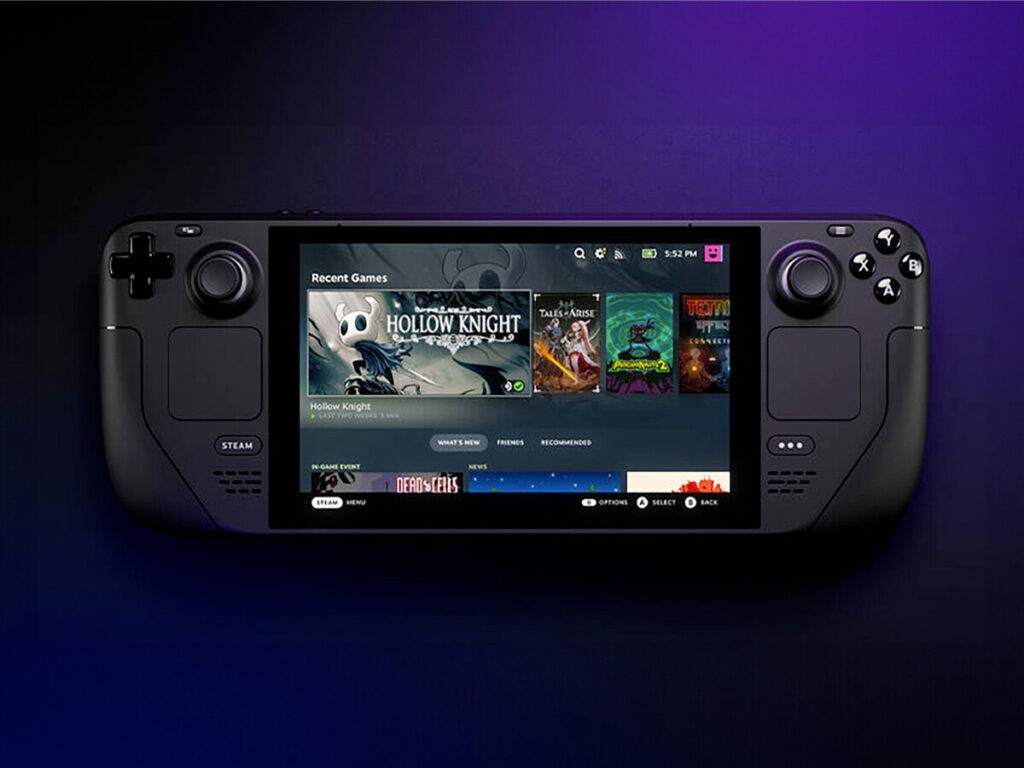
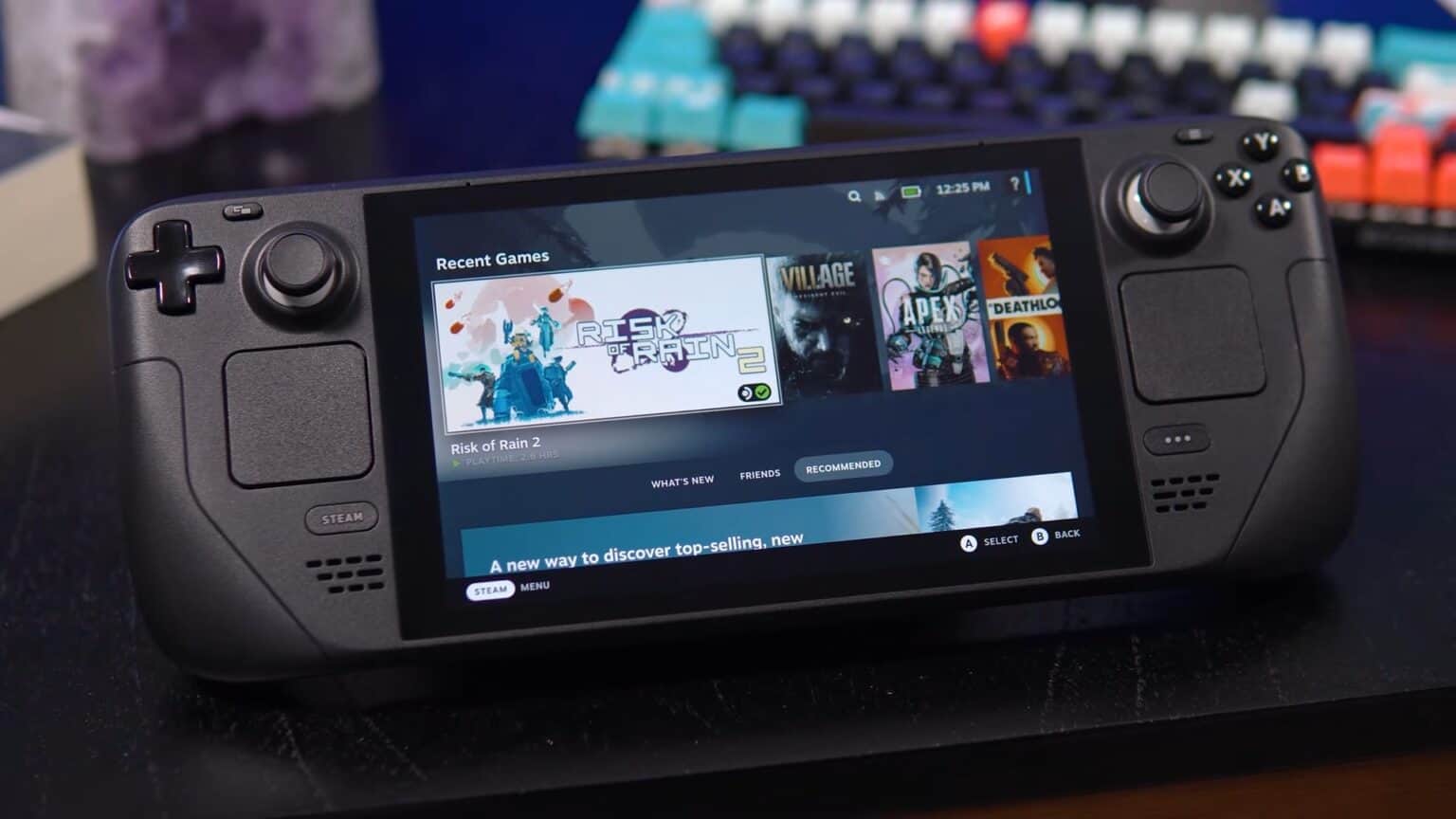
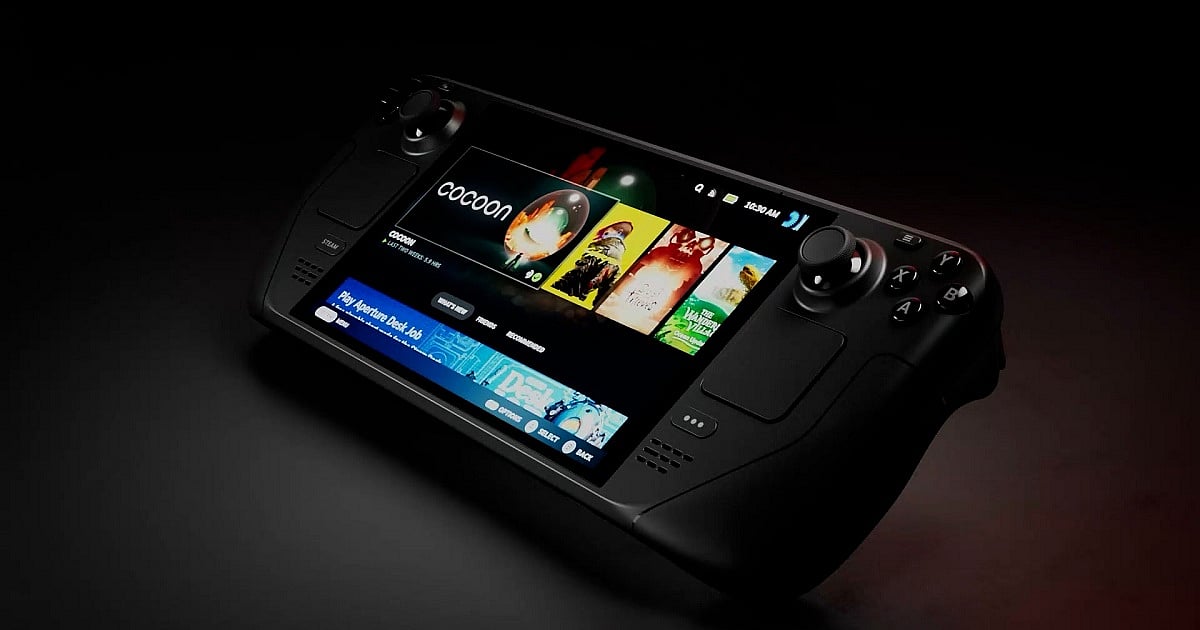

Is The Steam Deck Still Relevant In 2026 LevelUpTalk Steam Deck Comparison 01 26 2026 F28a9009 2cef 4269 B85f. Steam Deck OLED En 2026 Merece La Pena Comprarla An Lisis Completo Steam Deck Oled En 2026 Merece La Pena Comprarla Analisis Completo 1024x768 . Steam Deck Ainda Vale A Pena Em 2026 An Lise Completa 3 Anos Depois Steam Deck Ainda Vale A Pena Em 2026 Analise Completa 3 Anos Depois 1536x864 . Steam Deck OLED Price Rising In March 2026 Outlook Respawn Steam Deck . Steam Deck OLED In 2026 Review Performance Value And Buying Advice GeForce Now Ultimate Steam Deck 3

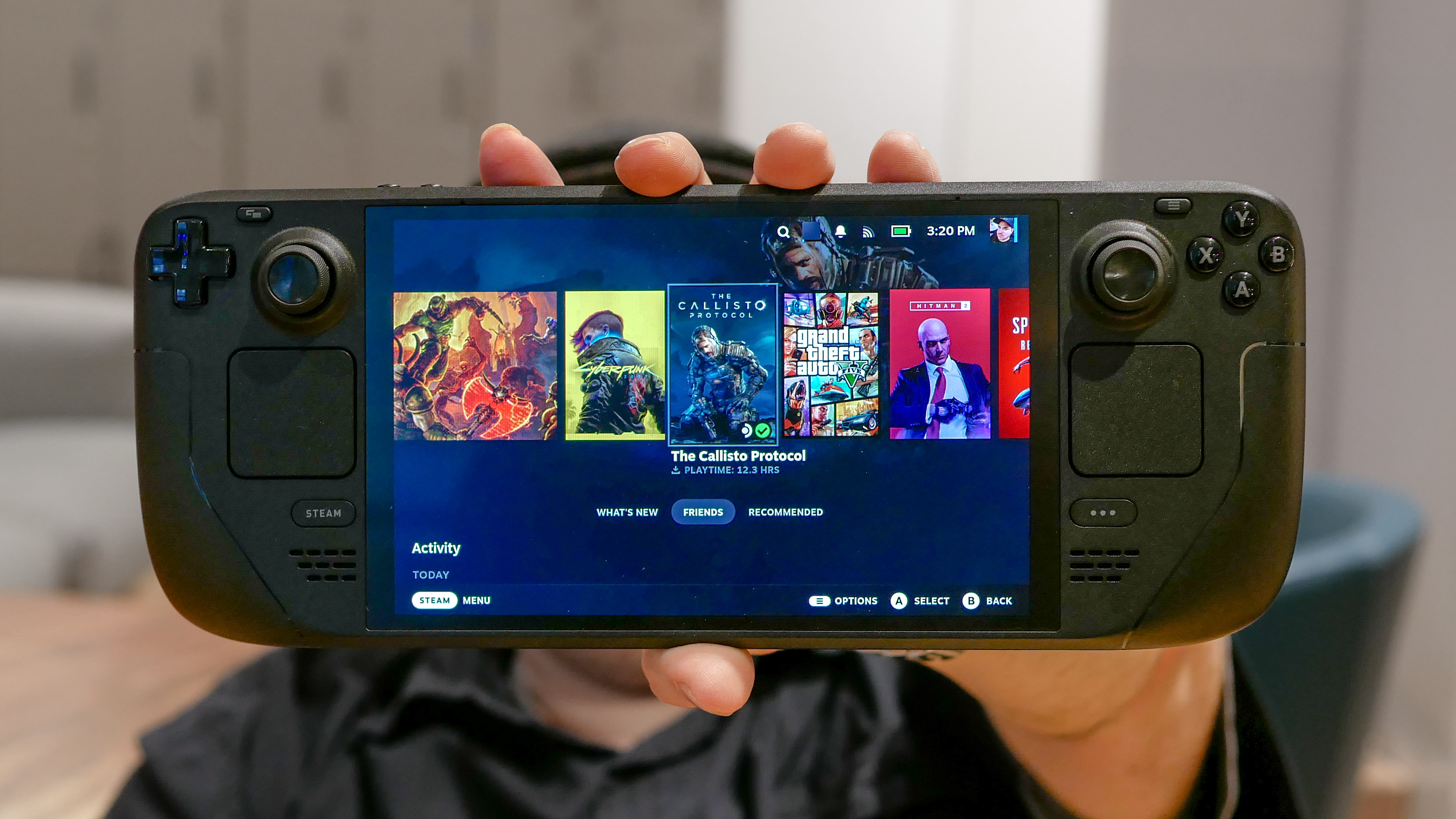


STEAM DECK O MELHOR CONSOLE PRA 2026 YouTube . Is The Steam Deck Still Worth It In 2025 I D Argue Yes But With . Steam Deck UK Pricing Features And Gaming Console The Steam Deck Uk 1536x996 . Steam Deck And Beyond The Best Handheld Gaming PCs For 2026 Valve Steam Deck Oled Rver.492 . The Steam Deck OLED Experience In 2026 Steam Deck Unboxing And


Steam Deck LCD Review 2026 Still Worth It Vs OLED Uhtpi.webp. One Of 2026 S First Big RPGs Gets Steam Deck Verified ComicBook Com Steam Deck Resize . Steam Deck 2 . How To Buy Steam Deck 2 Base Model 2026 Launch From ComGateway Md. Steam Deck 2 Coming November 26 2026 With 120Hz OLED Display New Sd2


Steam Deck In 2026 The Most Affordable Gaming Option NoobFeed Stream Ps5 Games On Steam Deck Oled.webp. Valve Has Announced Three New Hardware Joining Steam Deck In 2026 . Steam Deck OLED Review 2026 Performance Battery Life Display GeForce Now Ultimate Steam Deck 5 . Steam Deck In 2026 The Most Affordable Gaming Option NoobFeed GeForce Now Ultimate Steam Deck Cover . Steam Deck OLED Review 2026 Performance Battery Life Display Steam Deck Update



10 Best Steam Deck Deals March 2026 OLED Vs LCD Price Comparison Best Steam Deck Deals . Steam Deck Maker To Launch New Video Game Console In 2026 Gaming News. Here S The Most Played Games On Steam Deck For January 2026 . January 2026 Humble Choice Offers Steam Deck Games Worth Over 250 In Csm Humble Choice January 2026 Games Unveiled 0ca2e8d505 . Steam Deck Starter Guide Everything You Need To Know To Start Gaming How Proton Steam Deck Works



Valve Announces Steam Hardware Family Launching In 2026 Valve Announces Steam Hardware Family Launching In 2026 3 920x518 . 9 Best Steam Deck Docks In 2026 Best Steam Deck Docks 1024x574 . 4 Best SSDs For Steam Deck In 2026 Steamdeck SSDs Comparison And Review Best Ssd For Steam Deck . Your Guide To Getting A Steam Deck In 2026 LevelUpTalk Steam Deck Console 02 19 2026 00fa7ed9 51b8 4785 A153. Steam Deck 2 2026 Release Preview Steam Deck 2 Preview When Is It Coming In 2026 Banner.webp


15 Best Black Friday Steam Deck Deals March 2026 Complete Guide B0CP2YVFD4 Customer 1 768x1024 . 2026 S Best Game Is Steam Deck Verified At Launch ComicBook Com S T E A M D E C K . Steam Deck 2 Could Arrive As Late As 2026 Valve Doesn T See It . Se Confirma Steam Deck 2 Para El A O 2025 2026 Por Parte De Valve Image.psd5 768x432 . Is The Steam Deck Worth It In 2026 An In Depth Analysis Is The Steam Deck Worth It In 2025.webp